A robot must pick up an object three times. After the second attempt, its camera still shows the object on the table. Has it completed two repetitions, or did one grasp fail? The current image alone cannot answer that question. The controller needs a record of progress and evidence that each operation actually happened.
SERA, the Self-Evolving Robotic Agent, places an editable harness around a vision-language planner and a vision-language-action executor. The harness assembles inputs, maintains context, checks commands, and carries execution feedback into the next decision. The key distinction is that SERA keeps the π0.5 weights fixed and improves the surrounding task-management harness.
This tutorial draws on the SERA preprint by Tingwen Du and colleagues, 2026, the official repository, and the source files linked below, checked on October 25, 2026. Commands have been compared with the source release; we have not rerun its benchmark. The practical objective is to bring up the base agent, evaluate one episode, and understand what is required to develop an evolved harness.
1. Understand the memory problem
A Vision-Language-Action model, or VLA, converts observations, instructions, and robot state into actions. A Vision-Language Model, or VLM, interprets images and language. In a hierarchical robot system, the VLM can choose a subgoal while the VLA generates the corresponding motor behavior. For example, the planner selects a blue block and the executor moves the arm and gripper.
History-dependent tasks require information that is missing from the current view. Imagine a target briefly highlighted at the beginning of an episode. Several actions later, the robot must place an object at that target. Alternatively, it may need to repeat an operation a particular number of times. Remembering a command is insufficient if the robot never checks whether the operation succeeded.
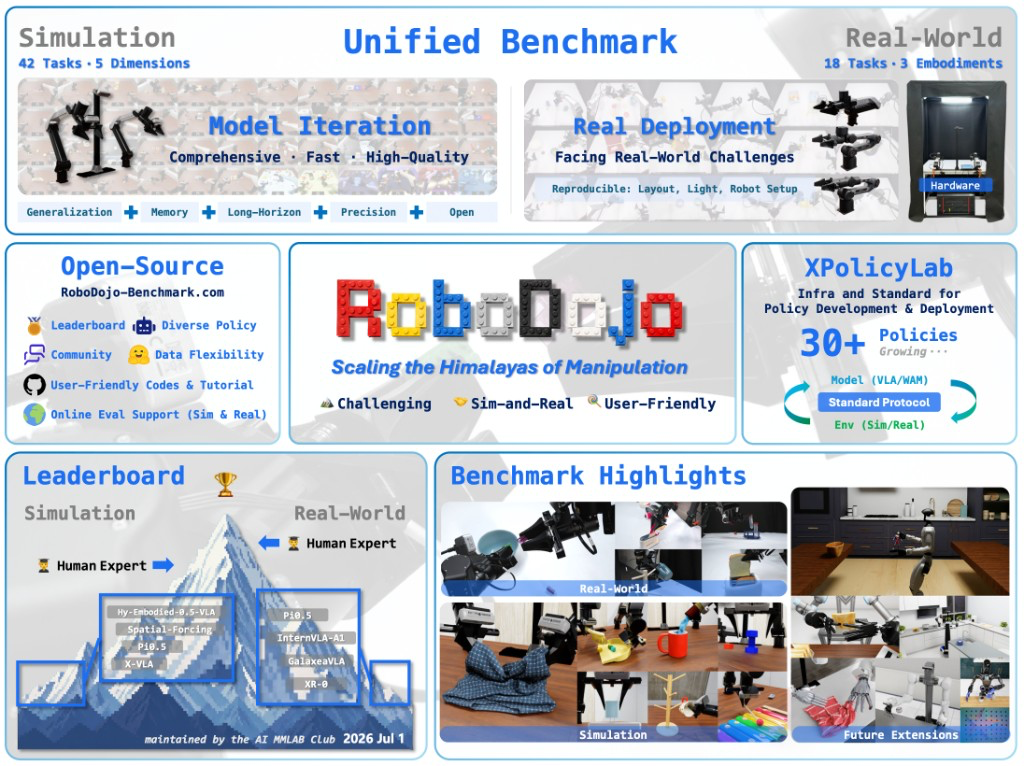
RoboMME provides 16 tasks organized into four suites. Counting concerns temporal memory, Permanence concerns spatial memory, Reference concerns object memory, and Imitation concerns procedural memory. It separates training, validation, and test episodes with fixed benchmark seeds.
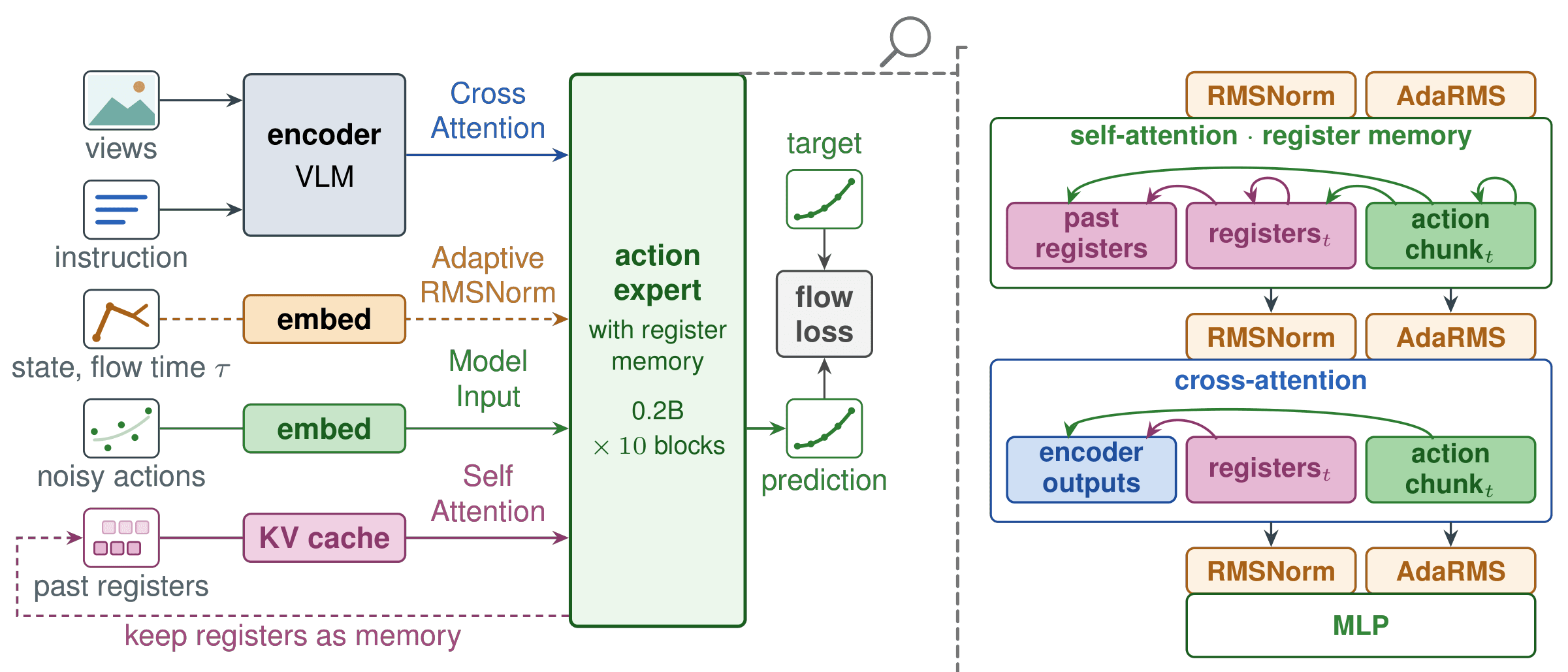
SERA makes memory and progress management explicit at the orchestration layer. For a complementary approach that places memory inside a policy, see REKI and register memory for VLAs. When comparing methods, first identify which component each method changes.

Source: Figure 1 of the SERA paper. Similar observations can require different decisions when task progress differs.
2. Follow the architecture
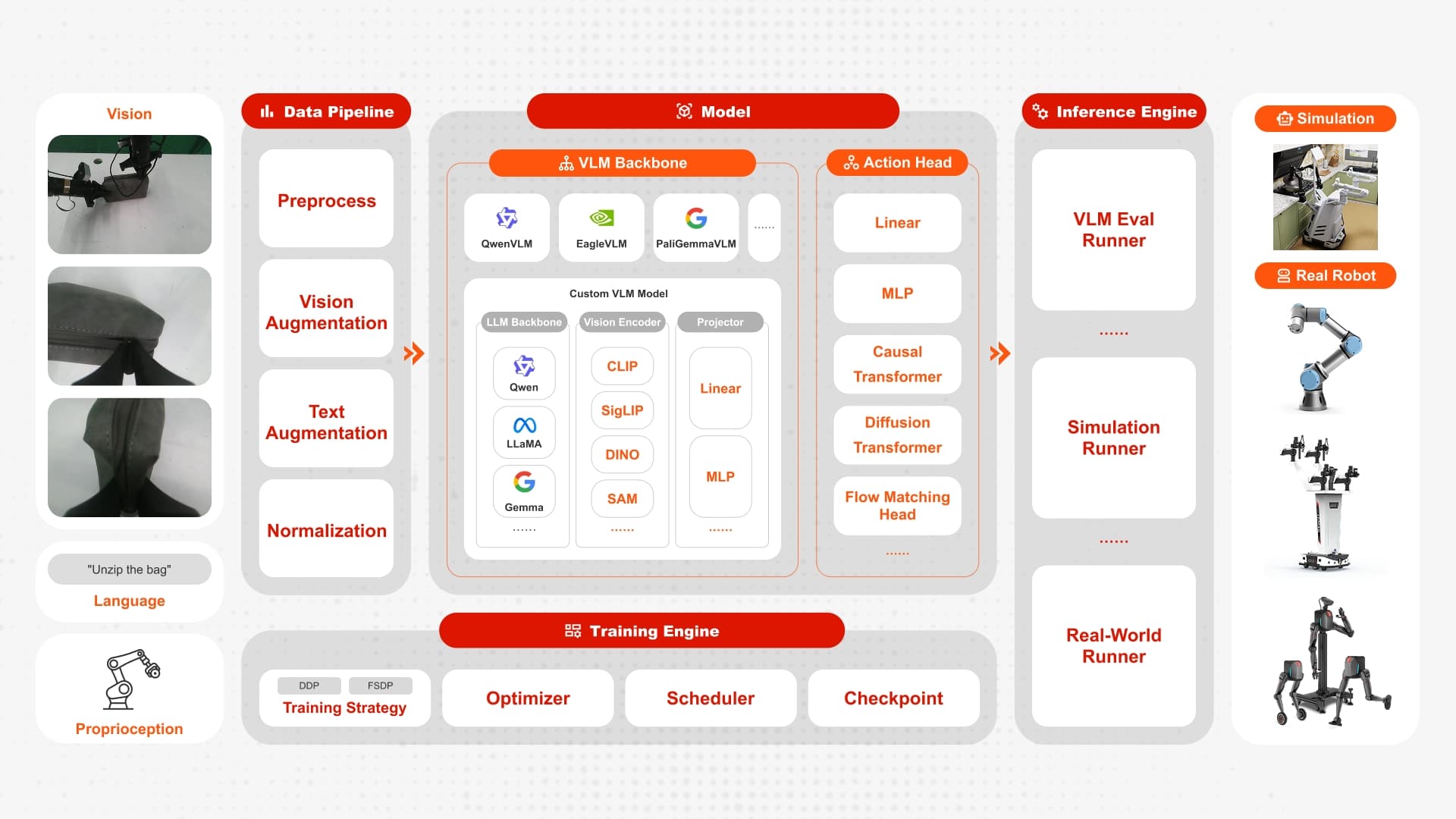
The released implementation connects a RoboMME simulator driver, a planner service, and a policy service. The planner documentation identifies the entry points you will need when debugging.
| Component | Responsibility | Useful source file |
|---|---|---|
| Episode initialization | Interpret demonstrations and produce guidance | scripts/codex_init_video/run_init_video.py |
| Planner | Combine recent images, progress, and candidate commands | scripts/codex_rollout/text_progress_planner.py |
| Command retrieval | Retrieve supported executor commands | scripts/codex_rollout/skill_retrieval.py |
| Simulator driver | Exchange observations and actions with services | scripts/codex_rollout/run_robomme_batch.py |
| Evolution controller | Track candidates, evidence, and selection | scripts/codex_rollout/self_evolve_v5.py |
It helps to separate episode guidance from runtime context. Guidance preserves the goal established during initialization. Runtime context tracks what is happening during execution. In a pick-and-place example, the destination may remain unchanged while the assessment of whether the object is held changes after every attempt.
The planner selects commands that the executor supports. Some commands require grounding points that identify an object or destination in an image. The harness checks the command structure before handing it to the executor. A plausible sentence is not automatically compatible with the command interface a policy learned during training.
The following diagram is conceptual, rather than a Python API:
Instruction + demonstration
          |
          v
Episode guidance + runtime context
          |
Recent images + supported commands
          |
          v
VLM planner -> checked grounded command
          |
          v
Frozen pi0.5 -> action chunk -> RoboMME
          |                       |
          +---- execution feedback+
When inspecting a rollout, distinguish the intended action from its observed result. A closed gripper does not prove that an object was lifted. If a system increments progress immediately after issuing a command, one failed grasp can corrupt all subsequent decisions. Checking the next observation is a useful engineering habit even outside SERA.

Source: Figure 2 of the SERA paper. The selected harness is frozen before testing while episode context continues to update.
3. Prepare the machine and Python environments
The upstream instructions call for Linux, Python 3.11, an NVIDIA CUDA-capable GPU, and a working Vulkan renderer. Policy inference and simulation use separate Python environments. Separate GPUs avoid memory contention, although the launcher supports using GPU 0 for both when sufficient memory is available. The README does not provide a guaranteed minimum VRAM specification, so do not treat an estimate as an official requirement.
Run the following commands on your own development machine. After obtaining the source, keep working from the SERA repository root. If you download a ZIP instead of cloning, remember that Git submodule contents are not automatically bundled into the archive.
git clone https://github.com/StevenKKXS/SERA.git
cd SERA
git submodule update --init --recursive
python3.11 -m pip install uv

uv venv --python 3.11 .venv-policy
UV_PROJECT_ENVIRONMENT=.venv-policy uv sync --python 3.11 --no-dev

uv venv --python 3.11 .venv-sim
uv pip install --python .venv-sim/bin/python \
  -r examples/robomme/requirements.txt
uv pip install --python .venv-sim/bin/python \
  -e third_party/robomme_benchmark -e packages/openpi-client
Keeping the environments separate makes dependency problems easier to diagnose. If an import fails, check which Python executable launched the process before installing packages into your system interpreter. A successful installation into one environment does not make the package available in the other.
The planner adapter also requires an installed and authenticated codex CLI. It expects JSON event output and schema-constrained responses, so CLI compatibility matters. Set PLANNER_MODEL to a model your account can actually access. Record that choice: changing the planner changes the experiment, even when the executor checkpoint stays identical.
4. Download the executor and test simulation
Use the symbolic-grounded-subgoal checkpoint from the MME-VLA model repository. This is a π0.5 checkpoint prepared for the grounded-subgoal interface. Another π0.5 checkpoint is not necessarily a drop-in replacement.
uv pip install --python .venv-sim/bin/python huggingface_hub
.venv-sim/bin/hf download Yinpei/mme_vla_suite \
  symbolic-grounded-subgoal/79999.zip \
  symbolic-grounded-subgoal/history_config.txt \
  --revision 5db4d53ddb98c7f80cab08792dd53d985d712ab1 \
  --local-dir models/mme_vla_suite

(cd models/mme_vla_suite/symbolic-grounded-subgoal && \
  sha256sum -c ../../../configs/checkpoint.sha256)

.venv-sim/bin/python scripts/unzip_ckpt.py models/mme_vla_suite
export CHECKPOINT="$PWD/models/mme_vla_suite/symbolic-grounded-subgoal/79999"
export OPENPI_DATA_HOME="$PWD/models/openpi_cache"
Keep history_config.txt beside the extracted 79999 directory. The loader uses it to configure visual history. The checksum verifies the downloaded artifact, while CHECKPOINT must identify the extracted directory. Those checks catch different mistakes and are both useful.
Next, follow the RoboMME installation and asset instructions. Installing the Python package does not establish that simulator resources and rendering are ready. Once assets are prepared, run:
.venv-sim/bin/python examples/robomme/simple_test.py
Resolve failures here before starting model services. A Vulkan or scene-loading error should be investigated without paying for planner calls. Consult benchmark troubleshooting for driver, renderer, and display requirements on your machine. Evaluation with the released checkpoint does not require downloading the full policy-training dataset.
5. Run one inference episode
The official launcher reads environment variables. Open three terminals in the repository root and set the same configuration in each terminal. Replace the planner value with a model you can access:
export PLANNER_MODEL="YOUR_AVAILABLE_PLANNER_MODEL"
export CHECKPOINT="$PWD/models/mme_vla_suite/symbolic-grounded-subgoal/79999"
export OPENPI_DATA_HOME="$PWD/models/openpi_cache"
export RUN_ROOT="$PWD/outputs/robomme_base_smoke"
export TASKS="MoveCube"
export NUM_EPISODES=1
export POLICY_GPU=0
export SIM_GPU=1
unset INTERVENTION_BUNDLE
For a single-GPU machine, change SIM_GPU to 0 in the terminals and watch memory use. In terminal 1, start the policy server and leave it running:
bash scripts/run_robomme.sh policy
In terminal 3, capture the episode inputs and initialize context:
bash scripts/run_robomme.sh capture
bash scripts/run_robomme.sh init
The capture stage reads demonstration information from reset observations. Initialization interprets those inputs and produces episode guidance. It is a distinct preparation stage, so do not skip it simply because the low-level checkpoint is already downloaded.
In terminal 2, start the planner service:
bash scripts/run_robomme.sh planner
Wait until both services are ready, then run evaluation and aggregation in terminal 3:
bash scripts/run_robomme.sh eval
bash scripts/run_robomme.sh summary
Per-episode results appear under RUN_ROOT/evaluation/<Task>/episode_XX/summary.json. Inspect the summary and planner requests and responses before scaling up. One successful episode establishes a small working path through the system; it does not reproduce the full benchmark.
The current launcher uses text-progress memory, an observation horizon of 16, and a planner frame stride of 2. These are launcher settings rather than universal VLA requirements. Evaluation can resume from completed summaries. When changing the model, checkpoint, or episode selection, choose a new RUN_ROOT so cached results cannot silently mix different experiments.
6. What training means in this workflow
Two processes deserve separate treatment. Policy training updates the action model weights and belongs to the upstream MME-VLA training pipeline. SERA self-evolution uses execution experience to revise the harness while keeping the executor fixed. If you are interested in weight adaptation, EXPO-FT and online RL for π0.5 provide a different comparison point.
Before changing anything, save base rollouts and locate the first observable failure. As an illustrative debugging exercise, a wrong movement direction could result from a mistaken interpretation, an incomplete candidate list, or physical execution. Those explanations imply different repairs. Editing a planner instruction does not create a motor skill the executor has never learned.
The released self-evolution configuration specifies a training pool of 30, a validation pool of 20, a maximum of five evolution rounds, and required paired episode lists. Treat these as configuration values for organizing development, rather than evidence that a single command completes the entire process.
Initialize a controller for a task included in its task_order:
.venv-sim/bin/python scripts/codex_rollout/self_evolve_v5.py init \
  --repo-root "$PWD" \
  --config configs/self_evolution.json \
  --run-root outputs/evolution/MoveCube \
  --task MoveCube

.venv-sim/bin/python scripts/codex_rollout/self_evolve_v5.py --help
.venv-sim/bin/python scripts/codex_rollout/self_evolve_v5.py status \
  --run-root outputs/evolution/MoveCube
Initialization creates controller state; it does not execute the full evolution loop. The controller implementation exposes subcommands including record-rollout, record-analysis, register-panel, start-candidate, record-verifier, and record-retrospective. Each stage consumes real artifacts and provenance. A sequence of commands referencing nonexistent analysis JSON files would not be a reproducible training recipe.
The development workflow is to collect training and validation experience, document failures, propose a candidate bundle, evaluate it on registered episodes, inspect regressions, and select a version. Include successful baseline examples in the comparison: a panel containing only baseline failures cannot show whether a revision preserves earlier successes.
Keep a separate validation panel that was not used to author the repair. Reserve test episodes for the frozen configuration. If test results inspire another revision, report a new development cycle rather than presenting the revised score as the original held-out evaluation.
7. Evaluate with selected experience
The release does not include the final selected runtime bundles and complete rollout outputs. You must produce and verify your own bundle. An example file or schema is a useful reference, but it does not establish that an intervention has passed selection.
Once you have a valid selected bundle, stop the base planner in terminal 2. In terminals 2 and 3, retain the checkpoint and planner settings but change:
export RUN_ROOT="$PWD/outputs/robomme_evolved_movecube"
export TASKS="MoveCube"
export INTERVENTION_BUNDLE="/absolute/path/to/selected-runtime-bundle.json"
Replace the placeholder path with your actual artifact and preserve the files it references. In terminal 3, run capture and init again. Restart planner in terminal 2, then run eval and summary in terminal 3. The policy server can remain running because its weights have not changed.
Match the task list to the bundle scope. For a full benchmark, the reported protocol covers 16 tasks with 50 test episodes per task. The one-task smoke run above is deliberately smaller. Keep base and evolved outputs in separate directories so the comparison remains inspectable.
8. Interpret the reported results
These figures come from the authors' SERA results, rather than measurements performed for this tutorial:
| Configuration | Overall success |
|---|---|
| Base agent without self-evolution | 44.38% — 355/800 |
| SERA after autonomous selection | 51.38% — 411/800 |
| Absolute difference | +7.00 percentage points |
The aggregate contains 56 additional successful episodes out of 800. Describe the increase as seven percentage points; “seven percent improvement” can imply a different calculation. An overall gain also does not establish that every individual task improves.
For an application decision, ask whether your tasks have comparable history dependencies, whether the executor supports the necessary commands, and whether planner response time meets your requirements. Good memory cannot compensate for every contact failure or precision limitation. A useful evaluation should include physical execution quality as well as high-level task reasoning.
Separate infrastructure failures from task failures. A model timeout, unavailable service, or missing simulator asset differs from an unsuccessful grasp in a valid episode. Record both categories explicitly so infrastructure retries cannot accidentally become selection of favorable robot outcomes.
9. A practical beginner progression
Start by completing the simulator smoke test and one base episode. Then read the trace carefully: what goal was established, which command was selected, and what did the next observation actually confirm? Begin harness development only after you can explain a failure using recorded evidence.
For every comparison, retain the checkpoint revision, checksum, planner model, configuration, and episode list. Use paired episodes for baseline and candidate measurements. Report regressions and runtime alongside success rate, since an improvement may be expensive in model calls or elapsed time.
For another perspective on retaining visual history, read SimpleMem-VLA and native video memory. SERA offers a practical design pattern to study: preserve the task goal, update progress from evidence, and validate a reusable repair before adopting it.