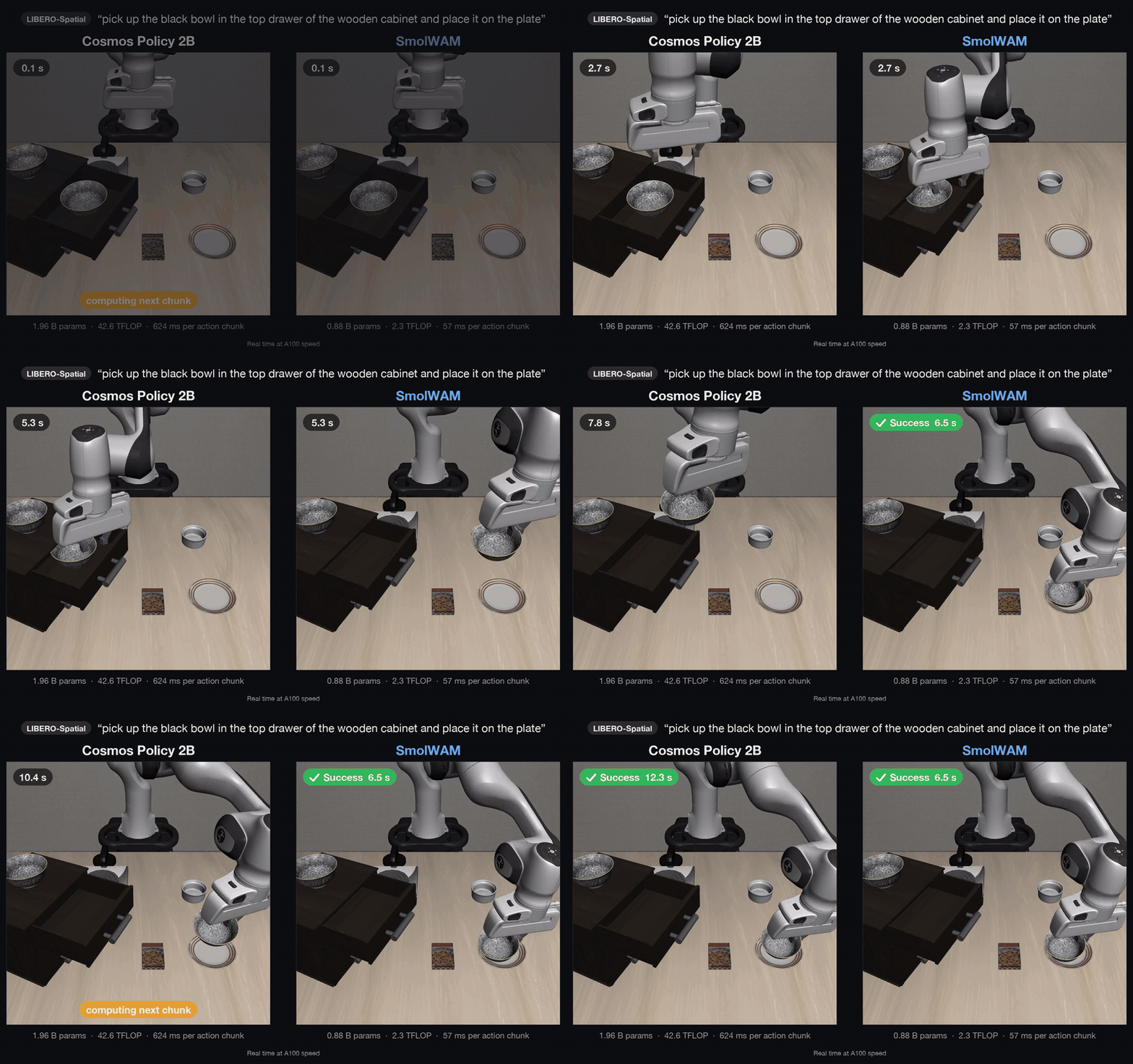
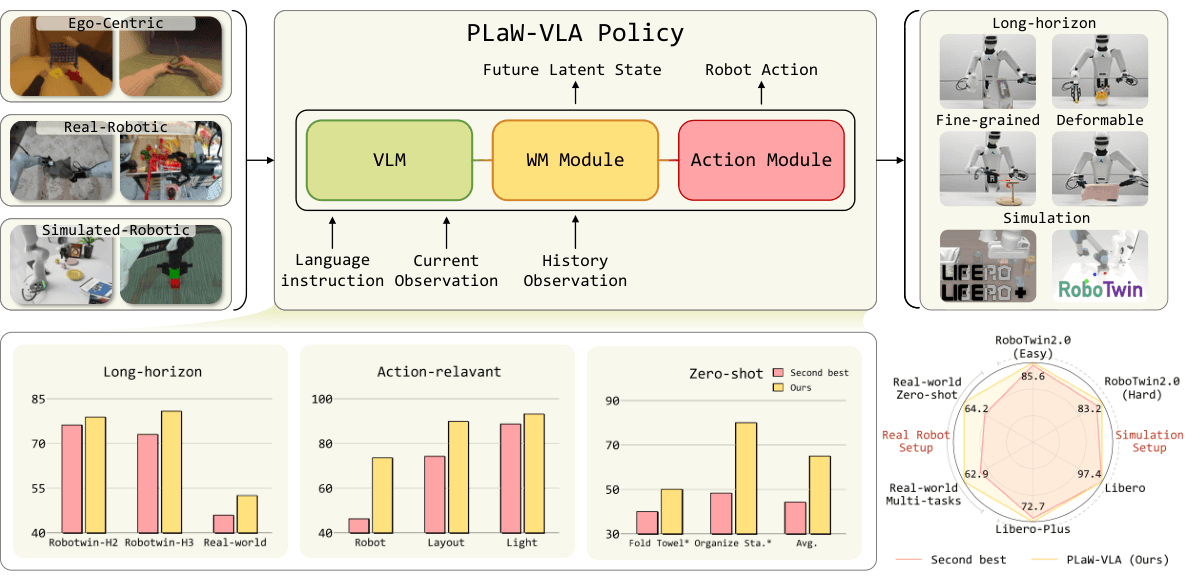
A manipulation policy may need many attempts to learn how to open a drawer, grasp an object, and place it correctly. Yet a rented GPU spends part of that time waiting for simulation, inference batches, or the next training phase. RL-VLA³ accelerates reinforcement learning for Vision-Language-Action policies by overlapping these activities. Its central contribution is how the training system schedules work.
This tutorial explains the architecture and walks through a source-based LIBERO workflow using GR00T N1.5. It covers installation, configuration checks, PPO training, inference, evaluation, and benchmark interpretation. The commands were checked against the public code; they were not executed as GPU training experiments while preparing this article.
Start with the official Haoran0301/RL-VLA3 repository, the v3 paper, and the fork's dependency guide. The current repository identifies the work as a COLM 2026 publication. This article uses the v3 results rather than combining numbers from different paper revisions.
1. The concepts you need first
A Vision-Language-Action model, or VLA, converts camera observations, language instructions, and robot state into actions. For example, images show a bowl on a table, an instruction asks the robot to place an object inside it, and proprioception describes the arm's current state. Many policies predict an action chunk, containing several consecutive actions, to reduce how often the model must run.
Supervised fine-tuning, or SFT, teaches a policy to imitate recorded demonstrations. Reinforcement learning, or RL, improves it through interaction and reward. A useful beginner analogy is learning a recipe from a demonstration, then practicing while receiving feedback about the outcome.
A rollout collects experience. Its trajectories include observations, actions, rewards, and termination information. Inference produces actions from the current observations. Training computes gradients and updates policy parameters. In a distributed system, inference workers and training workers can hold different policy versions until weights are synchronized.
LIBERO provides manipulation tasks in simulation. The configuration used here selects libero_10. Success in that suite measures simulated task completion; deploying the resulting policy on a physical arm requires a compatible observation pipeline, action convention, controller, and latency budget.
2. Why asynchronous execution helps
In a synchronous pipeline, workers frequently move through phases together. One slow environment can delay a shared inference batch, and a learner may remain idle until rollout collection finishes. Once training starts, rollout workers can become the ones waiting. Different simulation and model workloads make these barriers expensive.
RL-VLA³ separates three logical roles. The Simulator steps environments and produces observations. The Generator runs policy inference and returns actions. The Trainer consumes experience and updates weights. Logical separation does not require a dedicated GPU for every role: placement decides which resources they share.
Simulator: observations -> request queue -> Generator
Simulator:     env.step <- actions       <- Generator
Simulator: trajectories -----------------> Trainer
Generator: updated weights <------------- Trainer
Consider two environment groups. Group A has finished rendering, while group B is still stepping. The Generator can process requests from A instead of waiting for B. Similarly, training can overlap ongoing rollout work once suitable experience is available. Within one environment, an action-dependent simulation step still needs its corresponding action; concurrency comes from independent work elsewhere in the pipeline.

The repository's implementation map points to environment workers under rlinf/workers/env/per_env_async/, inference workers under rlinf/workers/rollout/hf/, and routing logic in rlinf/workers/per_env_flex_plan.py. These are extensions built on RLinf infrastructure.
Dynamic batching and environment sharding
Immediately running inference for every tiny request can underuse a GPU. Dynamic batching aggregates requests until either a size threshold or a waiting-time threshold is reached. The relevant configuration fields are max_batch_size and batch_timeout_ms.
These parameters represent a tradeoff. Larger batches may improve compute efficiency but consume more memory. Waiting longer may produce better batches while forcing simulators to remain idle. Tune against measured end-to-end throughput and queue delay rather than assuming the largest values are best.
Fine-grained sharding breaks environment groups into smaller slots that can be routed separately. Think of several small service queues instead of one large group that must arrive together. In practice, slot sizes, total environment count, and routing destinations must agree. A configuration can look plausible while assigning more environments to slots than it actually creates.

3. Install the compatible environment
The supplied benchmark configurations target an eight-GPU node. This describes the released recipes, rather than a universal minimum for learning about the framework. Adapting them to fewer GPUs requires coordinated changes to placement, routing, environment counts, and training batches. Setting CUDA_VISIBLE_DEVICES=0 alone does not convert an eight-worker recipe into a valid single-GPU setup.
Prepare Linux, a compatible NVIDIA driver, sufficient disk space for checkpoints and dependencies, and enough CPU/RAM for parallel MuJoCo environments. Use the RLinf installation documentation as background, while preserving compatibility with this fork. Upstream documentation may already describe newer CLI options or GR00T versions.
If you do not already have the source, download an archive:
curl -fL https://github.com/Haoran0301/RL-VLA3/archive/refs/heads/main.zip \
  -o RL-VLA3-main.zip
unzip RL-VLA3-main.zip
cd RL-VLA3-main

python3 -m pip install --upgrade uv
bash requirements/install.sh embodied --model gr00t --env maniskill_libero
source .venv/bin/activate
The fork's installation script supports this model/environment combination. It can download additional repositories and assets, install native dependencies, and require appropriate privileges during system setup. Inspect it before using a shared machine. Record the source revision or archive identity so another person can reproduce the environment later.
Check the interpreter and CUDA before launching a large workload:
python -c "import sys; print(sys.executable)"
python -c "import torch; print(torch.__version__, torch.cuda.is_available(), torch.cuda.device_count())"
python -c "import rlinf, libero; print('imports OK')"
An import error should send you back to the virtual environment and installation logs. Changing PPO settings will not fix missing packages. For headless rendering, the LIBERO launch script uses MUJOCO_GL=egl and PYOPENGL_PLATFORM=egl; EGL failures usually require checking libraries, drivers, and GPU access inside the container.
4. Download a suitable checkpoint
The released LIBERO recipe selects GR00T. Installing OpenVLA or OpenPI dependencies does not automatically switch the model. The initial checkpoint must match the task suite and the observation/action conversion used by the policy.
The YAML references RLinf-Gr00t-SFT-Long, an SFT checkpoint available from RLinf. Download it and prepare the environment variables:
python -m pip install huggingface_hub
hf download RLinf/RLinf-Gr00t-SFT-Long \
  --local-dir models/RLinf-Gr00t-SFT-Long

export EMBODIED_PATH="$PWD/examples/embodiment"
export PYTHONPATH="$PWD:${PYTHONPATH:-}"
export LIBERO_REPO_PATH="$PWD/.venv/libero"
export MUJOCO_GL=egl
export PYOPENGL_PLATFORM=egl
export CUDA_VISIBLE_DEVICES=0,1,2,3,4,5,6,7
If installation reused a different LIBERO checkout, point LIBERO_REPO_PATH to that directory. Verify that task assets and initialization states are accessible. Importing the package successfully does not guarantee that an environment can reset and render.
5. Read the actual YAML before training
Open the full asynchronous LIBERO configuration. Three details matter immediately:
- Despite
env256in its filename, the current YAML setsenv.train.total_num_envs: 384. Its eight routing rows each contain four slots of 12 environments, totaling8 × 4 × 12 = 384. - Both model paths point into the authors'
/ufs/models/directory. Replace the actor and rollout paths with your local checkpoint directory. - The recipe uses
runner.max_epochs: 5andsave_interval: 100. A short run should not be assumed to produce the checkpoint you need for later evaluation.
The current YAML also differs from the paper's benchmark table in action chunk and micro-batch settings. Executing a similarly named configuration is therefore insufficient evidence of an exact reproduction.
The routing mismatch is particularly important for beginners. If you want 256 environments, changing only total_num_envs leaves the slot allocation inconsistent. You must adjust the layout and verify all worker and batch divisibility requirements together.
6. Run a smoke experiment, then extend it
The repository's quick-start command is:
bash scripts/run_libero.sh libero_col_aa_env256_pipe4
However, the current wrapper only consumes the configuration name. It does not forward additional Hydra overrides. To change model paths and run duration, call the Python entrypoint directly. This example preserves the YAML's 384-environment topology and shortens the run; it remains an eight-GPU workload rather than a lightweight laptop test.
python examples/embodiment/train_embodied_agent.py \
  --config-path "$EMBODIED_PATH/config/libero" \
  --config-name libero_col_aa_env256_pipe4 \
  actor.model.model_path="$PWD/models/RLinf-Gr00t-SFT-Long" \
  rollout.model.model_path="$PWD/models/RLinf-Gr00t-SFT-Long" \
  runner.logger.log_path="$PWD/logs/libero-aa-smoke" \
  runner.max_epochs=1 \
  runner.save_interval=1 \
  env.train.video_cfg.save_video=false
Look for three milestones: successful model loading, environment reset followed by rollout production, and a completed learner update. A process that stays alive has not necessarily completed training. If model loading succeeds but progress stops, inspect environment workers, asset paths, and routing before changing learning rates.
The recipe uses actor-critic optimization with GAE, gamma=0.99, gae_lambda=0.95, and PPO clipping. The actor includes a value head. Consequently, critic.use_critic_model: false does not mean value estimation is absent; it indicates that a separate critic model is not being used. The GR00T model configuration shows how that head is configured.
For a beginner, an advantage estimate describes whether an action's outcome was better or worse than the policy expected. PPO uses this signal to make useful behavior more likely while constraining update size. With asynchronous collection, trajectory data can come from an older policy version than the learner currently holds. Track this lag when investigating instability; concurrency does not remove the need to manage data freshness.
After the smoke run works, increase training duration according to budget and choose explicit save/evaluation intervals. Record throughput, success rate, time to a target success level, memory usage, and queue delay. Keep video logging and checkpoint frequency comparable between experiments because both can affect elapsed time.
7. Compare synchronous and asynchronous modes fairly
The configuration naming guide defines ss as synchronous rollout plus synchronous training, as as asynchronous rollout with synchronous training, and aa as full asynchronous execution. The col tag means colocated resource placement.
A useful experiment compares the libero_col_ss_env256_pipe4, libero_col_as_env256_pipe4, and libero_col_aa_env256_pipe4 configurations. Inspect their contents first: matching filename tokens do not establish that every numerical setting is equal. Hold checkpoint, suite, seed, GPU count, action chunk, and workload constant while changing the feature under test.
One current full-async setting deserves attention: batch_timeout_ms: 1000000. This is not a general timeout recommendation. If requests do not fill a batch, a very large waiting threshold can stall progress. Read the worker's scheduler behavior and measure observed latency before tuning it.
When reporting performance, distinguish warm-up from steady-state behavior. A checkpoint load, initial environment reset, or first CUDA allocation can distort a short measurement. Equally, excluding all initialization costs is inappropriate if your actual deployment repeatedly runs short jobs. Choose the measurement boundary that matches your use case and document it.
8. Inference and evaluation
During RL, inference produces actions for exploration. Evaluation instead freezes a policy and measures its behavior under a chosen protocol. Evaluate the original SFT checkpoint before comparing it with the RL-trained policy, using the same reset-state set and task conditions.
The repository provides eval_embodied_agent.py. Its evaluation runner reads runner.eval_policy_path when loading an additional policy state dict. If that value is null, the model initialized from rollout.model.model_path is evaluated.
Here is an SFT evaluation example using eight environment workers:
python examples/embodiment/eval_embodied_agent.py \
  --config-path "$EMBODIED_PATH/config/libero" \
  --config-name libero_col_ss_env256_pipe1 \
  actor.model.model_path="$PWD/models/RLinf-Gr00t-SFT-Long" \
  rollout.model.model_path="$PWD/models/RLinf-Gr00t-SFT-Long" \
  +runner.eval_policy_path=null \
  env.eval.total_num_envs=80 \
  env.eval.video_cfg.save_video=true \
  runner.logger.log_path="$PWD/logs/libero-sft-eval"
The inspected YAML does not declare eval_policy_path, so Hydra's + syntax adds it. If your snapshot already declares the key, override it without +. Eighty environments divides evenly across eight workers; this is a smoke-evaluation example, not a complete benchmark protocol.
For post-RL evaluation, replace the null override with the path to a compatible policy state-dict file. Inspect the training backend's checkpoint format first. An FSDP checkpoint directory is not automatically a file that the rollout worker's torch.load and load_state_dict can consume. Do not infer checkpoint filenames from a different project's documentation.
Review videos for failed grasps, slipping objects, collisions, and unfinished long-horizon tasks. Also verify that normalization, camera processing, and action conversion still match the checkpoint. Simulated evaluation provides evidence about the policy before export or physical-controller integration.
9. Results and what the speedup means

Table 4 in the v3 paper appendix reports LIBERO with GR00T N1.5 and PPO on eight GPUs, using 256 environments:
| Execution mode | Environment batches/GPU | Throughput |
|---|---|---|
| Synchronous | 1 | 217.27 |
| Synchronous | 2 | 242.30 |
| Asynchronous rollout | 4 | 344.47 |
| Fully asynchronous | 4 | 423.39 |
The four-batch synchronous baseline reaches 240.13, so the matching full-async comparison yields about 76.3% higher throughput. Against the best synchronous result, 242.30, the improvement is about 74.7%. These are throughput gains, not success-rate percentage points. The authors evaluate scaling from 8 to 256 GPUs and report comparable success curves against environment steps in the evaluated settings.
For intuition, a throughput multiplier of 1.763 would reduce the corresponding fixed-work time to approximately 1 / 1.763 = 56.7%, under ideal conditions. This calculation is an inference, not an end-to-end training guarantee. Initialization, checkpoint I/O, evaluation, communication, and hardware differences still affect elapsed time.
10. A practical completion checklist
Before spending a long GPU budget, record your source version, checkpoint, suite, and seed. Confirm that slot allocations match environment counts and that training batches satisfy worker constraints. Complete a reset–rollout–update–save–evaluate cycle before scaling the run.
Report the baseline, placement, action chunk, GPU count, throughput boundary, and success protocol together. If memory pressure requires a smaller micro batch, disclose it. If you use the current YAML's 384 environments, describe that workload explicitly rather than calling it an unchanged reproduction of the paper's 256-environment experiment. This makes your result useful to the next engineer trying to reproduce it.