GR00T Whole-Body VLA: Training SONIC Controller
Disclosure: This article may contain affiliate or referral links. If you buy or sign up through those links, VnRobo may earn a commission or service credit.
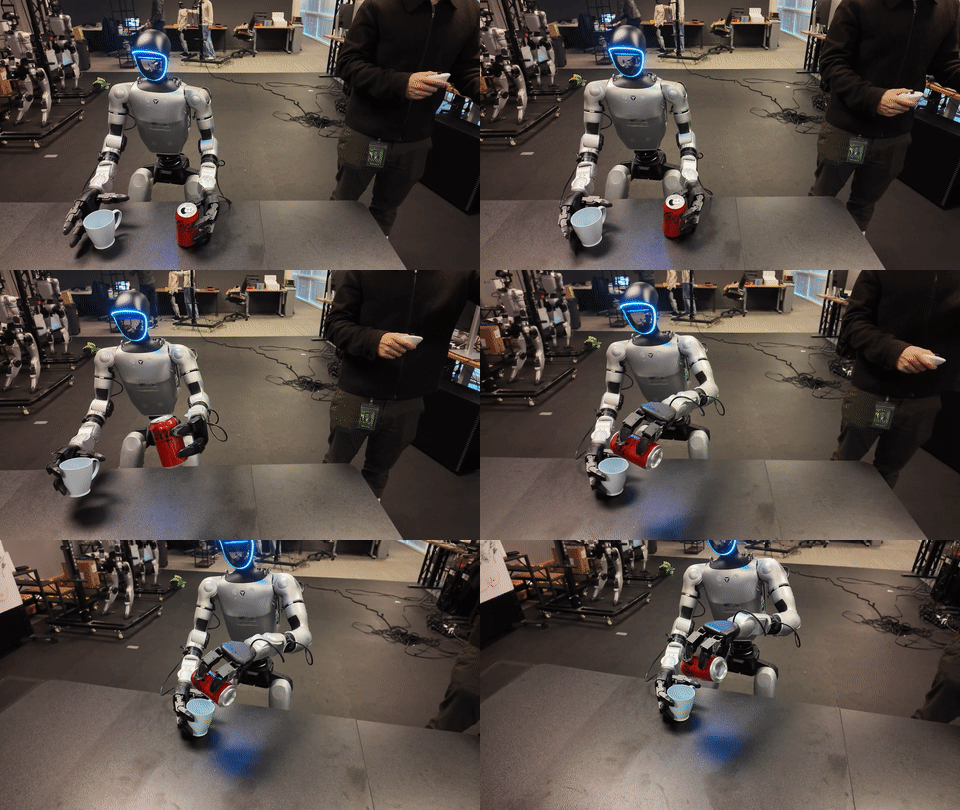
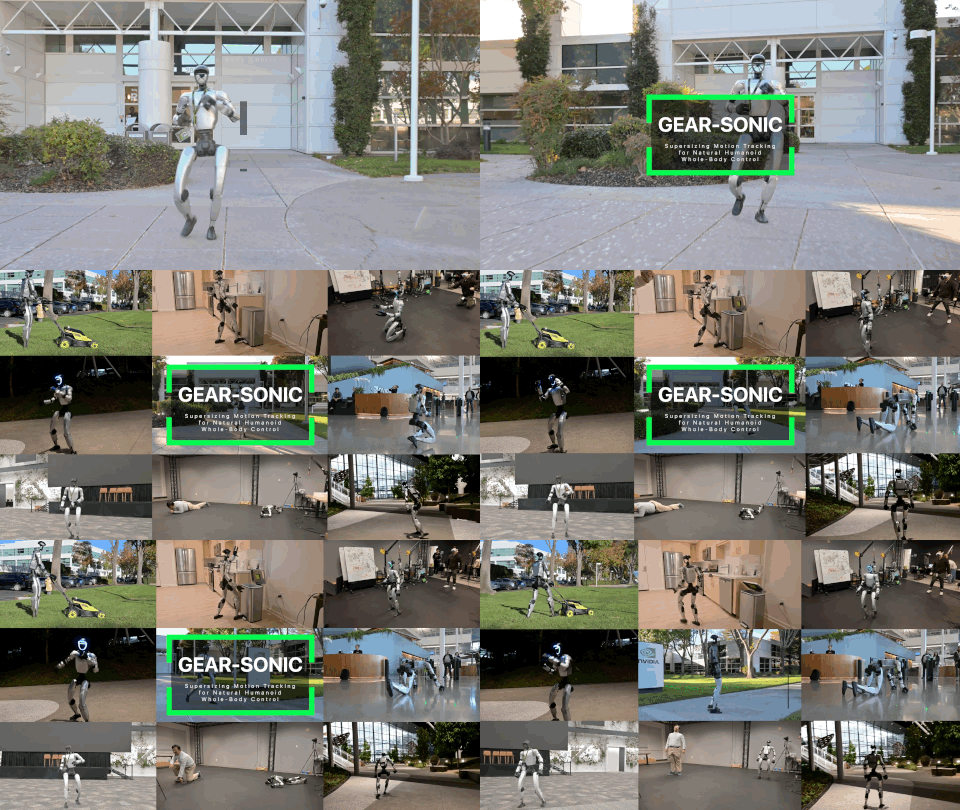
The first three parts focused on GR00T-LeRobot data for VLA. The NVlabs/GR00T-WholeBodyControl repo adds another critical layer: the SONIC whole-body controller. In a G1/GEAR-SONIC workflow, the VLA usually does not command every motor directly. It produces a higher-level action or latent representation, while SONIC and the C++ deployment stack turn it into stable whole-body motion.
This article covers the SONIC data and training pipeline:
Bones-SEED / robot motion / SMPL / SOMA
  -> convert motion data
  -> filter impossible motions
  -> PPO training in Isaac Lab
  -> evaluate tracking metrics
  -> export ONNX
  -> C++ deploy stack
4.1 Goal
By the end, you should be able to:
- Prepare motion-reference data for SONIC.
- Run local debug training.
- Understand when you need 8 GPUs, 64+ GPUs, or just a released checkpoint.
- Evaluate checkpoints with tracking metrics.
- Export ONNX for C++ deployment.
- Diagnose common failures: Git LFS, Isaac Lab env, body-name mismatch, motion file paths, TensorRT.
Important distinction:
| Layer | Data | Goal |
|---|---|---|
| GR00T VLA | GR00T-LeRobot: image/state/action/language | Learn a policy from observation and instruction. |
| SONIC WBC | motion_lib PKL, SMPL, SOMA, G1 trajectories | Learn a whole-body motion/controller foundation. |
| C++ deploy | ONNX/TensorRT + ZMQ + robot state | Run realtime control in sim or on real hardware. |
When Do You Need To Train SONIC?
Not every project needs custom SONIC training. For manipulation tasks on Unitree G1 using the official workflow, the faster path is usually:
real/sim/public LeRobot data
  -> fine-tune GR00T VLA with UNITREE_G1_SONIC
  -> use the released SONIC checkpoint/deploy stack
  -> infer with PolicyServer + launch_inference.py
Train or fine-tune SONIC yourself only when:
- You need a controller for a non-G1 embodiment or changed joint/body layout.
- The released checkpoint does not cover the motion skills you need.
- You are researching controller foundations, motion tracking, or SOMA/SMPL encoders.
- You need custom ONNX/TensorRT export for an internal C++ deployment stack.
If your main goal is VLA training from sim or real data, finish Parts 1-3 first. Part 4 is a lower-level controller layer with much higher compute cost.
4.2 Environment And Hardware
The GR00T-WholeBodyControl training docs describe SONIC training as Isaac Lab PPO with many parallel environments. They recommend 64+ GPUs for reasonable convergence time; one 8-GPU node works but is much slower. You do not need 64 GPUs to learn the pipeline:
| Goal | Practical GPU/VRAM |
|---|---|
| Load env + replay motion | 1 GPU, 16-24 GB |
| Debug 100 training iterations | 1 GPU, 24-48 GB |
| Single-node training | 8 GPUs, more VRAM is better |
| Serious convergence | 64+ GPUs according to docs |
| ONNX export | 1 GPU or CPU depending on env/checkpoint |
Setup:
sudo apt update
sudo apt install -y git git-lfs
git lfs install

git clone https://github.com/NVlabs/GR00T-WholeBodyControl.git
cd GR00T-WholeBodyControl
git lfs pull

python check_environment.py
Install training dependencies:
# Isaac Lab must be installed separately.
pip install -e "gear_sonic/[training]"
Download checkpoint/sample data:
pip install huggingface_hub
python download_from_hf.py --training
Expected layout:
GR00T-WholeBodyControl/
├── gear_sonic/
├── gear_sonic_deploy/
├── data/
│   ├── motion_lib_bones_seed/
│   │   ├── robot/
│   │   └── robot_filtered/
│   └── smpl_filtered/
├── sample_data/
│   ├── robot_filtered/
│   └── smpl_filtered/
└── logs_rl/
4.3 Prepare Motion Data
Convert Bones-SEED CSV To motion_lib
BONES-SEED is a large motion dataset with G1 MuJoCo trajectories according to the repo/docs. SONIC expects motion data in motion_lib PKL format.
python gear_sonic/data_process/convert_soma_csv_to_motion_lib.py \
  --input /path/to/bones_seed/g1/csv/ \
  --output data/motion_lib_bones_seed/robot \
  --fps 30 \
  --fps_source 120 \
  --individual \
  --num_workers 16
Filter Motions G1 Cannot Perform
The docs filter motions involving furniture, vehicles, acrobatics, and elevated surfaces. They note that about 8.7% are removed, leaving roughly 130K out of 142K motions.
python gear_sonic/data_process/filter_and_copy_bones_data.py \
  --source data/motion_lib_bones_seed/robot \
  --dest data/motion_lib_bones_seed/robot_filtered \
  --workers 16
Dry run:
python gear_sonic/data_process/filter_and_copy_bones_data.py \
  --source data/motion_lib_bones_seed/robot \
  --dest /tmp/robot_filtered_preview \
  --workers 16 \
  --dry-run
Custom filters:
python gear_sonic/data_process/filter_and_copy_bones_data.py \
  --source data/motion_lib_bones_seed/robot \
  --dest data/motion_lib_bones_seed/robot_filtered \
  --workers 16 \
  --add-keywords "jump_from_table" "cartwheel"
SOMA Encoder For sonic_bones_seed
The default sonic_release config uses G1, teleop, and SMPL. The sonic_bones_seed config adds a SOMA encoder:
python gear_sonic/data_process/extract_soma_joints_from_bvh.py \
  --input /path/to/bones_seed/bvh/ \
  --output data/motion_lib_bones_seed/soma \
  --fps 30 \
  --num_workers 16 \
  --skip_existing

python gear_sonic/data_process/filter_and_copy_bones_data.py \
  --source data/motion_lib_bones_seed/soma \
  --dest data/motion_lib_bones_seed/soma_filtered \
  --workers 16
Four-encoder layout:
data/
├── motion_lib_bones_seed/
│   ├── robot_filtered/
│   └── soma_filtered/
└── smpl_filtered/
4.4 Train Or Fine-Tune SONIC
Debug With Sample Data
python gear_sonic/train_agent_trl.py \
  +exp=manager/universal_token/all_modes/sonic_release \
  num_envs=16 \
  headless=True \
  ++manager_env.commands.motion.motion_lib_cfg.motion_file=sample_data/robot_filtered \
  ++manager_env.commands.motion.motion_lib_cfg.smpl_motion_file=sample_data/smpl_filtered \
  ++algo.config.num_learning_iterations=100
With rendering:
python gear_sonic/train_agent_trl.py \
  +exp=manager/universal_token/all_modes/sonic_release \
  num_envs=16 \
  headless=False \
  ++algo.config.num_learning_iterations=100
Full Training Or Fine-Tuning
Train from motion library:
python gear_sonic/train_agent_trl.py \
  +exp=manager/universal_token/all_modes/sonic_release \
  num_envs=4096 \
  headless=True \
  ++manager_env.commands.motion.motion_lib_cfg.motion_file=data/motion_lib_bones_seed/robot_filtered \
  ++manager_env.commands.motion.motion_lib_cfg.smpl_motion_file=data/smpl_filtered
Fine-tune from released checkpoint:
python gear_sonic/train_agent_trl.py \
  +exp=manager/universal_token/all_modes/sonic_release \
  +checkpoint=sonic_release/last.pt \
  num_envs=4096 \
  headless=True \
  ++manager_env.commands.motion.motion_lib_cfg.motion_file=data/motion_lib_bones_seed/robot_filtered \
  ++manager_env.commands.motion.motion_lib_cfg.smpl_motion_file=data/smpl_filtered
Single-node 8 GPU:
accelerate launch --num_processes=8 gear_sonic/train_agent_trl.py \
  +exp=manager/universal_token/all_modes/sonic_release \
  num_envs=4096 \
  headless=True
Multi-node:
accelerate launch \
  --multi_gpu \
  --num_machines=8 \
  --num_processes=64 \
  --machine_rank=$MACHINE_RANK \
  --main_process_ip=$MASTER_ADDR \
  --main_process_port=$MASTER_PORT \
  gear_sonic/train_agent_trl.py \
  +exp=manager/universal_token/all_modes/sonic_release \
  num_envs=4096 \
  headless=True
Offline W&B:
WANDB_MODE=offline python gear_sonic/train_agent_trl.py \
  +exp=manager/universal_token/all_modes/sonic_release \
  num_envs=16 headless=True
Disable W&B:
python gear_sonic/train_agent_trl.py \
  +exp=manager/universal_token/all_modes/sonic_release \
  use_wandb=false \
  num_envs=16 headless=True
Output:
logs_rl/TRL_G1_Track/<experiment_name>-<timestamp>/
├── model_step_002000.pt
├── model_step_004000.pt
├── config.yaml
└── wandb/
4.5 Monitoring And Evaluation
Track:
| Metric | Good range from docs | Meaning |
|---|---|---|
rewards/total |
3.0+ | Total reward. |
rewards/anchor_pos_err |
< 0.15 m | Root position tracking error. |
rewards/body_pos_err |
< 0.10 m | Body position tracking error. |
throughput/fps |
around 4000+ | Training throughput. |
success_rate |
> 0.97 | Motions tracked without early termination. |
mpjpe_l |
< 30 mm | Local per-joint position error. |
mpjpe_g |
< 200 mm | Global per-joint position error. |
Replay reference motions:
python gear_sonic/train_agent_trl.py \
  +exp=manager/universal_token/all_modes/sonic_release \
  ++replay=True \
  num_envs=4 \
  headless=False
Evaluate metrics:
python gear_sonic/eval_agent_trl.py \
  +checkpoint=/path/to/model_step_100000.pt \
  +headless=True \
  ++eval_callbacks=im_eval \
  ++run_eval_loop=False \
  ++num_envs=128 \
  "+manager_env/terminations=tracking/eval" \
  "++manager_env.commands.motion.motion_lib_cfg.max_unique_motions=512"
Render videos:
python gear_sonic/eval_agent_trl.py \
  +checkpoint=/path/to/model_step_100000.pt \
  +headless=True \
  ++eval_callbacks=im_eval \
  ++run_eval_loop=False \
  ++num_envs=8 \
  ++manager_env.config.render_results=True \
  "++manager_env.config.save_rendering_dir=/tmp/renders" \
  ++manager_env.config.env_spacing=10.0 \
  "~manager_env/recorders=empty" "+manager_env/recorders=render"
For the released checkpoint, docs say to override embedded training paths:
"++manager_env.commands.motion.motion_lib_cfg.motion_file=data/motion_lib_bones_seed/robot_filtered"
4.6 Export ONNX For C++ Deployment
python gear_sonic/eval_agent_trl.py \
  +checkpoint=/path/to/model_step_100000.pt \
  +headless=True \
  ++num_envs=1 \
  +export_onnx_only=true
Output under exported/:
exported/
├── *_smpl.onnx
├── *_g1.onnx
├── *_teleop.onnx
├── *_encoder.onnx
└── *_decoder.onnx
Choose by input modality:
| ONNX | Use when |
|---|---|
*_smpl.onnx |
SMPL pose-estimation input. |
*_g1.onnx |
Robot joint/reference input. |
*_teleop.onnx |
VR teleop tracking input. |
*_encoder.onnx + *_decoder.onnx |
Custom integration. |
After export, the C++ deployment stack may need TensorRT engine generation. If TensorRT fails, check TensorRT_ROOT, CUDA version, and deployment docs.
Common Errors And Fixes
| Error | Cause | Fix |
|---|---|---|
| Mesh/checkpoint is a tiny text file | Git LFS missing | git lfs install && git lfs pull. |
ModuleNotFoundError: isaaclab |
Not inside Isaac Lab env | Install and activate the correct Isaac Lab environment. |
| Empty motion library | Wrong motion_file/smpl_motion_file path |
Use absolute paths while debugging. |
| Body name mismatch | Robot body names differ from config | Fix robot config/body compatibility. |
| Robot explodes/falls on first frame | Motion scale/order/quaternion issue | Replay motion before training; inspect joint order and frame convention. |
| Training is too slow | Too few envs/GPUs or rendering enabled | Use headless, increase num_envs, use multi-GPU. |
| Released checkpoint eval path error | Embedded internal paths | Override motion_file as documented. |
| TensorRT build fails | Wrong TensorRT/CUDA setup | Set TensorRT_ROOT, use compatible versions. |
Done-Correct Criteria
You are done if:
check_environment.pypasses.git lfs pulldownloads real assets.- Motion data conversion and filtering finish.
- 100 debug iterations run without NaN.
- Checkpoints appear under
logs_rl/TRL_G1_Track/.... - Evaluation metrics run.
- Rendered video does not show immediate robot collapse.
- ONNX export writes files under
exported/.
Related Posts
- GR00T Whole-Body VLA Data: Open Datasets
- GR00T Whole-Body VLA Data: Do You Need Real Data?
- Newest WBC + VLA for Humanoids