GR00T Whole-Body VLA Data: Do You Need Real Data?
Disclosure: This article may contain affiliate or referral links. If you buy or sign up through those links, VnRobo may earn a commission or service credit. The technical recommendations prioritize engineering fit first.
Part 1 used open datasets. Part 2 used simulation data. Part 3 answers the practical question: do you need real data?
Short answer:
- If you only want to learn the format, debug loaders, and run open-loop checks: no real data needed yet.
- If you target simulator demos or sim-to-sim tasks: sim + public data may be enough.
- If you want a real humanoid to run with real cameras, real latency, real contact, and real lighting: you almost certainly need real data or at least real calibration/evaluation data.
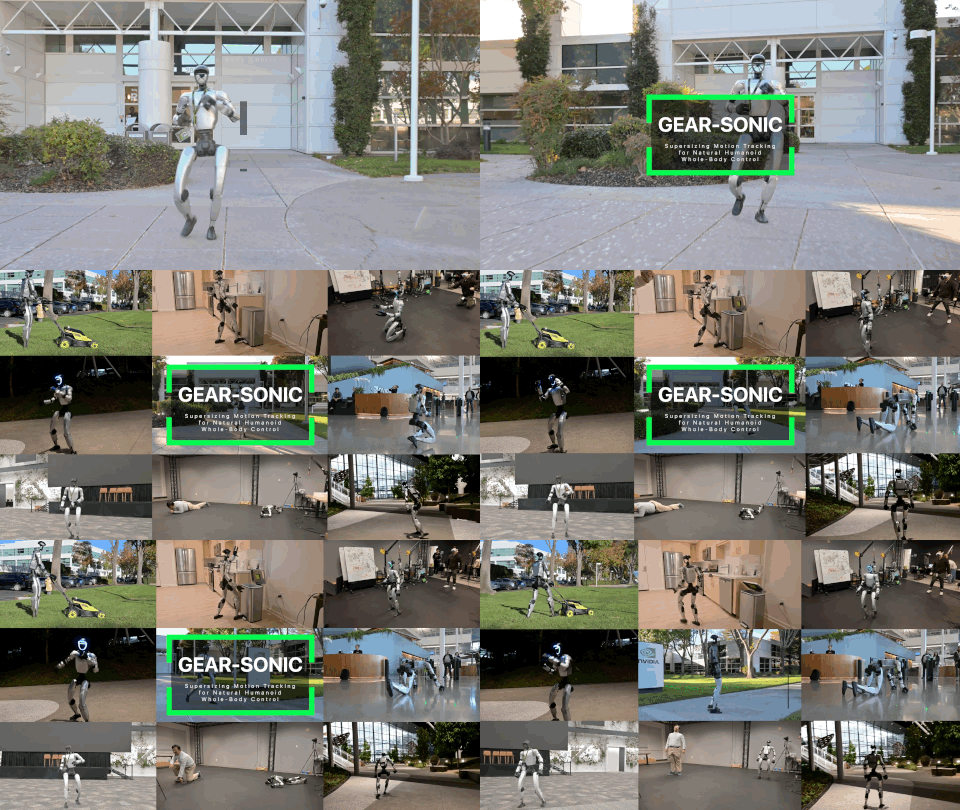
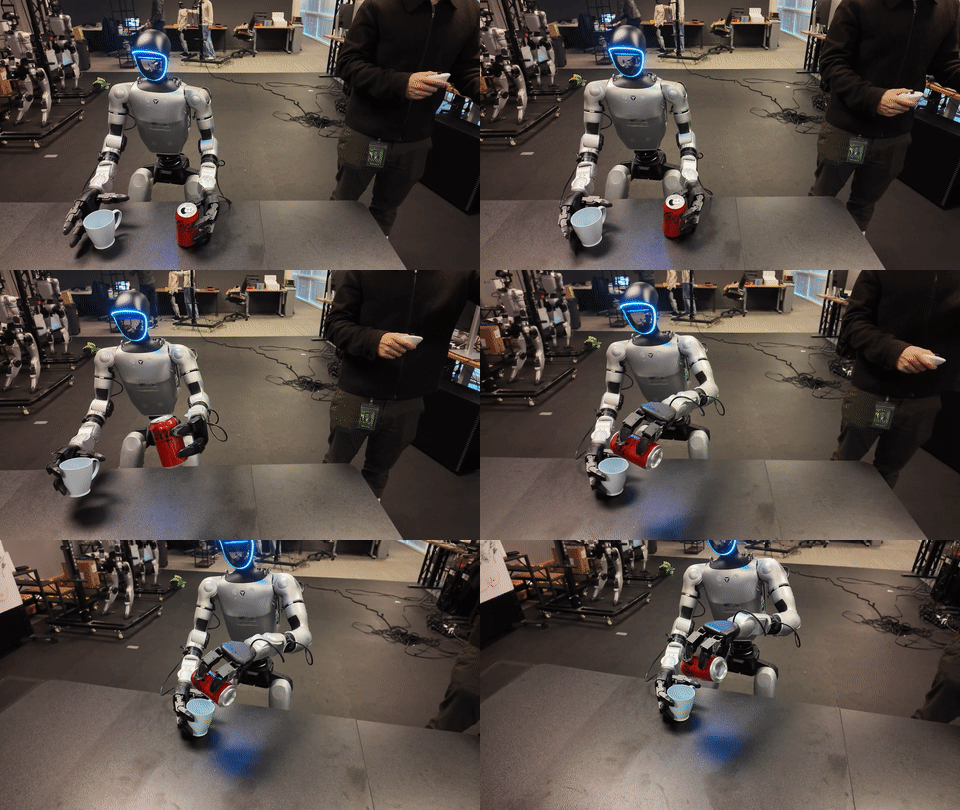
For Unitree G1 + GEAR-SONIC style whole-body VLA, the real-data workflow usually looks like:
VR teleop + SONIC deploy + camera server
  -> data exporter
  -> GR00T-LeRobot dataset
  -> process / clean / merge
  -> fine-tune Isaac-GR00T
  -> PolicyServer
  -> SONIC inference client + C++ deploy
3.1 When Is Real Data Needed?
Goal
Decide whether you should invest in real data collection now. Real data is expensive, risky, and slow, but skipping it for too long often creates a policy that only works in videos and simulators.
When Sim/Public Data Can Be Enough
You may not need real data yet if:
- You only want to validate GR00T-LeRobot format.
- You are writing a converter, loader, or training script.
- The task only runs in Isaac Lab / IsaacLab-Arena.
- The camera/object distribution is close to a public dataset.
- The controller/action space is still changing.
- The real robot does not yet have a safety rig, E-stop, current limits, and camera sync.
At this stage, the goal is:
dataset loads
training starts
checkpoint saves
open-loop predicts action
server-client pipeline responds
When Real Data Becomes Necessary
Collect real data when you see one of these signs:
| Sign | Why sim/public data is not enough |
|---|---|
| Real camera differs from sim | Lens distortion, exposure, motion blur, rolling shutter, timestamp offset. |
| Contact-heavy task | Grasp, push, carry, door, and drawer tasks depend on friction and compliance. |
| Whole-body balance | Base sway, foot slip, and torso motion differ from simulation. |
| Wrist/hand differs from dataset | Hand joint mapping and gripper affordances are robot-specific. |
| High latency | Sim does not capture camera server, ZMQ, policy server, and C++ deploy loop latency. |
| New object/domain | Public datasets do not cover your object, scene, pose, or lighting. |
For humanoids, sim-to-real gap is not only visual. It includes:
- controller latency,
- joint backlash,
- IMU drift,
- foot-ground contact,
- hand compliance,
- camera placement,
- operator style,
- action scaling.
Decision Rule
If the task has little real contact:
  public + sim + domain randomization may be enough for longer.

If the task has grasp/carry/push or real walking:
  collect real data early.

If the policy works in sim but fails during approach on the real robot:
  check camera calibration and latency before blaming the model.

If the policy approaches correctly but fails during grasp/contact:
  collect real data for the final interaction.
3.2 Collect Real Data With VR Teleop + SONIC
Goal
Collect demonstrations on a real robot or sim loop through GR00T-WholeBodyControl and export a LeRobot dataset:
outputs/<timestamp>-G1-robot01/
├── data/
│   ├── train-00000.parquet
│   └── ...
├── videos/
│   ├── observation.images.ego_view/
│   │   └── episode_000000.mp4
│   ├── observation.images.left_wrist/
│   └── observation.images.right_wrist/
└── meta/
    ├── info.json
    ├── modality.json
    ├── episodes.jsonl
    └── tasks.jsonl
GR00T-WholeBodyControl data collection docs describe a data exporter that runs with SONIC deployment and VR teleoperation. It captures robot state, SMPL teleop pose, and camera images. The camera server runs on the robot computer, commonly a Jetson Orin, and publishes JPEG frames through ZMQ.
Environment Requirements
Robot/onboard:
- Unitree G1 or an embodiment compatible with your stack.
- Jetson Orin or robot computer connected to cameras.
- OAK camera is the setup documented/tested in the docs. RealSense/USB webcam support may exist but needs verification because docs note they have not been recently tested.
- Stable network between robot and workstation.
- Physical E-stop, current/torque limits, and safe test area.
Workstation:
- Ubuntu/Debian.
- CUDA Toolkit.
NVlabs/GR00T-WholeBodyControl.- Python environment for data collection, teleop, inference.
- PICO VR if using VR whole-body teleoperation.
Training GPU:
- Debug: 1 GPU with 48-80 GB VRAM.
- Production-ish whole-body fine-tune: 4+ GPUs with 80 GB VRAM recommended.
- Inference PolicyServer: 1 GPU can load a checkpoint, depending on model/checkpoint/inference mode.
Clone And Install Data Collection Environment
On the workstation:
git clone https://github.com/NVlabs/GR00T-WholeBodyControl.git
cd GR00T-WholeBodyControl

bash install_scripts/install_data_collection.sh
This creates .venv_data_collection and installs LeRobot, PyAV, OpenCV, and exporter dependencies.
Setup Camera Server On The Robot
SSH into the robot/onboard computer:
git clone https://github.com/NVlabs/GR00T-WholeBodyControl.git
cd GR00T-WholeBodyControl

bash install_scripts/install_camera_server.sh
Check the service:
sudo systemctl status composed_camera_server.service
journalctl -u composed_camera_server.service -f
If you do not use systemd, run the camera server manually according to the repo script/README. The exact command depends on camera driver and needs verification.
Launch Data Collection
On the workstation:
python gear_sonic/scripts/launch_data_collection.py \
  --camera-host 192.168.123.164 \
  --task-prompt "pick up the soda can and place it in the bin"
If you want wrist cameras:
python gear_sonic/scripts/launch_data_collection.py \
  --camera-host 192.168.123.164 \
  --task-prompt "pick up the soda can and place it in the bin" \
  --record-wrist-cameras
Verify the exact wrist-camera flag:
python gear_sonic/scripts/launch_data_collection.py --help
The docs describe an all-in-one tmux launcher with four panes:
Pane 0: C++ Deploy
Pane 1: PICO Teleop
Pane 2: Data Exporter
Pane 3: Camera Viewer
During collection, each episode should have:
- Clear task prompt, one main action.
- Start pose that is consistent but not too rigid.
- Consistent success/failure marking.
- No long paused sections.
- No hard collisions or unstable balance events.
How Many Episodes?
GR00T-WholeBodyControl VLA workflow docs recommend at least 50-100 demonstrations for a target task. In practice:
| Task | Starting episode count |
|---|---|
| Simple object pick | 50-100 |
| Pick-and-place with many poses | 100-300 |
| Mobile manipulation with approach | 200-500 |
| Multi-object / long horizon | 500+ and should be split into subtasks |
Do not collect 500 bad episodes. 80 clean episodes are usually more useful than 300 mixed failed demos with poor annotation.
Post-Process Real Dataset
Goal
Remove discarded episodes, stale SMPL frames, frame drops, and sessions with inconsistent config.
Run inside the data collection environment:
source .venv_data_collection/bin/activate

python gear_sonic/scripts/process_dataset.py \
  --dataset-path outputs/2026-04-03-14-30-00-G1-robot01 \
  --output-path outputs/my_task_cleaned
Merge sessions:
python gear_sonic/scripts/process_dataset.py \
  --dataset-path outputs/session1 outputs/session2 outputs/session3 \
  --output-path outputs/my_task_merged
Or use a list file:
cat > datasets.txt <<'TXT'
outputs/session1
outputs/session2
outputs/session3
TXT

python gear_sonic/scripts/process_dataset.py \
  --dataset-list datasets.txt \
  --output-path outputs/my_task_merged
If you only want to merge and skip stale SMPL removal:
python gear_sonic/scripts/process_dataset.py \
  --dataset-list datasets.txt \
  --output-path outputs/my_task_merged_no_clean \
  --no-remove-stale-smpl
Normally you should not use --no-remove-stale-smpl unless you know the stale detector is removing valid data.
Verify After Post-Processing
cd Isaac-GR00T
export REAL_DATASET=/abs/path/to/GR00T-WholeBodyControl/outputs/my_task_cleaned

uv run python tools/verify_groot_lerobot_dataset.py "$REAL_DATASET"
python -m json.tool "$REAL_DATASET/meta/modality.json" | head -120
Check video:
find "$REAL_DATASET/videos" -name "*.mp4" | head -5
ffprobe "$(find "$REAL_DATASET/videos" -name '*.mp4' | head -1)"
Check parquet:
uv run python -c "from pathlib import Path; import os, pandas as pd; root=Path(os.environ['REAL_DATASET']); p=sorted((root/'data').rglob('*.parquet'))[0]; df=pd.read_parquet(p); print(p); print(df.head()); print(df.columns.tolist())"
Train With Real Data
Before training, run the same preflight pattern from Part 1:
cd Isaac-GR00T

uv run python gr00t/experiment/launch_finetune.py --help | \
  grep -E "dataset|embodiment|modality|base-model|max-steps|num-gpus"

test -d "$REAL_DATASET"
test -f "$REAL_DATASET/meta/modality.json"
python -m json.tool "$REAL_DATASET/meta/modality.json" >/tmp/real_modality.pretty.json
UNITREE_G1_SONIC
cd Isaac-GR00T

export NUM_GPUS=4
export REAL_DATASET=/abs/path/to/outputs/my_task_cleaned
export MODALITY_CONFIG=gr00t/configs/data/embodiment_configs.py
export OUT=/mnt/checkpoints/groot_g1_sonic_real_my_task

test -f "$MODALITY_CONFIG"

uv run torchrun --nproc_per_node=$NUM_GPUS --master_port=29500 \
  gr00t/experiment/launch_finetune.py \
  --base-model-path nvidia/GR00T-N1.7-3B \
  --dataset-path "$REAL_DATASET" \
  --embodiment-tag UNITREE_G1_SONIC \
  --modality-config-path "$MODALITY_CONFIG" \
  --num-gpus $NUM_GPUS \
  --output-dir "$OUT" \
  --save-total-limit 5 \
  --save-steps 5000 \
  --max-steps 20000 \
  --use-wandb \
  --global-batch-size 32 \
  --color-jitter-params brightness 0.3 contrast 0.4 saturation 0.5 hue 0.08 \
  --dataloader-num-workers 4
NEW_EMBODIMENT
If your robot/action schema is not SONIC latent:
export NUM_GPUS=1
export REAL_DATASET=/abs/path/to/outputs/my_task_cleaned
export MODALITY_CONFIG=/abs/path/to/configs/my_robot_config.py
export OUT=/mnt/checkpoints/groot_new_embodiment_real_my_task

test -f "$MODALITY_CONFIG"

CUDA_VISIBLE_DEVICES=0 uv run python \
  gr00t/experiment/launch_finetune.py \
  --base-model-path nvidia/GR00T-N1.7-3B \
  --dataset-path "$REAL_DATASET" \
  --embodiment-tag NEW_EMBODIMENT \
  --modality-config-path "$MODALITY_CONFIG" \
  --num-gpus $NUM_GPUS \
  --output-dir "$OUT" \
  --save-total-limit 3 \
  --save-steps 1000 \
  --max-steps 5000 \
  --global-batch-size 4 \
  --dataloader-num-workers 2
Mix Real + Sim + Public
When To Mix
| Mix | Use when |
|---|---|
| Real only | Small task, very specific domain, 100+ clean demos. |
| Real + sim | Need more pose/object/lighting diversity while anchoring to the real robot. |
| Real + public | Public data shares the same embodiment/action schema and regularizes training. |
| Real + sim + public | Need generalization, but schema/action space must match. |
Starting Ratios
| Stage | Ratio |
|---|---|
| Little real data, good sim | 30% real / 70% sim |
| 100-300 real demos | 60% real / 40% sim/public |
| Real deployment fails at contact | 80% real / 20% sim/public |
| Public dataset differs in task but shares embodiment | 10-30% public for regularization |
If schemas match, use the merge script from Part 2:
cat > mix_real_sim_public.txt <<'TXT'
/abs/path/to/outputs/my_task_cleaned
/abs/path/to/datasets/g1_pick_place_lerobot
/abs/path/to/datasets/arena_g1_loco/lerobot
TXT

uv run python tools/merge_groot_lerobot_datasets.py \
  --dataset-list mix_real_sim_public.txt \
  --output-dir datasets/g1_mix_real_sim_public
If modality.json differs, do not merge directly. Either:
- Convert everything into one state/action schema.
- Train in stages:
base GR00T
  -> fine-tune sim/public
  -> continue fine-tune real
  -> deploy/evaluate
The continue-fine-tune command needs verification on your repo version. Usually, it means using --base-model-path /path/to/previous/checkpoint instead of the Hugging Face base model.
Inference On The Real Robot
Start PolicyServer
On the GPU machine:
cd Isaac-GR00T

uv run python gr00t/eval/run_gr00t_server.py \
  --model-path /mnt/checkpoints/groot_g1_sonic_real_my_task/checkpoint-20000 \
  --embodiment-tag UNITREE_G1_SONIC \
  --device cuda:0 \
  --port 5550
Run Inference Client + SONIC
From GR00T-WholeBodyControl:
python gear_sonic/scripts/launch_inference.py \
  --policy-host <gpu_machine_ip> \
  --policy-port 5550 \
  --camera-host 192.168.123.164 \
  --prompt "pick up the soda can and place it in the bin"
Manual setup:
Terminal 1:
cd Isaac-GR00T
uv run python gr00t/eval/run_gr00t_server.py \
  --model-path /path/to/checkpoint \
  --embodiment-tag UNITREE_G1_SONIC \
  --device cuda:0 \
  --port 5550
Terminal 2:
cd GR00T-WholeBodyControl/gear_sonic_deploy
./deploy.sh --input-type zmq_manager real
Terminal 3:
cd GR00T-WholeBodyControl
python gear_sonic/scripts/launch_inference.py \
  --policy-host <gpu_machine_ip> \
  --policy-port 5550 \
  --camera-host <robot_camera_host> \
  --prompt "pick up the object"
Safety Checklist Before Real Execution
- E-stop works and operator is nearby.
- No person stands in the motion area.
- Test with
--simbefore real. - Start with a simple prompt and light object.
- Limit speed/torque if the controller supports it.
- Log camera/state/action during inference.
- Keep a known-good checkpoint for rollback.
Common Errors And Fixes
| Error | Cause | Fix |
|---|---|---|
| Camera server has no frames | Wrong IP, dead service, firewall | Check journalctl, ping robot, verify ZMQ ports. |
| Large frame delay | Weak network or heavy encoding | Use Ethernet, reduce resolution/fps, separate camera host. |
| Stale SMPL frames | VR stream paused/dropped | Run process_dataset.py, remove bad episodes. |
| Many failed demos | Inconsistent operator marking | Split success/fail and exclude fail from first fine-tune. |
| Policy server action shape is wrong | Wrong embodiment tag/checkpoint | Match UNITREE_G1_SONIC vs NEW_EMBODIMENT, inspect checkpoint config. |
| Real robot stays still | Client does not publish or deploy does not subscribe | Check ZMQ ports, gear_sonic_deploy, action manager. |
| Robot becomes unstable | Action scale/latency/safety issue | Stop immediately, test sim, reduce speed, inspect SONIC/deploy config. |
| Training overfits real data | Too few demos or scene too narrow | Mix sim/public, augment lighting/camera, collect more poses/objects. |
Done-Correct Criteria
You completed Part 3 correctly if:
- Camera server runs reliably on the robot.
- Data collection launcher opens deploy/teleop/export/viewer.
- Dataset output contains
data,videos, andmeta. process_dataset.pycleans the data.verify_groot_lerobot_dataset.pypasses.- Fine-tune runs for several thousand steps without NaN.
- PolicyServer loads the checkpoint.
- Simulation inference works before real inference.
- Real robot starts with safety limits and simple tasks.
Full Pipeline Summary
| Data source | Download/collect | Format | Train | Infer | Use when |
|---|---|---|---|---|---|
| Public/open | hf download ... --repo-type dataset |
Verify meta/modality.json, data, videos |
launch_finetune.py --dataset-path <public> |
open_loop_eval.py or run_gr00t_server.py |
Learn format, baseline, regularization. |
| Sim | Isaac Lab / IsaacLab-Arena / Mimic / scripted rollout | Convert HDF5/trajectory -> GR00T-LeRobot | Sim-only or mix public | Sim inference first, real later if gap is manageable | Cheap scaling, randomization, task exploration. |
| Real | VR teleop + SONIC + camera server | GR00T-WholeBodyControl exporter -> process/merge | Real-only or continue from sim/public checkpoint | PolicyServer + SONIC deploy | Real deployment, contact, camera/latency/robot-specific behavior. |
| SONIC controller | Bones-SEED / SMPL / SOMA / robot motion | Convert/filter to motion_lib PKL | gear_sonic/train_agent_trl.py in Isaac Lab |
Export ONNX -> C++ deploy | Need a new controller, motion foundation, or embodiment support. |
Final Checklist
[ ] Choose action space: UNITREE_G1_SONIC or NEW_EMBODIMENT
[ ] Dataset has meta/info.json
[ ] Dataset has meta/episodes.jsonl
[ ] Dataset has meta/tasks.jsonl
[ ] Dataset has meta/modality.json
[ ] Parquet state/action dimensions match modality
[ ] Video key in modality matches videos/
[ ] Verification script passes
[ ] 100-500 step smoke fine-tune passes
[ ] Checkpoint saves correctly
[ ] Open-loop eval has no NaN/shape mismatch
[ ] PolicyServer loads checkpoint
[ ] Sim inference passes before real
[ ] If using UNITREE_G1_SONIC, SONIC checkpoint/ONNX/deploy path is verified
[ ] Raw joint actions are not mixed with SONIC latent actions in one dataset
[ ] Real safety checklist passes
[ ] Real rollout is logged for the next iteration
Related Posts
- GR00T Whole-Body VLA Data: Open Datasets
- GR00T Whole-Body VLA Data: Simulation Data
- GR00T Whole-Body VLA: Training SONIC Controller
- Newest WBC + VLA for Humanoids