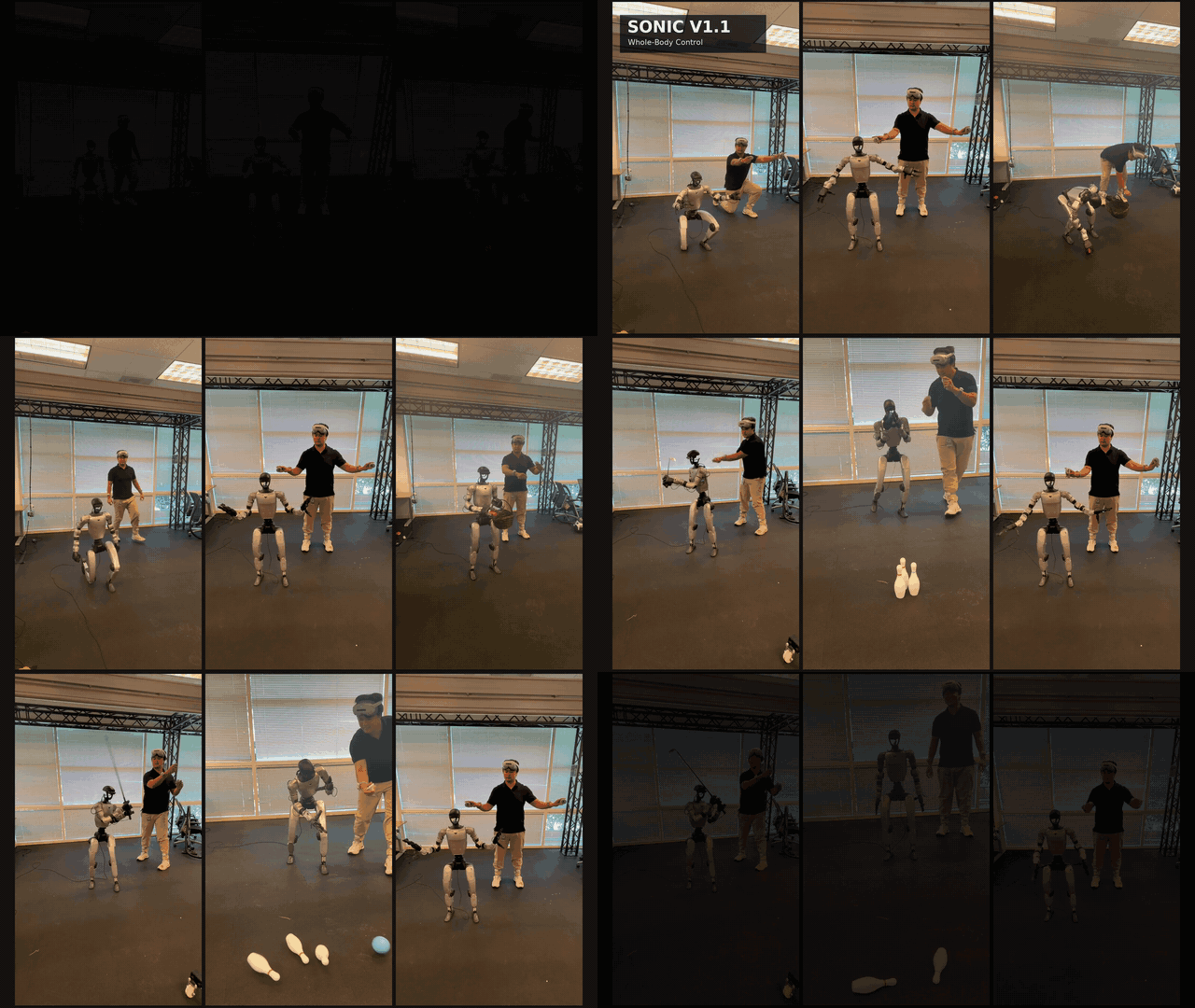
NVIDIA just released GR00T N1.6 — a major upgrade to their foundation model for generalist robots. Featuring a dual-system architecture that combines Cosmos Reason 2 as the reasoning brain with a 32-layer Diffusion Transformer for action generation, N1.6 achieves state-of-the-art performance across multiple real-world benchmarks. This tutorial walks you through the full pipeline: understanding the architecture, preparing data, fine-tuning, and running inference.
What is GR00T N1.6?
GR00T (Generalist Robot 00 Technology) N1.6 is an open-source Vision-Language-Action (VLA) foundation model with 3 billion parameters. It takes multimodal input — RGB images from cameras, natural language instructions, and robot proprioception state — and outputs continuous action sequences to control robots.
Original paper: GR00T N1: An Open Foundation Model for Generalist Humanoid Robots — Johan Bjorck et al., NVIDIA GEAR Lab, 2025.
Key improvements in N1.6 over the previous version (N1.5):
- 2x larger DiT: 32 layers instead of 16
- New VLM backbone: Cosmos Reason 2B replaces Eagle + SmolLM
- Relative actions: outputs relative actions instead of absolute, resulting in smoother motion
- Faster convergence when fine-tuning on new embodiments

Dual-System Architecture
GR00T N1.6 draws inspiration from human cognitive theory with two systems:
System 2 — Cosmos Reason (Reasoning)
This is the "brain" of the model, built on Cosmos Reason 2B — a Vision-Language Model developed by NVIDIA specifically for physical AI:
- Vision Encoder: SigLip2 (pretrained ViT) processes RGB images at any resolution
- Language Encoder: T5 transformer encodes language instructions
- Top 4 VLM layers are unfrozen during pretraining, allowing the model to fine-tune vision-language representations
Cosmos Reason 2 also comes in an 8B variant (Hugging Face) for more complex planning and reasoning, but GR00T N1.6 uses the 2B version to ensure real-time inference speed.
System 1 — Diffusion Transformer (Action)
The action generation component uses a 32-layer DiT with:
- Adaptive LayerNorm (AdaLN) for diffusion step conditioning
- Self-attention on proprioception/actions interleaved with cross-attention to vision-language embeddings
- 4-step denoising to generate action sequences
- Flow matching combined with world-modeling objectives during training
- Outputs state-relative action chunks (actions relative to current state)
Proprioception Encoder
A simple MLP indexed by embodiment ID, enabling the model to generalize across different robot types — from SO-100 arms to Unitree G1 humanoids.
Hardware Requirements
| Purpose | Minimum GPU | Recommended |
|---|---|---|
| Fine-tuning | 48GB VRAM (RTX A6000, L40) | H100 80GB |
| Inference | RTX 4090 24GB | Jetson AGX Thor |
Supported GPU architectures: Ampere, Hopper, Lovelace, Blackwell, and Jetson.
Inference performance (single camera, 4 denoising steps):
| Device | E2E Latency | Frequency |
|---|---|---|
| RTX 5090 + torch.compile | 37ms | 27.3 Hz |
| H100 + torch.compile | 38ms | 26.3 Hz |
| RTX 4090 + torch.compile | 44ms | 22.8 Hz |
| Jetson AGX Thor | 105ms | 9.5 Hz |
Environment Setup
Step 1: Clone repo and install dependencies
git clone --recurse-submodules https://github.com/NVIDIA/Isaac-GR00T
cd Isaac-GR00T
bash scripts/deployment/dgpu/install_deps.sh
source .venv/bin/activate
The installation script automatically creates a virtual environment and installs PyTorch, transformers, diffusers, and all required dependencies.
Step 2: Download pretrained model
# Model auto-downloads from Hugging Face on first run
# Or pre-download:
huggingface-cli download nvidia/GR00T-N1.6-3B --local-dir ./models/GR00T-N1.6-3B
The model is released under NVIDIA OneWay Noncommercial License (base model) and Apache 2.0 (codebase).
Data Preparation
GR00T N1.6 uses the GR00T-flavored LeRobot v2 format — (video, state, action) triplets stored as Parquet episode files.
Directory Structure
dataset/
├── data/
│   ├── chunk-000/
│   │   ├── episode_000000.parquet
│   │   ├── episode_000001.parquet
│   │   └── ...
│   └── ...
├── videos/
│   ├── chunk-000/
│   │   ├── front/
│   │   │   ├── episode_000000.mp4
│   │   │   └── ...
│   │   └── wrist/
│   │       └── ...
│   └── ...
├── meta/
│   ├── modality.json
│   ├── stats.json
│   ├── relative_stats.json
│   ├── episodes.jsonl
│   └── info.json
└── README.md
Modality Configuration
The modality.json file defines the mapping between raw data and model inputs. Example for an SO-100 arm:
from gr00t.configs.data.embodiment_configs import register_modality_config
from gr00t.data.types import ModalityConfig, ActionConfig
from gr00t.data.types import ActionRepresentation, ActionType, ActionFormat
from gr00t.data.types import EmbodimentTag

so100_config = {
    "video": ModalityConfig(
        delta_indices=[0],
        modality_keys=["front", "wrist"]
    ),
    "state": ModalityConfig(
        delta_indices=[0],
        modality_keys=["single_arm", "gripper"]
    ),
    "action": ModalityConfig(
        delta_indices=list(range(0, 16)),
        modality_keys=["single_arm", "gripper"],
        action_configs=[
            ActionConfig(
                rep=ActionRepresentation.RELATIVE,
                type=ActionType.NON_EEF,
                format=ActionFormat.DEFAULT
            ),
            ActionConfig(
                rep=ActionRepresentation.ABSOLUTE,
                type=ActionType.NON_EEF,
                format=ActionFormat.DEFAULT
            ),
        ],
    ),
    "language": ModalityConfig(
        delta_indices=[0],
        modality_keys=["annotation.human.action.task_description"]
    ),
}

register_modality_config(so100_config, embodiment_tag=EmbodimentTag.NEW_EMBODIMENT)
Key field explanations:
- delta_indices: Time indices.
[0]means the current frame,list(range(0, 16))means predicting the next 16 action steps - modality_keys: Data channel names (camera names, joint groups)
- ActionRepresentation.RELATIVE: N1.6 defaults to relative actions — movement relative to current position, not absolute coordinates
- EmbodimentTag.NEW_EMBODIMENT: Tag for new robots; the model learns an appropriate adapter
Converting from LeRobot Dataset
If you already have a dataset in standard LeRobot format, use the conversion script:
uv run python scripts/data/convert_lerobot_to_groot.py \
    --input-path <LEROBOT_DATASET> \
    --output-path <GROOT_DATASET> \
    --embodiment-tag NEW_EMBODIMENT
Fine-Tuning
Basic Fine-Tune Command
export NUM_GPUS=1

CUDA_VISIBLE_DEVICES=0 uv run python \
    gr00t/experiment/launch_finetune.py \
    --base-model-path nvidia/GR00T-N1.6-3B \
    --dataset-path ./my_robot_data \
    --embodiment-tag NEW_EMBODIMENT \
    --modality-config-path ./configs/so100_modality.json \
    --num-gpus $NUM_GPUS \
    --output-dir ./checkpoints/groot-so100 \
    --save-total-limit 5 \
    --save-steps 2000 \
    --max-steps 10000 \
    --use-wandb \
    --global-batch-size 32 \
    --color-jitter-params brightness 0.3 contrast 0.4 saturation 0.5 hue 0.08 \
    --dataloader-num-workers 4

Parameter Guide
| Parameter | Description | Recommended Value |
|---|---|---|
--max-steps |
Total training steps | 2,000–30,000 depending on dataset |
--global-batch-size |
Total batch size (split across GPUs) | 32–64 |
--save-steps |
Save checkpoint every N steps | 2,000 |
--save-total-limit |
Keep maximum N checkpoints | 5 |
--color-jitter-params |
Image data augmentation | Adjust for lighting conditions |
--use-wandb |
Log metrics to Weights & Biases | Recommended |
Effective Fine-Tuning Tips
-
Start small: 2,000 steps is often enough to see initial results. Increase gradually if the loss hasn't converged.
-
Combine real + synthetic data: NVIDIA reports a 40% improvement when combining synthetic data from Isaac Sim with real data. Use the GR00T-Dreams blueprint to generate simulated trajectories.
-
Relative actions are default: N1.6 works best with relative actions. Only use absolute actions for tasks that require it (e.g., placing objects at fixed positions).
-
Freeze VLM with small datasets: If your dataset has fewer than 100 episodes, consider fine-tuning only the DiT action head while keeping the VLM frozen.
Fine-Tune via LeRobot (Simpler API)
If you're familiar with Hugging Face LeRobot, you can fine-tune GR00T N1.6 through the integrated API:
lerobot-train \
    --policy.type=groot \
    --dataset.repo_id=<HF_DATASET> \
    --batch_size=32 \
    --steps=20000 \
    --policy.tune_diffusion_model=false \
    --output_dir=./outputs/groot-finetune
The --policy.tune_diffusion_model=false parameter keeps the DiT frozen, only fine-tuning the adapter — saving VRAM and suitable for small datasets.
Inference
Start the Policy Server
uv run python gr00t/eval/run_gr00t_server.py \
    --embodiment-tag NEW_EMBODIMENT \
    --model-path ./checkpoints/groot-so100/checkpoint-10000
Client Code for Robot Control
from gr00t.policy.server_client import PolicyClient

# Connect to server
policy = PolicyClient(host="localhost", port=5555)

# Control loop
obs, info = env.reset()
while not done:
    action, info = policy.get_action(obs)
    obs, reward, done, info = env.step(action)
Standalone Inference (Quick Test)
uv run python scripts/deployment/standalone_inference_script.py \
    --model-path nvidia/GR00T-N1.6-3B \
    --dataset-path demo_data/gr1.PickNPlace \
    --embodiment-tag GR1 \
    --traj-ids 0 1 2 \
    --inference-mode pytorch \
    --action-horizon 8
The --action-horizon 8 parameter means the model predicts 8 action steps per inference call. A larger value (16) produces smoother motion but reacts more slowly to environmental changes.
Benchmark Results
Simulation (100 demos per task)
| Benchmark | Success Rate |
|---|---|
| RoboCasa | 32.1% |
| DexMG | 66.5% |
| GR-1 | 50.0% |
| Average | 45.0% |
Real-World (GR-1 robot, full data)
| Task | Success Rate |
|---|---|
| Pick-and-Place | 82.0% |
| Articulated (cabinets, drawers) | 70.9% |
| Industrial (assembly) | 70.0% |
| Coordination (bimanual) | 82.5% |
| Average | 76.8% |
LIBERO Benchmark (via LeRobot)
| Benchmark | GR00T LeRobot | Original GR00T |
|---|---|---|
| LIBERO-Spatial | 82.0% | 92.0% |
| LIBERO-Object | 99.0% | 92.0% |
| LIBERO-Long | 82.0% | 76.0% |
| Average | 87.0% | 76.0% |
The LIBERO-Object score of 99% is particularly impressive — near-perfect performance in recognizing and manipulating different objects.
Cosmos Reason 2 — The Reasoning Brain
Beyond the 2B version integrated in GR00T, NVIDIA released Cosmos Reason 2 (8B) as a standalone reasoning model:
import transformers
import torch

model_name = "nvidia/Cosmos-Reason2-8B"
model = transformers.Qwen3VLForConditionalGeneration.from_pretrained(
    model_name,
    dtype=torch.float16,
    device_map="auto",
    attn_implementation="sdpa"
)
processor = transformers.AutoProcessor.from_pretrained(model_name)

messages = [
    {
        "role": "user",
        "content": [
            {"type": "video", "video": "file:///path/to/robot_task.mp4", "fps": 4},
            {"type": "text", "text": "What should the robot do next?"}
        ]
    }
]

inputs = processor.apply_chat_template(
    messages, tokenize=True,
    add_generation_prompt=True,
    return_dict=True, return_tensors="pt", fps=4
)
output = model.generate(**inputs.to(model.device), max_new_tokens=4096)
Cosmos Reason 2 supports chain-of-thought reasoning with the <think>...</think><answer>...</answer> format, allowing the model to explain its reasoning process before providing an answer. Capabilities include:
- Long video understanding with timestamp precision
- Object detection with 2D/3D point localization
- Physics reasoning (how objects move and interact)
- Complex task decomposition into subtasks
Supported Embodiments
GR00T N1.6 has been pretrained and fine-tuned for various robot types:
| Robot | Type | Checkpoint |
|---|---|---|
| WidowX (Bridge) | Arm | GR00T-N1.6-bridge |
| Google Robot (Fractal) | Mobile manipulator | Available |
| Galaxea R1 Pro | Dual-arm | GR00T-N1.6-BEHAVIOR1k |
| Unitree G1 | Humanoid | Available |
| SO-100 | Budget arm | Available |
| DROID | Multi-embodiment | Available |
You can use these checkpoints as starting points for fine-tuning instead of the base model, if your robot is similar.
Conclusion
GR00T N1.6 with Cosmos Reason 2 marks a significant milestone in foundation models for robotics:
- 3B parameters — powerful enough for multi-task handling yet small enough for real-time edge deployment
- Dual-system — combines language reasoning (System 2) with fast action generation (System 1)
- Cross-embodiment — one model for many robot types
- Open source — the community can fine-tune and contribute
If you're working with robot arms or humanoids, GR00T N1.6 is a strong starting point for building VLA-based control systems. With just 100 demonstrations and a few hours of fine-tuning on a single GPU, you can achieve impressive results.
Resources:
Related Posts
- VLA Models — When Robots Understand Language and Act — Overview of Vision-Language-Action architectures
- Fine-Tune GR00T N1 in Isaac Lab — Tutorial for the previous N1 version
- LeRobot Hands-On — Practicing VLA with an Open-Source Framework — Getting started with the LeRobot ecosystem