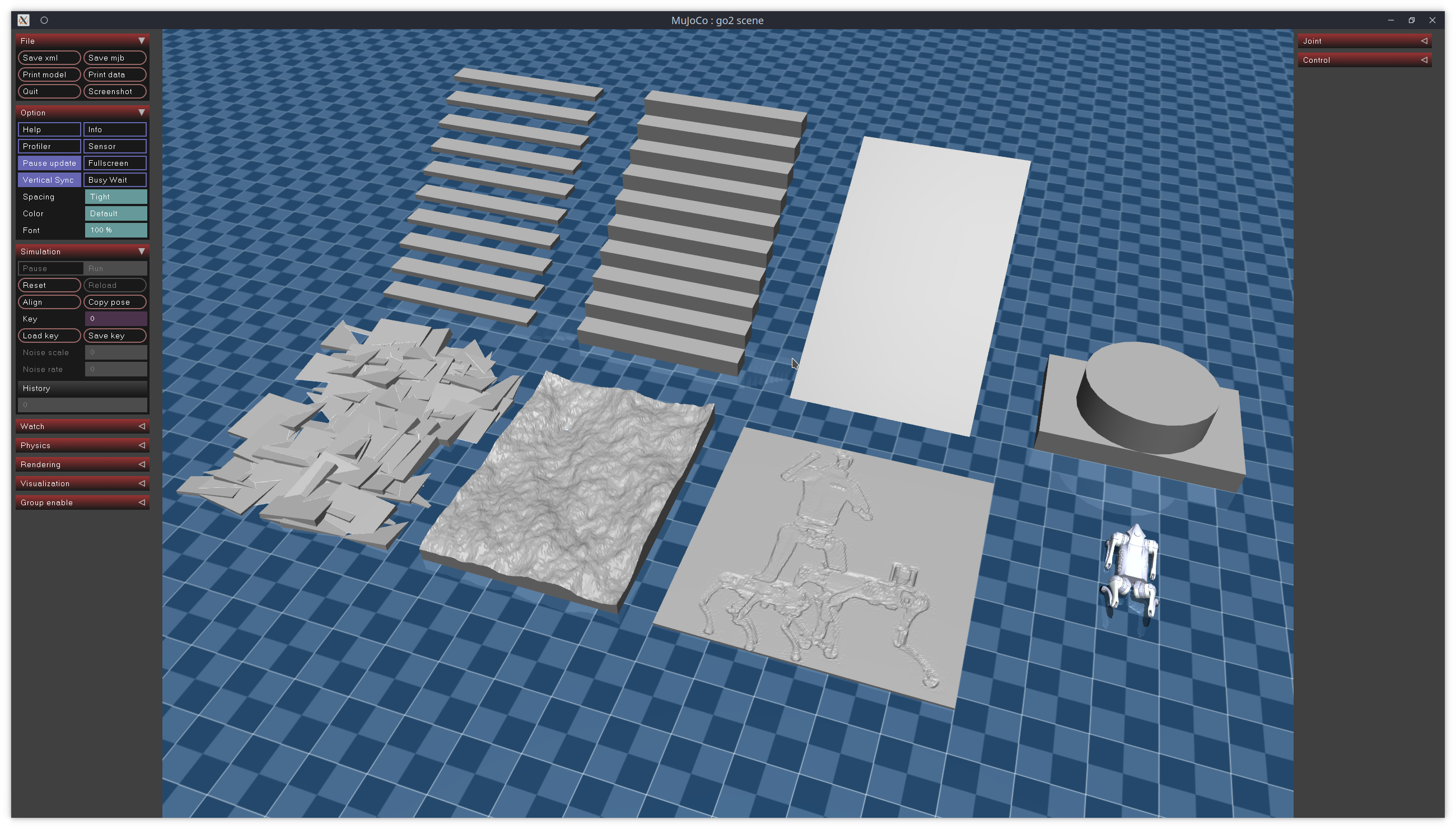
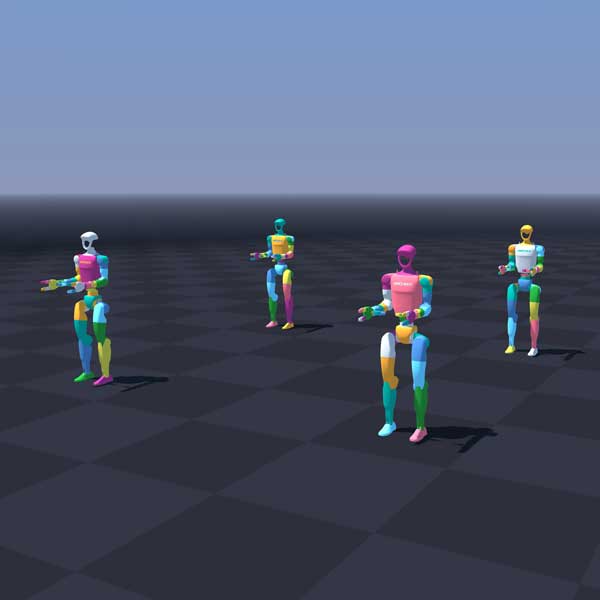
What is Digital Twin?
Digital Twin (Digital Replica) is virtual simulation of physical system — could be robot, production line, or entire factory. This replica syncs in real-time with physical system through IoT sensor data, creating a "technical twin" that reflects current state.
Unlike traditional simulation (run once then discard), Digital Twin lives alongside the physical system throughout its lifecycle.

Manufacturing Benefits
1. Predictive Maintenance
Instead of fixed-schedule maintenance (wasteful) or repair-after-failure (costly), Digital Twin analyzes vibration, temperature, current data to predict when equipment needs service:
- Reduce maintenance cost 30-50%
- Reduce unexpected failures 70%
- Increase equipment lifespan 20-25%
2. Process Optimization
Test layout changes, conveyor speeds, robot control algorithms on Digital Twin first — without stopping production or risking equipment damage.
3. Employee Training
New workers learn on 3D simulation before touching real equipment, reducing training time and workplace accidents.
Tools for Building Digital Twin
NVIDIA Omniverse + Isaac Sim
Isaac Sim is leading robot simulation platform on Omniverse:
# Isaac Sim - Create factory environment
from omni.isaac.core import World
from omni.isaac.core.robots import Robot

world = World(stage_units_in_meters=1.0)

# Load robot URDF
robot = world.scene.add(
    Robot(
        prim_path="/World/robot",
        name="amr_01",
        usd_path="/assets/robots/amr.usd",
        position=[0, 0, 0]
    )
)

# Load factory from CAD
world.scene.add_default_ground_plane()
# Import layout from CAD/BIM files

world.reset()
while True:
    world.step(render=True)
    # Sync state from real robot via MQTT/ROS 2
Gazebo (Open-source)
For budget projects, Gazebo + ROS 2 is good choice:
<!-- factory_world.sdf -->
<world name="factory">
  <include>
    <uri>model://warehouse_shelves</uri>
    <pose>5 0 0 0 0 0</pose>
  </include>
  <include>
    <uri>model://conveyor_belt</uri>
    <pose>0 3 0.5 0 0 0</pose>
  </include>
</world>
Complete Architecture
Physical World                    Digital World
┌─────────────┐                  ┌─────────────────┐
│ Robot + IoT  │──sensor data──→│  3D Simulation   │
│ Sensors      │                 │  (Isaac Sim)     │
│              │←──commands─────│                   │
└─────────────┘                  └────────┬────────┘
                                          │
                                 ┌────────▼────────┐
                                 │  Analytics &     │
                                 │  ML Models       │
                                 │  - Anomaly       │
                                 │  - Optimization  │
                                 │  - Prediction    │
                                 └────────┬────────┘
                                          │
                                 ┌────────▼────────┐
                                 │  Dashboard       │
                                 │  (Grafana/Web)   │
                                 └─────────────────┘
Data Pipeline
Data from Siemens S7-1200 PLC and IoT devices collected via MQTT or OPC UA:
# Collect data from PLC via OPC UA
from opcua import Client

client = Client("opc.tcp://192.168.1.10:4840")
client.connect()

# Read motor temperature, conveyor speed, robot position
motor_temp = client.get_node("ns=2;s=Motor1.Temperature").get_value()

# Send to Digital Twin via MQTT
mqtt_client.publish("factory/motor/1/temperature", motor_temp)
Implementation Cost
| Scale | Tool | Estimated Cost |
|---|---|---|
| POC (1 robot) | Gazebo + ROS 2 | Free (open-source) |
| Pilot (1 line) | Isaac Sim | ~$10K (GPU workstation) |
| Full factory | Omniverse Enterprise | ~$50-200K/year |
Getting Started
- Pick 1 critical asset — robot or most-failing CNC
- Collect data — install IoT sensors, connect PLC via OPC UA
- Build 3D model — from existing CAD or LiDAR scan
- Deploy ML — simple anomaly detection first, predictive maintenance later
- Expand gradually — from 1 asset to 1 line to entire factory
Digital Twin is not sci-fi — with ROS 2, Isaac Sim and IoT data, any factory can start building their digital replica today.