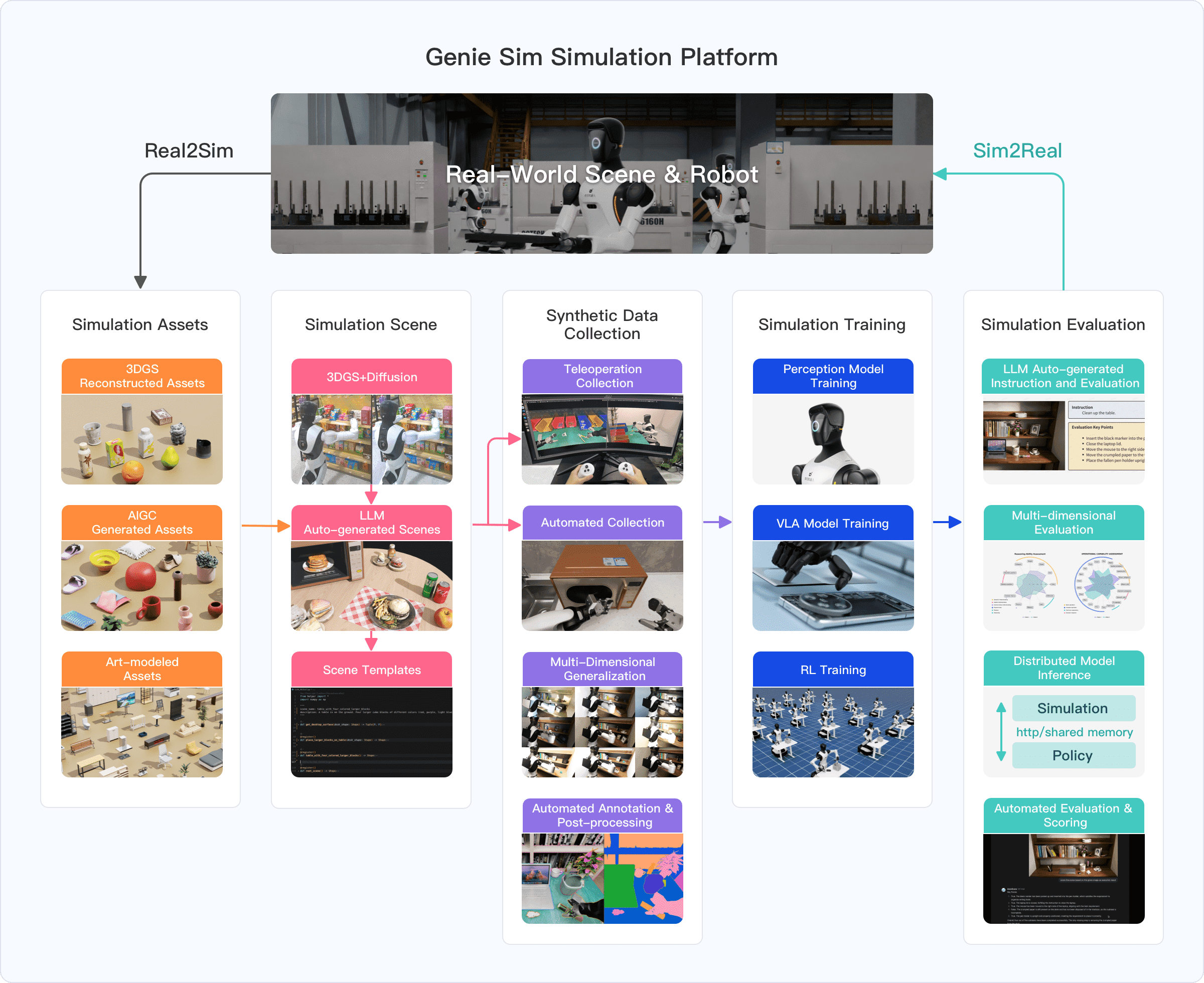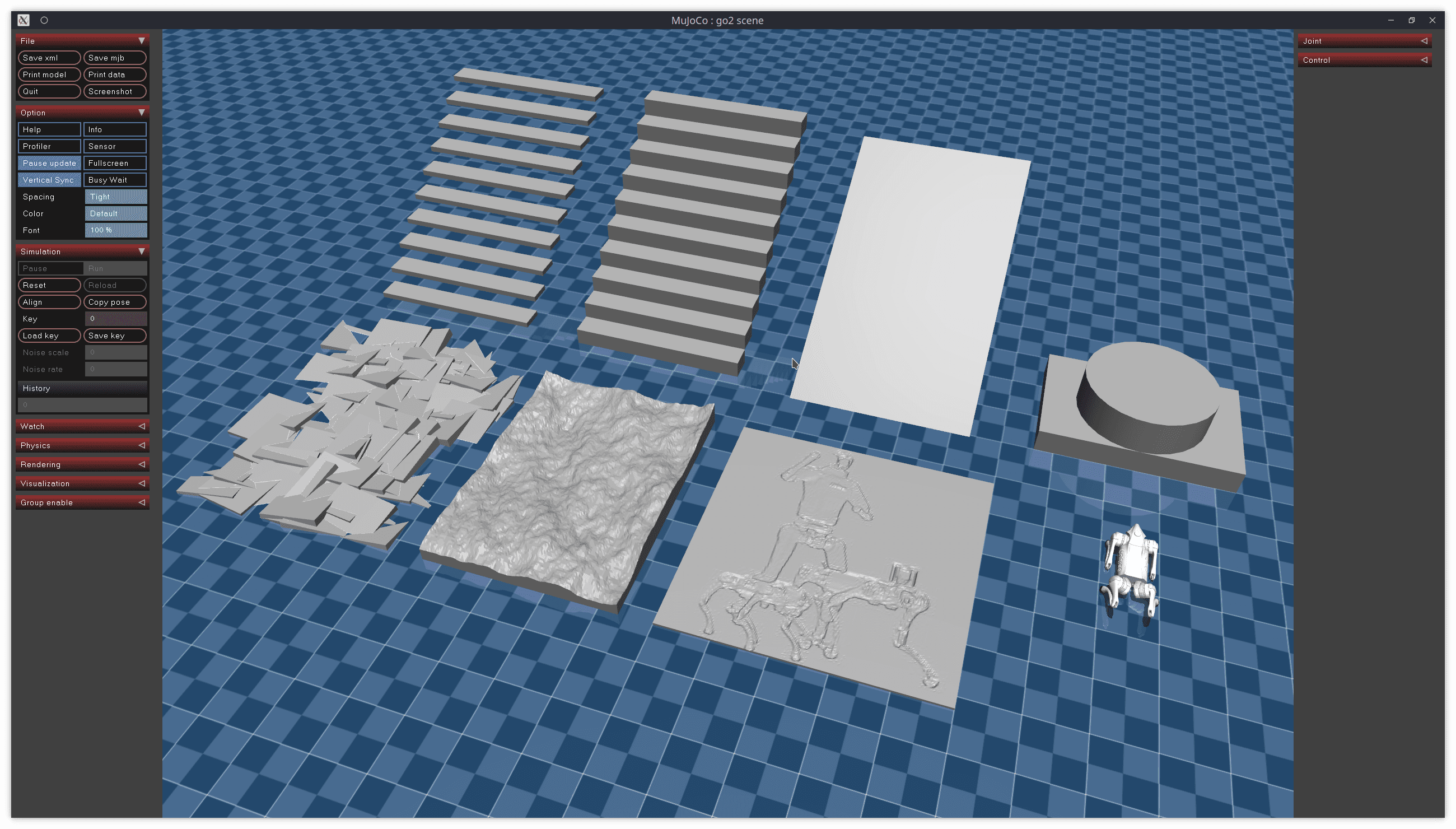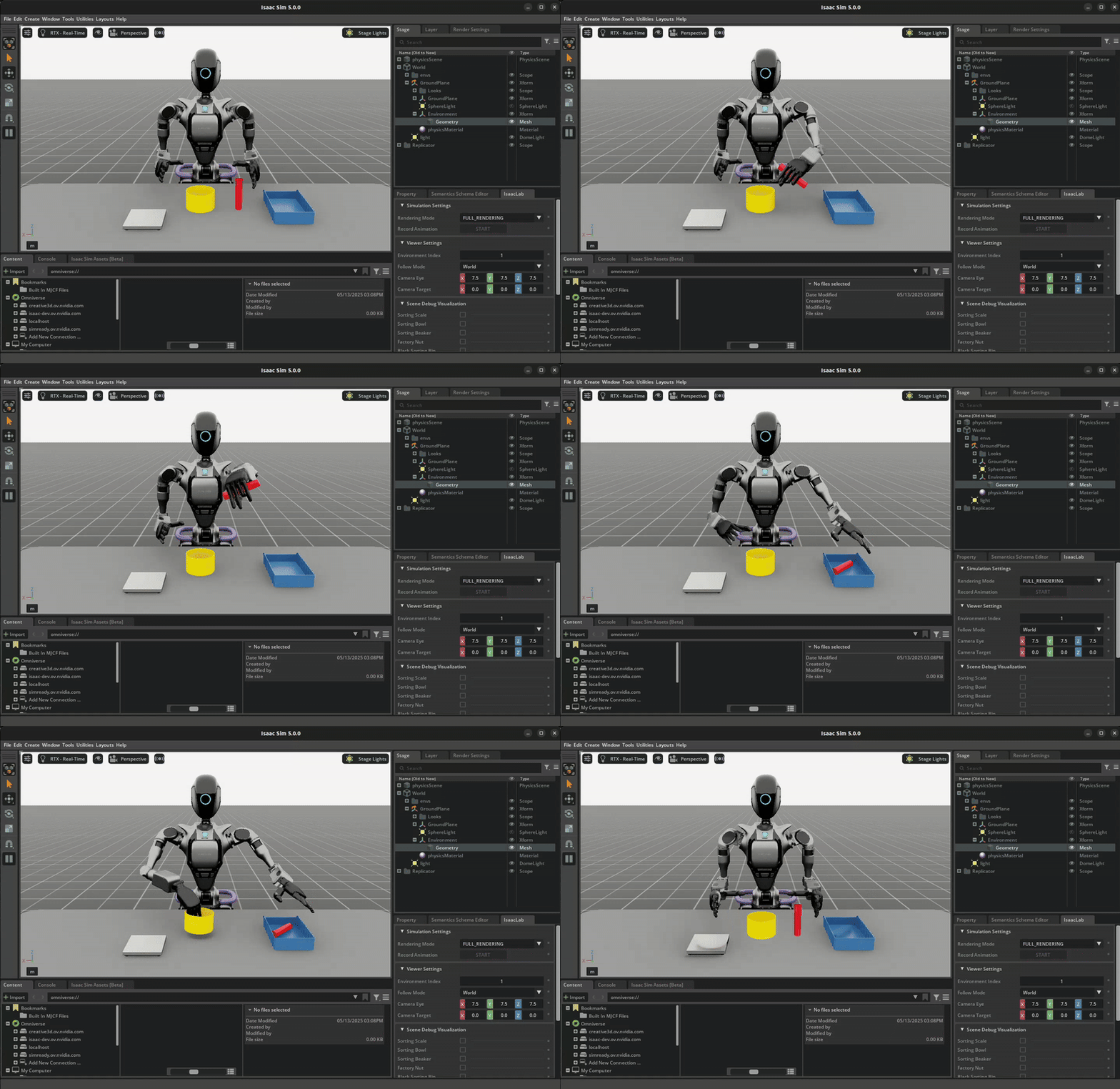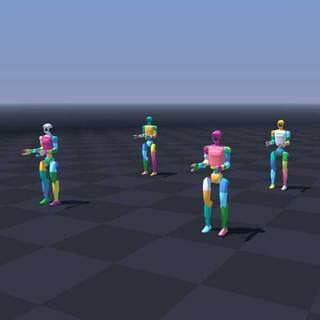
Nếu bạn từng ngồi chờ policy training chạy mãi không xong — hàng giờ, thậm chí hàng ngày — thì NVIDIA Newton 1.0 ra đời chính xác để giải quyết vấn đề đó. Physics engine mã nguồn mở này đạt tốc độ 475x nhanh hơn MJX (Google DeepMind's JAX physics engine) trên GPU NVIDIA, biến thời gian training từ ngày xuống còn phút.
Bài này hướng dẫn bạn từ đầu đến cuối: Newton là gì, kiến trúc ra sao, cài đặt thế nào, và cách dùng cho sim-to-real robotics thực tế.
Newton 1.0 là gì?
Newton là GPU-accelerated physics engine mã nguồn mở được phát triển bởi ba tên tuổi lớn: NVIDIA, Google DeepMind, và Disney Research. Dự án được quản lý bởi Linux Foundation, đảm bảo tính trung lập và lâu dài.
Điểm khác biệt so với các physics engine trước:
- Không phải thay thế Isaac Lab hay Warp — Newton được xây dựng trên nền NVIDIA Warp như một physics backend độc lập
- Multi-solver architecture — nhiều solver cho nhiều loại vật lý khác nhau trong một engine
- Differentiable physics — có thể backpropagation qua simulation, mở ra gradient-based policy learning
- Sim-to-real validated — policy train bằng Newton đã được deploy thành công lên robot G1 thật
Dự án được announce tại GTC 2026 và ngay lập tức gây tiếng vang lớn trong cộng đồng robotics.
Tại sao 475x nhanh hơn MJX?
Để hiểu tại sao con số này có ý nghĩa, cần biết MJX là gì. MJX (MuJoCo eXtended) là phiên bản JAX-based của MuJoCo do Google DeepMind phát triển — nổi tiếng về độ chính xác và khả năng differentiation, nhưng tốc độ GPU chưa tối ưu bằng.
Newton đạt được tốc độ vượt trội nhờ:
1. Warp Foundation: Newton dùng NVIDIA Warp — thư viện CUDA-X acceleration cho phép viết GPU kernels bằng Python thuần túy, không cần viết CUDA thủ công. Warp tối ưu hóa memory access patterns và kernel fusion.
2. Batched Simulation: Thay vì chạy 1 environment, Newton chạy hàng nghìn environments song song trên GPU. Một RTX 4090 có thể chạy 50,000+ environments đồng thời.
3. MuJoCo Warp Solver: Đây là phần core nhất — phiên bản GPU-native của MuJoCo solver, được viết lại hoàn toàn để exploit GPU parallelism, không chỉ port đơn giản.
Benchmark cụ thể (so với MJX):
| Task | RTX PRO 6000 Blackwell | GeForce RTX 4090 |
|---|---|---|
| Manipulation | 475x nhanh hơn | 313x nhanh hơn |
| Locomotion | 252x nhanh hơn | 152x nhanh hơn |
Nếu training locomotion policy trên MJX mất 8 giờ, Newton hoàn thành trong ~3 phút trên RTX 4090, hoặc ~2 phút trên RTX PRO 6000.

Kiến trúc Newton
Newton có kiến trúc multi-solver modular, nghĩa là mỗi loại vật lý dùng solver phù hợp nhất:
Newton Physics Engine
├── MuJoCo Warp Solver    ← rigid body dynamics (chính)
├── XPBD Solver           ← deformable materials (vải, cao su)
├── VBD Solver            ← cloth, cable (vertex block descent)
├── MPM Solver            ← granular (cát, bột)
├── Featherstone Solver   ← alternative rigid body
└── Semi-Implicit Solver  ← numerical integration
Tại sao multi-solver lại quan trọng? Trong robotics thực tế, bạn không chỉ deal với rigid bodies. Cable routing cho robot arm, vải trong laundry folding task, bột trong food processing — mỗi thứ cần solver riêng. Newton gom tất cả vào một API.
Differentiable Physics Stack:
RL Policy (PyTorch/JAX)
       ↕ gradients
Newton Physics (Warp)
       ↕ gradients
CUDA Kernels
Gradient propagation qua simulation cho phép:
- Trajectory optimization trực tiếp
- System identification (learn robot parameters from data)
- End-to-end policy gradient computation
Cài đặt
Yêu cầu hệ thống
- GPU: NVIDIA Maxwell hoặc mới hơn (GTX 900 series+)
- Driver: 545+ (CUDA 12)
- Python: 3.8+
- Không cần cài CUDA Toolkit riêng — Warp tự handle
Method 1: pip (nhanh nhất)
pip install "newton[examples]"

# Verify install bằng cách chạy example đầu tiên
python -m newton.examples basic_pendulum
Method 2: uv (recommended cho dev)
# Cài uv nếu chưa có
curl -LsSf https://astral.sh/uv/install.sh | sh

# Clone repo
git clone https://github.com/newton-physics/newton.git
cd newton

# Chạy example không cần activate env thủ công
uv run -m newton.examples basic_pendulum --viewer null
Method 3: Development setup (cho research)
# Cài MuJoCo Warp (pre-release)
pip install mujoco --pre -f https://py.mujoco.org/

# Cài Warp và MuJoCo Warp
pip install warp-lang mujoco_warp

# Cài Newton
pip install newton-physics
Verify cài đặt
import newton
import warp as wp

print(f"Newton version: {newton.__version__}")
print(f"Warp version: {wp.__version__}")
print(f"CUDA available: {wp.context.runtime.core.is_cuda_available()}")
Hello World: Pendulum Simulation
Newton ở mức thấp nhất hoạt động quanh khái niệm Model (cấu trúc robot/environment) và Solver (engine tính toán vật lý).
import newton
import warp as wp
import numpy as np

# Khởi tạo Warp
wp.init()

# Tạo model builder
builder = newton.ModelBuilder()

# Thêm rigid body (pendulum bob)
body = builder.add_body(
    origin=wp.transform([0.0, 1.0, 0.0], wp.quat_identity()),
    armature=0.01
)

# Thêm shape cho body
builder.add_shape_sphere(
    body=body,
    radius=0.05,
    density=1000.0
)

# Thêm joint (revolute joint tại origin)
builder.add_joint_revolute(
    parent=-1,   # -1 = world frame
    child=body,
    axis=wp.vec3(0.0, 0.0, 1.0),  # quay quanh trục Z
)

# Build model
model = builder.finalize(device="cuda")

# Tạo solver
solver = newton.MuJoCoWarpSolver(model)

# Tạo simulation state
state_0 = model.state()
state_1 = model.state()

# Set initial conditions
state_0.joint_q = wp.array([np.pi / 4], dtype=wp.float32, device="cuda")  # 45 độ
state_0.joint_qd = wp.array([0.0], dtype=wp.float32, device="cuda")       # velocity = 0

# Run simulation loop
dt = 1.0 / 60.0  # 60Hz
for step in range(240):   # 4 giây
    solver.step(model, state_0, state_1, dt)
    state_0, state_1 = state_1, state_0  # swap buffers

print(f"Final joint angle: {state_0.joint_q.numpy()[0]:.4f} rad")
Batched Environments: Sức mạnh thực sự của Newton
Điều làm Newton nhanh không phải là chạy 1 simulation nhanh hơn — mà là chạy hàng nghìn simulations cùng lúc. Đây là pattern cốt lõi:
import newton
import warp as wp
import numpy as np

NUM_ENVS = 4096  # 4096 environments song song!

def create_batch_envs(num_envs: int):
    """Tạo num_envs environments với initial conditions khác nhau"""
    builder = newton.ModelBuilder()

    for i in range(num_envs):
        # Offset mỗi env để không overlap
        x_offset = (i % 64) * 2.0
        z_offset = (i // 64) * 2.0

        body = builder.add_body(
            origin=wp.transform(
                [x_offset, 1.0, z_offset],
                wp.quat_identity()
            )
        )
        builder.add_shape_sphere(body=body, radius=0.05, density=1000.0)
        builder.add_joint_revolute(parent=-1, child=body, axis=wp.vec3(0, 0, 1))

    return builder.finalize(device="cuda")

# Build tất cả 4096 environments
model = create_batch_envs(NUM_ENVS)
solver = newton.MuJoCoWarpSolver(model)

state_0 = model.state()
state_1 = model.state()

# Set random initial angles cho tất cả environments
random_angles = np.random.uniform(-np.pi, np.pi, NUM_ENVS).astype(np.float32)
state_0.joint_q = wp.array(random_angles, dtype=wp.float32, device="cuda")

# Step TẤT CẢ 4096 environments trong 1 CUDA kernel call
import time
start = time.time()
for _ in range(1000):
    solver.step(model, state_0, state_1, dt=1/60)
    state_0, state_1 = state_1, state_0
elapsed = time.time() - start

print(f"1000 steps × {NUM_ENVS} envs = {NUM_ENVS * 1000:,} sim steps")
print(f"Time: {elapsed:.2f}s")
print(f"Throughput: {NUM_ENVS * 1000 / elapsed:,.0f} steps/sec")
Trên RTX 4090, đoạn code này đạt ~50 triệu simulation steps/giây — so sánh với MuJoCo CPU đơn chỉ đạt ~50,000 steps/giây (1000x chênh lệch).
Sim-to-Real với Isaac Lab + Newton
Newton tích hợp seamlessly với NVIDIA Isaac Lab 3.0 như một physics backend có thể swap. Workflow chuẩn:
Isaac Lab Environment
    ↕ (physics backend)
Newton Solver
    ↓ (sau khi train)
PhysX validation  ← verify policy hoạt động trên engine khác
    ↓ (nếu OK)
Real Robot Deploy
Setup Isaac Lab với Newton backend
# Cài Isaac Lab (yêu cầu Isaac Sim 4.5+)
pip install isaacsim --pre -f https://pypi.nvidia.com/isaacsim

# Enable Newton backend
pip install "isaacsim[newton]"
from isaaclab.envs import DirectRLEnv, DirectRLEnvCfg
from isaaclab.sim import SimulationCfg

# Config simulation với Newton backend
sim_cfg = SimulationCfg(
    physics_engine="newton",   # thay vì "physx" (default)
    dt=1.0 / 200,              # 200Hz physics
    gravity=(0.0, 0.0, -9.81),
    device="cuda:0"
)

# Từ đây, tất cả Isaac Lab environments chạy trên Newton
# API không thay đổi — chỉ backend thay đổi
Train quadruped locomotion policy
# Example: Train G1 humanoid để đứng vững
# (simplified, full code tại Isaac Lab examples)

from isaaclab_tasks.locomotion.velocity.config.g1 import G1FlatEnvCfg_NEWTON

env_cfg = G1FlatEnvCfg_NEWTON()
env_cfg.scene.num_envs = 4096
env_cfg.sim.physics_engine = "newton"

# Với Newton backend:
# - 4096 envs chạy đồng thời trên GPU
# - Training đạt ~500M steps/hour
# - Policy hội tụ trong ~30 phút thay vì 8+ giờ
Kết quả validated sim-to-real
NVIDIA đã verify Newton-trained policies deploy thành công:
- G1 Robot (Unitree): Locomotion policy train bằng Newton → chạy trên robot thật
- Transfer giữa engines: Policy train trên Newton → test trên PhysX → kết quả tương đương
- Reverse transfer: PhysX → Newton cũng hoạt động
Điều này quan trọng vì nó chứng minh Newton không trade accuracy để lấy speed — physics đủ accurate cho real-world deployment.

Deformable Objects: VBD Solver
Một điểm mạnh đặc biệt của Newton là xử lý deformable objects — thứ các physics engines khác thường bỏ qua hoặc xử lý kém.
import newton
import warp as wp

# Setup cloth simulation (VBD solver)
builder = newton.ModelBuilder()
builder.set_gravity(0.0, -9.81, 0.0)

# Thêm cloth mesh
builder.add_cloth_grid(
    pos=(0.0, 2.0, 0.0),
    rot=wp.quat_from_axis_angle((1.0, 0.0, 0.0), -np.pi * 0.5),
    vel=(0.0, 0.0, 0.0),
    dim_x=16,     # 16x16 grid = 256 vertices
    dim_y=16,
    cell_x=0.05,  # 5cm cell size
    cell_y=0.05,
    mass=0.1,     # 100g tổng khối lượng
    fix_left=True # Ghim cạnh trái
)

model = builder.finalize(device="cuda")

# VBD solver cho deformable
integrator = newton.VBDIntegrator(model, iterations=10)
state_0 = model.state()
state_1 = model.state()

# Simulate cloth falling + draping
for _ in range(300):
    integrator.simulate(model, state_0, state_1, dt=1/60)
    state_0, state_1 = state_1, state_0
Ứng dụng thực tế:
- Samsung dùng Newton VBD solver để train robot gấp vải trong dây chuyền lắp ráp tủ lạnh
- Skild AI dùng để train GPU rack assembly (cable routing, connector insertion)
So sánh Newton vs Các Physics Engine Khác
| MuJoCo | MJX | Isaac Gym | Newton | |
|---|---|---|---|---|
| Backend | CPU | JAX/GPU | PyTorch/GPU | Warp/GPU |
| Speed | Baseline | ~2-5x | ~50-100x | ~150-475x |
| Differentiable | ❌ | ✅ | ❌ | ✅ |
| Deformable | Limited | ❌ | ❌ | ✅ (VBD, MPM) |
| Multi-solver | ❌ | ❌ | ❌ | ✅ |
| Open source | ✅ | ✅ | ✅ | ✅ |
| Sim-to-real validated | ✅ | Partial | ✅ | ✅ |
| Isaac Lab integration | Via MJCF | No | Legacy | ✅ Native |
Khi nào dùng Newton:
- Large-scale RL training (>1000 envs)
- Cần deformable objects (cable, cloth, food)
- Muốn differentiable physics
- Sim-to-real với Isaac Lab workflow
Khi vẫn dùng MuJoCo CPU:
- Debug nhanh với viewer
- Research cần reproducibility tuyệt đối
- Không có GPU
- Tasks đơn giản với ít envs
Pitfalls và Lưu ý Thực Tế
1. GPU memory là bottleneck thực sự:
# Đừng tham num_envs quá cao
# Rule of thumb: mỗi env ~1MB GPU memory
# RTX 4090 có 24GB → tối đa ~24,000 envs an toàn
# Để headroom, dùng 50-70% capacity
NUM_ENVS = 16384  # OK với RTX 4090
NUM_ENVS = 65536  # Sẽ OOM
2. Timestep stability:
# Newton (như MuJoCo) nhạy cảm với dt quá lớn
# Contact-rich tasks cần dt nhỏ hơn
dt = 1 / 200   # OK cho locomotion
dt = 1 / 500   # Tốt hơn cho manipulation có contact
dt = 1 / 60    # Chỉ dùng cho tasks đơn giản
3. MJCF compatibility: Newton hỗ trợ load MJCF files (định dạng MuJoCo XML), nhưng không phải 100% — một số tính năng MuJoCo advanced chưa được hỗ trợ. Luôn test model của bạn trước.
4. Warp version pinning:
# Newton phụ thuộc chặt vào Warp version
# Luôn check compatibility matrix tại:
# https://github.com/newton-physics/newton#requirements
pip install newton-physics==1.0.0 warp-lang==1.5.0  # pin versions
Kết luận
NVIDIA Newton 1.0 là bước nhảy vọt thực sự cho sim-to-real robotics. Không phải incremental improvement mà là paradigm shift: thời gian training co lại từ ngày xuống còn phút, mở ra vòng iteration nhanh hơn gấp bội.
Điều thú vị nhất không phải tốc độ — mà là cách Newton hội tụ hai thứ trước đây phải chọn một: accuracy của MuJoCo và speed của GPU. Với sim-to-real validation đã được chứng minh trên robot thật, đây không còn là research toy.
Nếu bạn đang build pipeline sim-to-real, Newton + Isaac Lab là combo đáng để thử ngay bây giờ.
Tài nguyên
- GitHub: github.com/newton-physics/newton
- Documentation: newton-physics.github.io/newton
- NVIDIA Blog: Announcing Newton
- Isaac Lab Integration: Isaac Lab Newton Guide