Omega-QVLA giải quyết vấn đề gì?
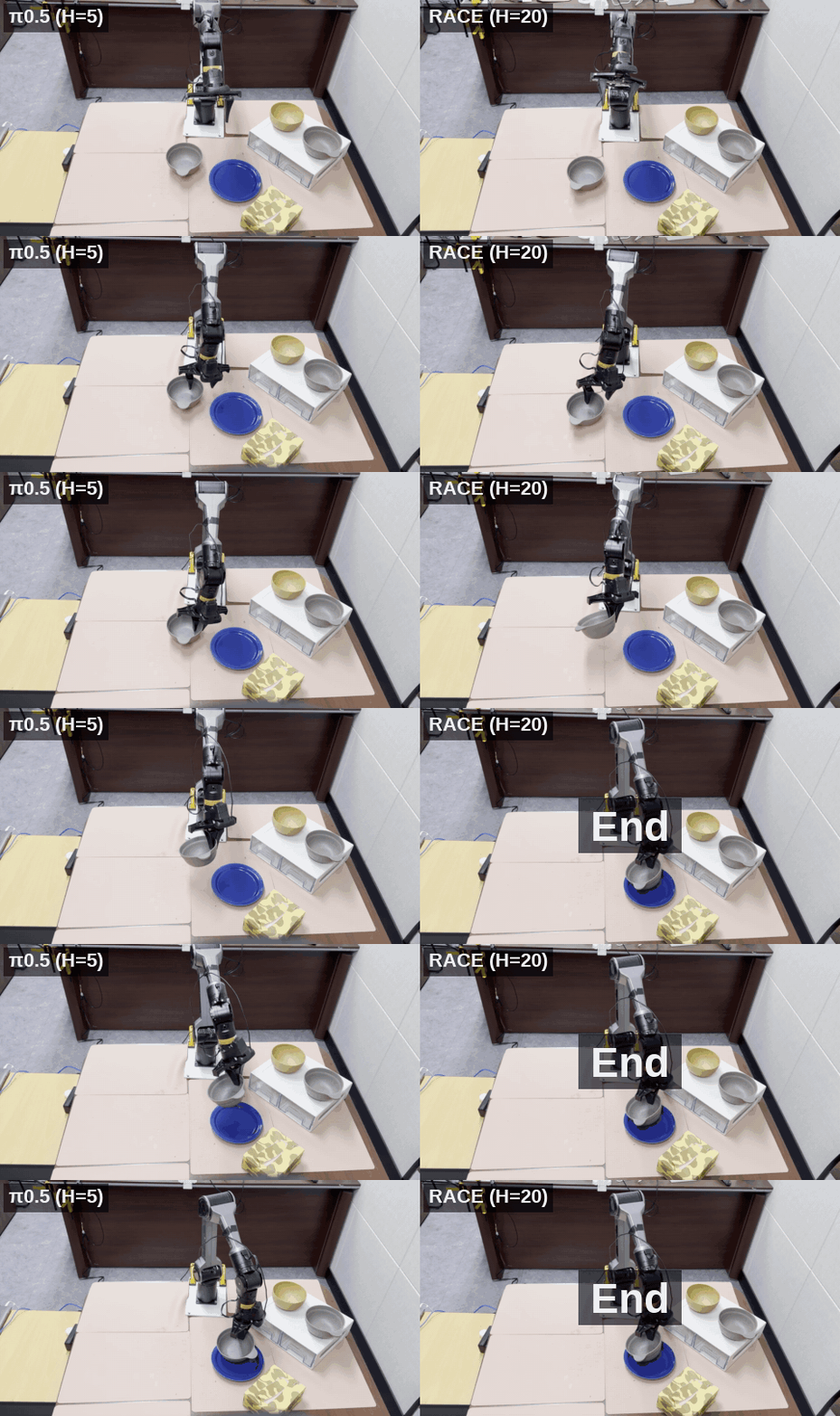
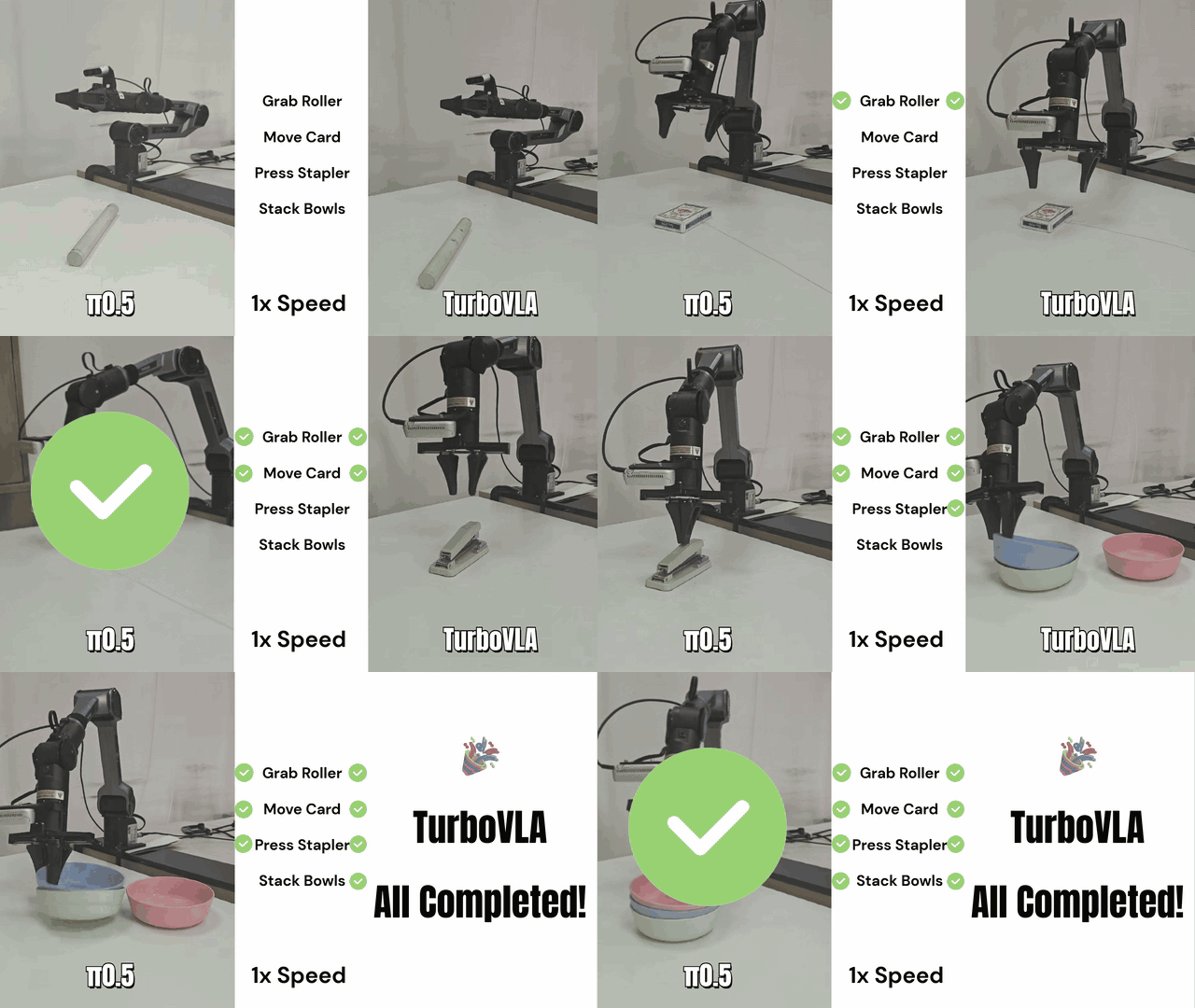
Vision-Language-Action model (VLA) đang trở thành hướng chính cho robot manipulation: model nhận ảnh từ camera, đọc lệnh ngôn ngữ tự nhiên, sau đó sinh chuỗi action cho tay robot. Nhưng một policy kiểu này thường gồm vision-language backbone nhiều tỷ tham số và action head dạng diffusion transformer (DiT). Với robot thật, đặc biệt là robot chạy trên edge như workstation nhỏ, Jetson, Orin, hoặc máy tính công nghiệp đặt ngay trên thân robot, bài toán không chỉ là "model có làm được task không" mà còn là "model có chạy đủ nhanh, đủ ổn định, đủ nhẹ để đóng vòng điều khiển không".
Omega-QVLA là paper arXiv 2605.28803, công bố ngày 27/05/2026, với tên đầy đủ "Omega-QVLA: Robust Quantization for Vision-Language-Action Models via Composite Rotation and Per-step Scaling". Điểm đáng chú ý là nhóm tác giả không chỉ nén language backbone. Họ nén cả backbone và toàn bộ DiT action head xuống W4A4: weight 4-bit, activation 4-bit. Đây là setting rất mạnh tay, vì action head trực tiếp tạo control signal; sai số nhỏ trong action có thể thành chuyển động giật, mất tiếp xúc, hoặc thất bại ở task dài.
Code hiện có ở repo UCMP13753/Omega-QVLA. README mô tả recipe cho GR00T-N1.5 và pi0.5 trên LIBERO: LLM/backbone dùng DuQuant rotation mode svd_hadamard kết hợp GPTQ; DiT action head cũng dùng svd_hadamard, nhưng dùng RTN residual và per-step activation scale table. Bài này đi theo hướng "beginner có thể follow": hiểu ý tưởng, chuẩn bị môi trường, build quantized pack, chạy eval, và biết những bẫy thường gặp trước khi đưa model xuống edge.

Vì sao W4A4 khó hơn W4A16?
Trong LLM deployment, nhiều người quen với W4A16 hoặc W8A8. W4A16 nghĩa là weight được nén 4-bit nhưng activation vẫn ở 16-bit. Cách này giảm memory footprint tốt, nhưng compute path vẫn không thật sự "low-bit toàn phần". Nếu muốn tăng throughput trên phần cứng hỗ trợ integer/tensor-core low-bit, activation cũng phải xuống thấp. Vì vậy Omega-QVLA nhắm W4A4.
Vấn đề nằm ở hai loại outlier:
| Thành phần | Outlier chính | Hậu quả khi quantize thô |
|---|---|---|
| LLM/VLM backbone | Một vài channel activation lớn bất thường | Token representation lệch, language grounding yếu |
| DiT action head | Activation thay đổi theo denoising step | Action liên tục bị lệch, task dài tích lũy lỗi |
| Robot control | Sai số nhỏ nhưng đóng vòng vật lý | End-effector giật, overshoot, fail khi tiếp xúc |
Nếu chỉ áp dụng GPTQ, AWQ, SmoothQuant hoặc DuQuant như với language model, DiT action head thường là điểm sụp. Paper cho thấy các baseline full quantization W4A16 như GPTQ/AWQ/OmniQuant rơi rất mạnh trên pi0.5 khi quantize cả stack; một số kết quả xuống quanh 10-16% success rate. Đây là tín hiệu rõ: VLA quantization không thể chỉ copy recipe từ chatbot.
Ý tưởng paper: xoay trước, scale theo step sau
Omega-QVLA gồm hai mảnh chính:
- Composite SVD-Hadamard rotation để làm phẳng năng lượng theo channel trước khi quantize.
- Per-step DiT activation scaling để xử lý dynamic range thay đổi qua các bước denoising.
Sơ đồ đơn giản:
Camera + language command
        |
        v
VLA backbone / LLM / VLM
        |
        |  SVD-Hadamard rotation + GPTQ pack
        v
Fused visual-language tokens
        |
        v
DiT action head
        |
        |  SVD-Hadamard rotation + RTN residual
        |  per-step activation scale table
        v
Action chunk: joints / end-effector command
        |
        v
Robot controller on edge
SVD rotation tập trung vào weight. Với một linear layer, weight matrix có thể có vài row/channel mang năng lượng rất lớn. Khi dùng per-channel quantization ở 4-bit, channel quá lớn làm scale bị kéo rộng, khiến phần còn lại mất độ phân giải. SVD giúp chuyển weight sang một basis cân bằng hơn.
Nhưng SVD dựa trên weight không đảm bảo activation cũng hết outlier. Vì vậy Omega-QVLA thêm Hadamard rotation. Hadamard là một phép trộn trực giao rất rẻ, giúp trải năng lượng của channel lớn sang nhiều channel nhỏ hơn. Nói nôm na: SVD xử lý "độ lệch do weight", Hadamard xử lý phần outlier activation còn sót lại.
Phần DiT khó hơn vì activation không cố định. Diffusion action head sinh action qua nhiều denoising step; activation ở step đầu có thể khác xa step cuối. Nếu dùng một scale tĩnh cho mọi step, có step bị clip, có step bị lãng phí bit. Omega-QVLA vì vậy lưu một act_scale_table: scale theo layer, theo denoising step, theo channel. Bảng này được build offline từ calibration trajectories, rồi runtime chỉ lookup đúng scale của step hiện tại.
Kiến trúc thực thi trong repo
Theo README repo, recipe hiện tại được tách thành pack offline:
| Side | Rotation | Quantizer | Per-step |
|---|---|---|---|
| LLM/Eagle trong GR00T | DuQuant svd_hadamard |
GPTQ | Không |
| DiT action head | DuQuant svd_hadamard |
RTN residual | Có, act_scale_table |
| pi0.5 Expert | svd_hadamard |
GPTQ pack + RTN residual | Có |
| pi0.5 PaliGemma | runtime DuQuant svd_hadamard |
Không có GPTQ builder riêng | Không như Expert |
Điều quan trọng: đây là post-training quantization, không phải fine-tuning lại policy. Bạn vẫn cần calibration data nhỏ, nhưng không cần backprop nhiều epoch. Trên GR00T-N1.5, repo build riêng LLM pack và DiT pack, sau đó merge thành một file quantized.pt để runtime load qua GptqLinear.
results/packs/object_LLM/quantized.pt
results/packs/object_DiT/quantized.pt
              |
              v
results/packs/object_MERGED/quantized.pt
              |
              v
run_groot_benchmark.sh -> wrapped quantized linear layers
Phần cứng và môi trường nên chuẩn bị
Đừng bắt đầu bằng Jetson nếu bạn chưa có quantized pack. README repo yêu cầu 1 A100 40 GB để build, và 4-8 GPU nếu muốn eval nhiều suite song song. Cách thực dụng là:
- Build pack trên cloud GPU hoặc workstation mạnh.
- Chạy LIBERO eval để kiểm tra success rate.
- Export pack và runtime cần thiết.
- Tối ưu kernel/runtime cho edge.
- Chạy shadow mode trên robot thật trước khi cho policy điều khiển trực tiếp.
Môi trường gốc trong README:
conda create -n omega_qvla python=3.10 -y
conda activate omega_qvla

# Trong repo Omega-QVLA
pip install -e .

# LIBERO benchmark
git clone https://github.com/Lifelong-Robot-Learning/LIBERO.git $HOME/LIBERO
pip install -e $HOME/LIBERO
Các biến môi trường nên set rõ từ đầu:
export QUANTVLA_ROOT=$HOME/Omega-QVLA
export QUANTVLA_CONDA_ENV=omega_qvla
export CONDA_ROOT=$HOME/miniconda3
export CHECKPOINTS_ROOT=$HOME/ckpts
export LIBERO_ROOT=$HOME/LIBERO
export LIBERO_CONFIG_PATH=$HOME/.libero
export QUANTVLA_CACHE_ROOT=$HOME/.cache/omega_qvla
export OPENPI_ROOT=$HOME/openpi

mkdir -p $QUANTVLA_CACHE_ROOT $LIBERO_CONFIG_PATH
Nếu bạn chỉ muốn đọc code trước, xem các thư mục chính:
gr00t/quantization/
  quant.py              # entry để bật quantization theo config
  gptq_layers.py        # GptqLinear, GPTQ solver, per-step support
  duquant_layers.py     # rotation + RTN runtime
  rtn_layers.py         # pure RTN

tools/
  build_gptq_weights.py
  build_dit_a2lite_svd_gptq_perstep.py
  build_pi05_a2lite_gptq_perstep.py
  merge_packs.py

scripts/
  run_groot_benchmark.sh
  run_pi05_libero_benchmark.sh
Chạy GR00T-N1.5: build LLM pack
Ví dụ dưới đây dùng suite object; các suite khác là goal, spatial, long.
cd $QUANTVLA_ROOT

SUITE=object
CKPT=$CHECKPOINTS_ROOT/gr00t-n1.5-libero-${SUITE}-posttrain

case "$SUITE" in
  goal)
    TASK=libero_goal
    DCFG=examples.Libero.custom_data_config:LiberoDataConfigMeanStd
    ;;
  long)
    TASK=libero_10
    DCFG=examples.Libero.custom_data_config:LiberoDataConfig
    ;;
  *)
    TASK=libero_${SUITE}
    DCFG=examples.Libero.custom_data_config:LiberoDataConfig
    ;;
esac

LLM_RE='.*backbone\.eagle_model\.language_model\..*\.(q_proj|k_proj|v_proj|o_proj|gate_proj|up_proj|down_proj).*'
EXCLUDE='(?:^|\.)(vision|radio|norm|ln|layernorm|embed|lm_head|timestep_encoder|state_encoder|action_encoder|action_decoder|pos_embed|vl_self_attention|vlln|future_tokens)(?:\.|$)'
Build LLM pack:
CUDA_VISIBLE_DEVICES=0 PYTHONPATH=$QUANTVLA_ROOT \
python -m tools.build_gptq_weights \
  --checkpoint "$CKPT" \
  --task-suite-name "$TASK" \
  --data-config "$DCFG" \
  --output-path results/packs/${SUITE}_LLM/quantized.pt \
  --include-regex "$LLM_RE" \
  --exclude-regex "$EXCLUDE" \
  --duquant-rotation \
  --duquant-rot-mode svd_hadamard \
  --weight-bits 4 \
  --num-samples 10 \
  --token-cap 1024 \
  --gptq-block-size 128 \
  --gptq-damp-percent 0.05
Ở đây --num-samples 10 là calibration buffer nhỏ. Với research reproduction, giữ đúng setting trước. Khi làm sản phẩm, bạn nên kiểm tra sensitivity với 10, 50, 100 trajectories vì calibration quá hẹp có thể overfit môi trường LIBERO.
Build DiT action head pack
DiT builder auto-target transformer_blocks.*.attn1 và ff.net, luôn dùng svd_hadamard. Flag quan trọng là --use-rtn và --num-steps 8.
CUDA_VISIBLE_DEVICES=0 PYTHONPATH=$QUANTVLA_ROOT \
python -m tools.build_dit_a2lite_svd_gptq_perstep \
  --checkpoint "$CKPT" \
  --task-suite-name "$TASK" \
  --data-config "$DCFG" \
  --output-path results/packs/${SUITE}_DiT/quantized.pt \
  --num-samples 10 \
  --token-cap 1024 \
  --num-steps 8 \
  --svd-rank 0 \
  --use-rtn \
  --w-bits 4 \
  --a-bits 4 \
  --act-percentile 99.9 \
  --duquant-block-size 64 \
  --duquant-block-out 64 \
  --gptq-block-size 128 \
  --gptq-damp-percent 0.05
Beginner thường nhầm a-bits 4 là activation scale đã nằm hoàn toàn trong pack. Chính xác hơn: pack lưu metadata cần thiết, còn eval/runtime set ABITS=4 để wrapper chạy activation quantization ở 4-bit. Với DiT, per-step table đã được build offline và runtime dispatch qua context của denoising step.
Merge pack và chạy inference/eval
Merge LLM + DiT:
python -m tools.merge_packs \
  --out results/packs/${SUITE}_MERGED/quantized.pt \
  results/packs/${SUITE}_LLM/quantized.pt \
  results/packs/${SUITE}_DiT/quantized.pt
Regex cho DiT attention:
DIT_RE='.*action_head\.model\.transformer_blocks\.\d+\.(attn1\.(to_q|to_k|to_v|to_out\.0)|ff\.net\.(0\.proj|2)).*'
Chạy benchmark GR00T:
env CONDA_ROOT=$CONDA_ROOT \
  SUITE=$SUITE WBITS=4 ABITS=4 \
  LLM_QUANT=gptq DIT_QUANT=gptq DIT_ATTN=1 DIT_PERSTEP=1 \
  GR00T_GPTQ_PATH_OVERRIDE=$QUANTVLA_ROOT/results/packs/${SUITE}_MERGED/quantized.pt \
  GR00T_GPTQ_INCLUDE_OVERRIDE="(${LLM_RE}|${DIT_RE})" \
  GR00T_GPTQ_MISSING=fallback \
  GPU_LIST=0,1,2,3 PORT_BASE=8000 NUM_TRIALS_PER_TASK=10 \
  GR00T_EVAL_INIT_OFFSET=10 \
  OUTPUT_ROOT=$QUANTVLA_ROOT/results/eval/${SUITE} \
  bash $QUANTVLA_ROOT/scripts/run_groot_benchmark.sh

python -c "import json; print(round(100*json.load(open('results/eval/${SUITE}/merged_summary.json'))['total_success_rate'],1), '%')"
Với suite long, README khuyến nghị GPU_LIST=0,1,2,3,4,5,6,7. Nếu bạn chỉ có 1 GPU, vẫn có thể chạy ít trial hơn để smoke test, nhưng đừng dùng kết quả đó để kết luận paper đúng hay sai. README cũng nhắc short-suite 50 episode có thể dao động ±5-10 điểm phần trăm theo seed.
Chạy pi0.5: khác GR00T ở đâu?
pi0.5 có backbone PaliGemma và action Expert. Repo hiện không có PaliGemma-side GPTQ builder/prefix activation recorder, vì vậy PaliGemma chạy runtime DuQuant svd_hadamard; còn Expert được build GPTQ pack với --use-rtn và per-step.
SUITE=object

EXPERT_RE='.*paligemma_with_expert\.gemma_expert\.model\.layers\.[0-9]+\..*\.(q_proj|k_proj|v_proj|o_proj|gate_proj|up_proj|down_proj).*'
PALI_RE='.*paligemma_with_expert\.paligemma\.model\.language_model\.layers\.[0-9]+\..*\.(q_proj|k_proj|v_proj|o_proj|gate_proj|up_proj|down_proj).*'

CUDA_VISIBLE_DEVICES=0 PYTHONPATH=$QUANTVLA_ROOT \
$OPENPI_ROOT/.venv/bin/python -m tools.build_pi05_a2lite_gptq_perstep \
  --checkpoint $CHECKPOINTS_ROOT/pi05_libero_pytorch \
  --data-config pi05_libero \
  --obs-path duquant_act_stats/pi05_libero_${SUITE}_obs.pt \
  --output results/packs/pi05_${SUITE}_expert/quantized.pt \
  --include-regex "$EXPERT_RE" \
  --max-samples 10 \
  --token-cap 512 \
  --num-steps 10 \
  --use-rtn \
  --w-bits 4 \
  --a-bits 4 \
  --duquant-block-size 64 \
  --duquant-block-out 64 \
  --gptq-block-size 128 \
  --gptq-damp-percent 0.05
Eval pi0.5:
env CONDA_ROOT=$CONDA_ROOT METHOD=hybrid SUITE=$SUITE WBITS=4 ABITS=4 \
  GPU_LIST=0,1,2,3 PORT_BASE=8100 NUM_TRIALS_PER_TASK=10 \
  GR00T_EVAL_INIT_OFFSET=10 \
  OPENPI_ROOT=$OPENPI_ROOT OPENPI_PY=$OPENPI_ROOT/.venv/bin/python \
  OPENPI_CONFIG=pi05_libero OPENPI_CHECKPOINT=$CHECKPOINTS_ROOT/pi05_libero_pytorch \
  OPENPI_GPTQ_PATH=$QUANTVLA_ROOT/results/packs/pi05_${SUITE}_expert/quantized.pt \
  OPENPI_GPTQ_INCLUDE="$EXPERT_RE" OPENPI_DUQUANT_INCLUDE="$PALI_RE" \
  GR00T_DUQUANT_ROT_MODE=svd_hadamard \
  OUTPUT_ROOT=$QUANTVLA_ROOT/results/eval/pi05_${SUITE} \
  bash $QUANTVLA_ROOT/scripts/run_pi05_libero_benchmark.sh
Pitfall lớn nhất của pi0.5: các head dimension nhỏ như state_proj, action_in_proj, action_out_proj, time_mlp có thể collapse dưới A4. README khuyến nghị giữ chúng ngoài include regex. Đây là chi tiết rất thực tế: không phải layer nào cũng nên bị ép xuống 4-bit nếu kích thước quá nhỏ và nhạy.
Training, calibration và inference khác nhau thế nào?
Tên "training" trong pipeline này dễ gây hiểu nhầm. Omega-QVLA không train policy mới từ demonstration. Nó làm PTQ:
| Giai đoạn | Có backprop policy không? | Input | Output |
|---|---|---|---|
| Fine-tune VLA gốc | Có | robot trajectories | FP16 checkpoint |
| Omega-QVLA calibration | Không theo nghĩa fine-tune policy | vài trajectories/obs dump | scales, rotations, quantized weights |
| Pack build | Không | FP16 checkpoint + calibration | quantized.pt |
| Inference/eval | Không | camera + command | action chunk |
Nếu bạn đã có GR00T-N1.5 posttrain checkpoint cho LIBERO, Omega-QVLA bắt đầu từ đó. Nếu task của bạn là robot thật khác LIBERO, bạn vẫn cần policy gốc đủ tốt trước. Quantization không tự tạo skill mới; nó chỉ cố giữ hành vi cũ trong precision thấp hơn.
Pseudo-code vòng inference:
obs = get_camera_and_robot_state()
instruction = "put the red block into the bowl"

with quantized_runtime(pack="object_MERGED/quantized.pt"):
    tokens = backbone.encode(obs.images, instruction)      # W4A4 wrapped linear
    action_chunk = dit_action_head.denoise(
        tokens=tokens,
        state=obs.robot_state,
        per_step_scale=True,
    )

controller.execute(action_chunk)
Trên edge, bạn cần đo ba số: end-to-end latency, action jitter, và thermal throttling. Success rate trong LIBERO chưa đủ. Một policy 98% trong simulation nhưng latency dao động 60-180 ms trên robot thật vẫn có thể fail do control loop không đều.
Kết quả chính từ paper
Trên LIBERO, paper báo cáo:
| Model | FP16 reference | Omega-QVLA W4A4 | Ghi chú |
|---|---|---|---|
| pi0.5 | 97.1% | 98.0% | Nhỉnh hơn FP16 trong average |
| GR00T-N1.5 | 87.0% | 87.8% | Nhỉnh hơn FP16 trong average |
Về memory footprint:
| Model | FP16 | Omega-QVLA W4A4 | Saving |
|---|---|---|---|
| pi0.5 | 4.27 GB | 1.20 GB | 72.0% |
| GR00T-N1.5 | 1.99 GB | 586 MB | 71.3% |
Real-world experiment dùng pi0.5 trên robot hai tay ARX R5, với 5 task: Pick Cup, Put Blocks, Put Fruit, Put Flowers, Fold Towel. Omega-QVLA W4A4 đạt progress score trung bình 51.0, nhỉnh hơn Pi-0.5 Base 49.6 và cao hơn QuantVLA 25.0. Điểm quan trọng không chỉ là score: paper mô tả QuantVLA tạo trajectory giật, trong khi Omega-QVLA giữ action mượt hơn và bám reference tốt hơn trong open-loop analysis.
Ablation cũng đáng chú ý. SVD-Hadamard + per-step scaling đạt 87.75 average trong bảng ablation; SVD + per-step chỉ đạt 79.25. Bỏ per-step scaling làm giảm khoảng 2 điểm overall và giảm mạnh hơn trên suite Long. Điều này khớp trực giác: task dài khuếch đại drift qua nhiều denoising/action step.
Checklist triển khai trên edge
Trước khi đưa policy W4A4 vào robot thật, dùng checklist này:
[ ] FP16 policy đã pass task trong sim hoặc trên robot thật
[ ] Quantized pack build đúng suite/task
[ ] Eval W4A4 chạy đủ trial, không chỉ smoke test
[ ] Log action norm, jerk, latency, dropped frame
[ ] So sánh open-loop action với FP16 reference
[ ] Chạy shadow mode: policy dự đoán nhưng chưa điều khiển robot
[ ] Bật safety controller, joint limit, velocity limit
[ ] Test từng primitive ngắn trước task dài
[ ] Theo dõi nhiệt độ và clock của edge device
Với robot thật, đừng chỉ nhìn average success rate. Hãy log thêm:
policy_latency_ms_p50
policy_latency_ms_p95
action_delta_l2
eef_velocity
joint_velocity_max
gripper_command_switch_rate
camera_frame_drop_rate
controller_watchdog_reset_count
Nếu W4A4 bị giật trên edge, ba hướng debug đầu tiên là: kiểm tra layer include regex có quantize nhầm head nhỏ không; tăng calibration sample; và so sánh per-step scale table có được load đúng trong runtime không. Nếu latency tốt nhưng task fail, vấn đề có thể không nằm ở quantization mà ở domain gap camera, action normalization, hoặc controller mapping.
Nguồn tham khảo
- Paper: Omega-QVLA: Robust Quantization for Vision-Language-Action Models via Composite Rotation and Per-step Scaling
- Code: UCMP13753/Omega-QVLA
- GR00T N1.5: NVIDIA Research project page
- Benchmark: LIBERO