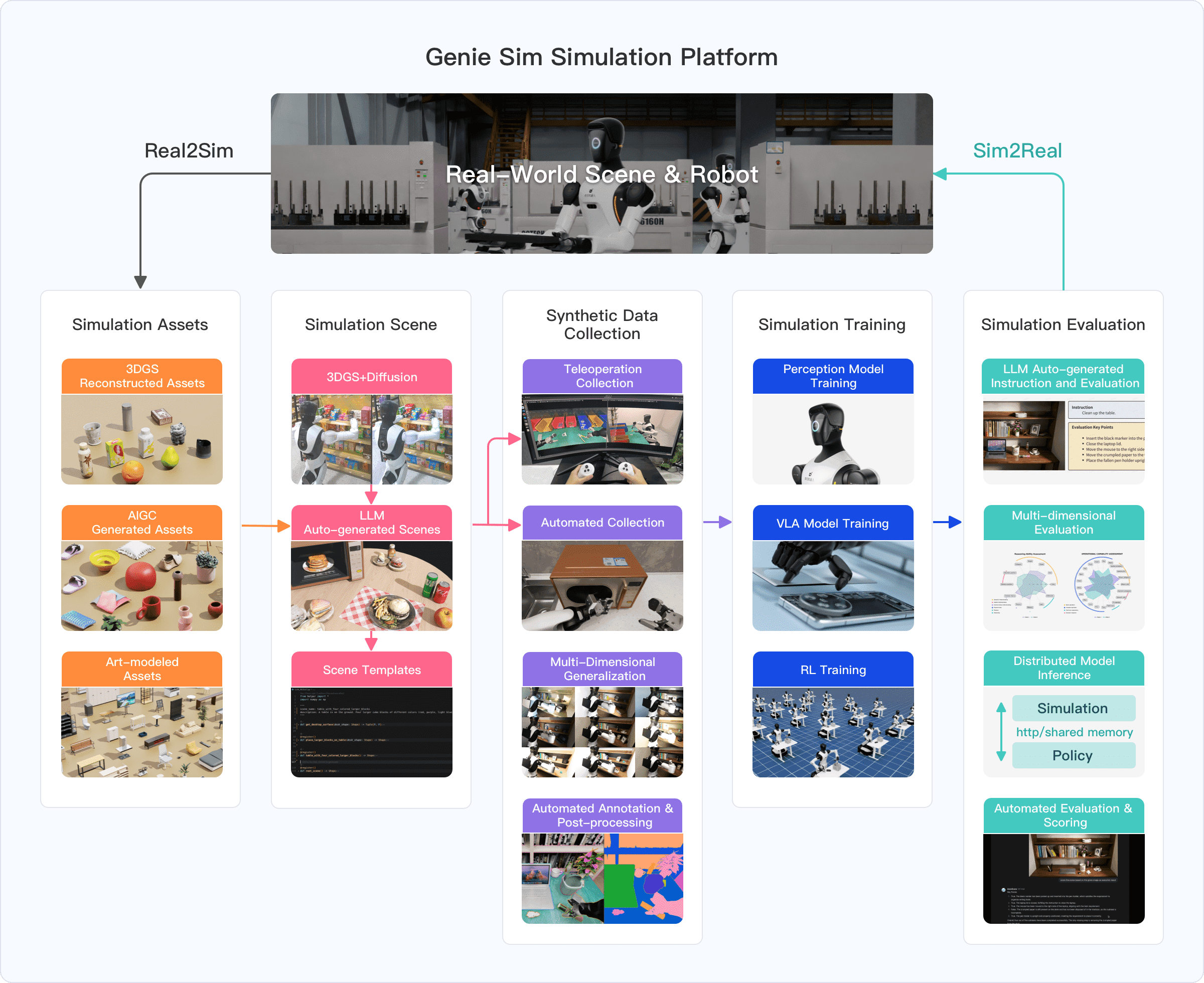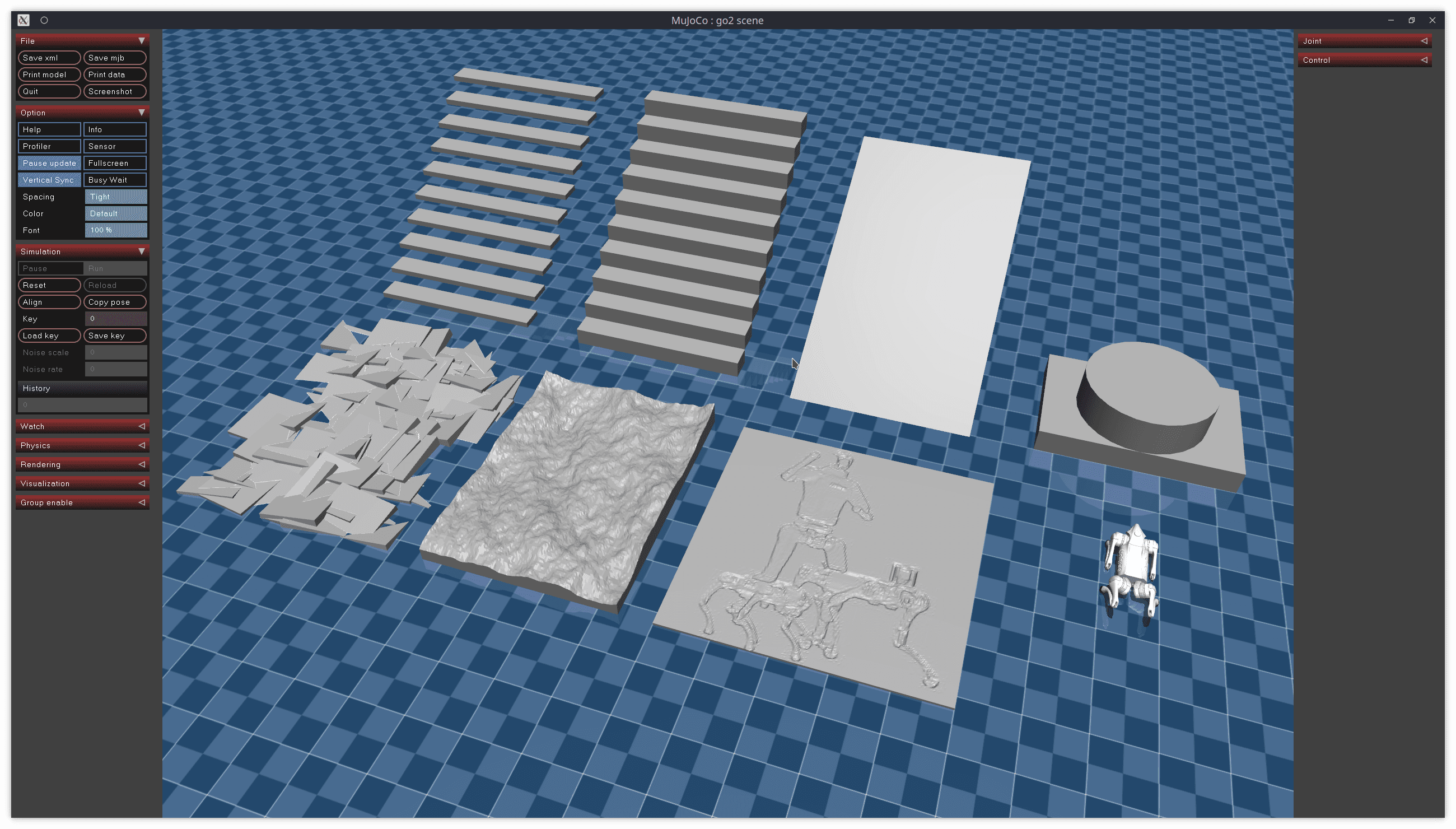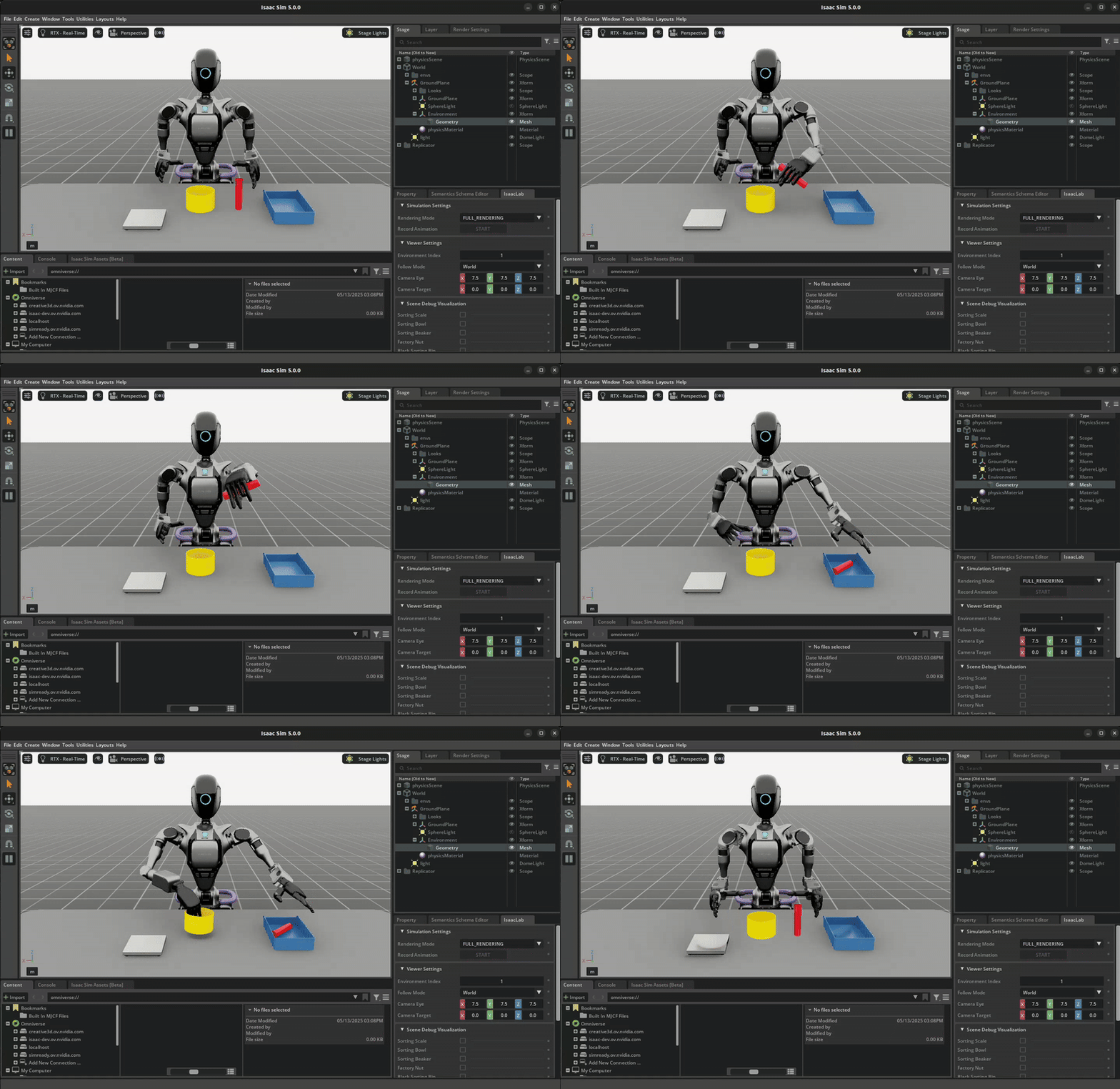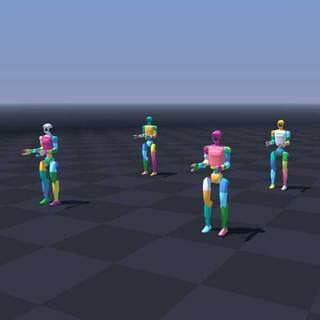
If you've ever sat watching a policy training run grind through hours — or even days — NVIDIA Newton 1.0 was built exactly to fix that. This open-source physics engine achieves 475x faster simulation than MJX (Google DeepMind's JAX physics engine) on NVIDIA GPUs, collapsing training time from days to minutes.
This guide takes you from zero to working code: what Newton is, how it's architected, installation, and how to use it for real sim-to-real robotics workflows.
What is Newton 1.0?
Newton is a GPU-accelerated, open-source physics engine developed jointly by NVIDIA, Google DeepMind, and Disney Research, managed under the Linux Foundation for long-term neutrality.
Key distinctions from prior tools:
- Not a replacement for Isaac Lab or Warp — Newton is built on top of NVIDIA Warp as a standalone physics backend
- Multi-solver architecture — different solvers for different physics domains, all in one API
- Differentiable physics — full backpropagation through the simulation graph, enabling gradient-based policy learning
- Sim-to-real validated — policies trained in Newton have been successfully deployed on real G1 robots
The project was announced at GTC 2026 and immediately made waves across the robotics research community.
Why 475x Faster Than MJX?
To understand the significance, you need to know what MJX is. MJX (MuJoCo eXtended) is Google DeepMind's JAX-based version of MuJoCo — excellent for accuracy and differentiation, but not optimally tuned for GPU parallelism at scale.
Newton achieves its speed advantage through three core mechanisms:
1. Warp Foundation: Newton uses NVIDIA Warp, a CUDA-X acceleration library that lets you write GPU kernels in pure Python without hand-coding CUDA. Warp automatically optimizes memory access patterns and kernel fusion.
2. Batched Simulation: Instead of running one environment at a time, Newton runs thousands of environments in parallel on the GPU. A single RTX 4090 can sustain 50,000+ simultaneous environments.
3. MuJoCo Warp Solver: The core differentiator — a GPU-native reimplementation of the MuJoCo solver, not a simple port. It was rewritten from the ground up to exploit GPU parallelism at the kernel level.
Concrete benchmarks (vs MJX):
| Task | RTX PRO 6000 Blackwell | GeForce RTX 4090 |
|---|---|---|
| Manipulation | 475x faster | 313x faster |
| Locomotion | 252x faster | 152x faster |
If a locomotion policy takes 8 hours to train on MJX, Newton completes it in ~3 minutes on an RTX 4090, or ~2 minutes on the RTX PRO 6000.

Newton Architecture
Newton uses a modular multi-solver architecture, matching the right solver to each physics domain:
Newton Physics Engine
├── MuJoCo Warp Solver    ← rigid body dynamics (primary)
├── XPBD Solver           ← deformable materials (rubber, foam)
├── VBD Solver            ← cloth, cable (vertex block descent)
├── MPM Solver            ← granular (sand, powder)
├── Featherstone Solver   ← alternative rigid body
└── Semi-Implicit Solver  ← numerical integration
Why does multi-solver matter? Real-world robotics isn't just rigid bodies. Cable routing in robot arms, fabric in laundry folding tasks, powder in food processing — each domain needs a specialized solver. Newton unifies all of them under one API.
Differentiable Physics Stack:
RL Policy (PyTorch/JAX)
       ↕ gradients
Newton Physics (Warp)
       ↕ gradients
CUDA Kernels
Gradient propagation through simulation unlocks:
- Direct trajectory optimization
- System identification (learn robot parameters from real data)
- End-to-end policy gradient computation without surrogate models
Installation
System Requirements
- GPU: NVIDIA Maxwell or newer (GTX 900 series+)
- Driver: 545+ (CUDA 12)
- Python: 3.8+
- No separate CUDA Toolkit needed — Warp handles it
Method 1: pip (quickest)
pip install "newton[examples]"

# Verify with the first built-in example
python -m newton.examples basic_pendulum
Method 2: uv (recommended for development)
# Install uv
curl -LsSf https://astral.sh/uv/install.sh | sh

# Clone repo
git clone https://github.com/newton-physics/newton.git
cd newton

# Run without manually activating a venv
uv run -m newton.examples basic_pendulum --viewer null
Method 3: Development setup (for research)
# MuJoCo pre-release (required for MuJoCo Warp solver)
pip install mujoco --pre -f https://py.mujoco.org/

# Warp and MuJoCo Warp
pip install warp-lang mujoco_warp

# Newton itself
pip install newton-physics
Verify your install
import newton
import warp as wp

print(f"Newton version: {newton.__version__}")
print(f"Warp version: {wp.__version__}")
print(f"CUDA available: {wp.context.runtime.core.is_cuda_available()}")
Hello World: Pendulum Simulation
At its lowest level, Newton revolves around two concepts: Model (robot/environment structure) and Solver (the physics computation engine).
import newton
import warp as wp
import numpy as np

# Initialize Warp runtime
wp.init()

# Build model
builder = newton.ModelBuilder()

# Add a rigid body (pendulum bob)
body = builder.add_body(
    origin=wp.transform([0.0, 1.0, 0.0], wp.quat_identity()),
    armature=0.01
)

# Add shape to body
builder.add_shape_sphere(
    body=body,
    radius=0.05,
    density=1000.0
)

# Add revolute joint at world origin
builder.add_joint_revolute(
    parent=-1,   # -1 = world frame
    child=body,
    axis=wp.vec3(0.0, 0.0, 1.0),  # rotate around Z axis
)

# Finalize model on GPU
model = builder.finalize(device="cuda")

# Create solver
solver = newton.MuJoCoWarpSolver(model)

# Create double-buffered states
state_0 = model.state()
state_1 = model.state()

# Set initial conditions
state_0.joint_q  = wp.array([np.pi / 4], dtype=wp.float32, device="cuda")  # 45 degrees
state_0.joint_qd = wp.array([0.0],       dtype=wp.float32, device="cuda")  # zero velocity

# Run simulation
dt = 1.0 / 60.0
for step in range(240):   # 4 seconds at 60Hz
    solver.step(model, state_0, state_1, dt)
    state_0, state_1 = state_1, state_0  # swap buffers

print(f"Final joint angle: {state_0.joint_q.numpy()[0]:.4f} rad")
Batched Environments: Newton's Real Power
What makes Newton fast isn't running one simulation faster — it's running thousands of simulations simultaneously. This is the core pattern for RL training:
import newton
import warp as wp
import numpy as np

NUM_ENVS = 4096  # 4096 parallel environments

def create_batch_envs(num_envs: int):
    """Create num_envs environments with different initial conditions."""
    builder = newton.ModelBuilder()

    for i in range(num_envs):
        # Offset each env so they don't overlap visually
        x_offset = (i % 64) * 2.0
        z_offset = (i // 64) * 2.0

        body = builder.add_body(
            origin=wp.transform(
                [x_offset, 1.0, z_offset],
                wp.quat_identity()
            )
        )
        builder.add_shape_sphere(body=body, radius=0.05, density=1000.0)
        builder.add_joint_revolute(parent=-1, child=body, axis=wp.vec3(0, 0, 1))

    return builder.finalize(device="cuda")

model = create_batch_envs(NUM_ENVS)
solver = newton.MuJoCoWarpSolver(model)

state_0 = model.state()
state_1 = model.state()

# Random initial angles for all environments
random_angles = np.random.uniform(-np.pi, np.pi, NUM_ENVS).astype(np.float32)
state_0.joint_q = wp.array(random_angles, dtype=wp.float32, device="cuda")

# Step ALL 4096 environments in a single CUDA kernel call
import time
start = time.time()
for _ in range(1000):
    solver.step(model, state_0, state_1, dt=1/60)
    state_0, state_1 = state_1, state_0
elapsed = time.time() - start

print(f"1000 steps × {NUM_ENVS} envs = {NUM_ENVS * 1000:,} sim steps")
print(f"Time: {elapsed:.2f}s")
print(f"Throughput: {NUM_ENVS * 1000 / elapsed:,.0f} steps/sec")
On an RTX 4090, this achieves roughly 50 million simulation steps per second — compared to ~50,000 steps/sec on single-threaded MuJoCo CPU (1000x difference).
Sim-to-Real with Isaac Lab + Newton
Newton integrates natively with NVIDIA Isaac Lab 3.0 as a swappable physics backend. The recommended workflow:
Isaac Lab Environment
    ↕ (physics backend)
Newton Solver
    ↓ (after training)
PhysX validation  ← verify policy works on a different engine
    ↓ (if passing)
Real Robot Deploy
Configure Isaac Lab with Newton backend
# Install Isaac Lab (requires Isaac Sim 4.5+)
pip install isaacsim --pre -f https://pypi.nvidia.com/isaacsim

# Enable Newton backend
pip install "isaacsim[newton]"
from isaaclab.envs import DirectRLEnv, DirectRLEnvCfg
from isaaclab.sim import SimulationCfg

# Swap physics backend to Newton — API unchanged
sim_cfg = SimulationCfg(
    physics_engine="newton",   # instead of "physx"
    dt=1.0 / 200,              # 200Hz physics
    gravity=(0.0, 0.0, -9.81),
    device="cuda:0"
)
Training a quadruped locomotion policy
# Train a G1 humanoid to walk stably (simplified)
from isaaclab_tasks.locomotion.velocity.config.g1 import G1FlatEnvCfg_NEWTON

env_cfg = G1FlatEnvCfg_NEWTON()
env_cfg.scene.num_envs = 4096
env_cfg.sim.physics_engine = "newton"

# With Newton backend:
# - 4096 envs run in parallel on GPU
# - Training reaches ~500M steps/hour
# - Policy converges in ~30 min instead of 8+ hours
Validated sim-to-real results
NVIDIA has verified that Newton-trained policies transfer successfully to hardware:
- G1 Robot (Unitree): Locomotion policy trained in Newton → deployed on real robot
- Engine cross-transfer: Policy trained on Newton → tested on PhysX → equivalent performance
- Reverse transfer: PhysX → Newton also works
This cross-engine validation is critical: it demonstrates that Newton doesn't sacrifice physical accuracy for speed. The simulated dynamics are faithful enough to cross the sim-to-real gap.

Deformable Objects: VBD Solver
A particularly strong feature of Newton is handling deformable objects — something most physics engines either skip or approximate poorly.
import newton
import warp as wp
import numpy as np

# Setup cloth simulation with VBD solver
builder = newton.ModelBuilder()
builder.set_gravity(0.0, -9.81, 0.0)

# Add a 16x16 cloth grid
builder.add_cloth_grid(
    pos=(0.0, 2.0, 0.0),
    rot=wp.quat_from_axis_angle((1.0, 0.0, 0.0), -np.pi * 0.5),
    vel=(0.0, 0.0, 0.0),
    dim_x=16,      # 16x16 grid = 256 vertices
    dim_y=16,
    cell_x=0.05,   # 5cm cell size
    cell_y=0.05,
    mass=0.1,      # 100g total mass
    fix_left=True  # Pin the left edge
)

model = builder.finalize(device="cuda")

# VBD integrator for deformables
integrator = newton.VBDIntegrator(model, iterations=10)
state_0 = model.state()
state_1 = model.state()

# Simulate cloth falling and draping
for _ in range(300):
    integrator.simulate(model, state_0, state_1, dt=1/60)
    state_0, state_1 = state_1, state_0
Real-world applications:
- Samsung uses Newton's VBD solver to train robots for cable routing in refrigerator assembly lines
- Skild AI uses it to generate synthetic training data for GPU rack assembly tasks (connector insertion, board placement)
Newton vs Other Physics Engines
| MuJoCo | MJX | Isaac Gym | Newton | |
|---|---|---|---|---|
| Backend | CPU | JAX/GPU | PyTorch/GPU | Warp/GPU |
| Speed | Baseline | ~2-5x | ~50-100x | ~150-475x |
| Differentiable | ❌ | ✅ | ❌ | ✅ |
| Deformables | Limited | ❌ | ❌ | ✅ (VBD, MPM) |
| Multi-solver | ❌ | ❌ | ❌ | ✅ |
| Open source | ✅ | ✅ | ✅ | ✅ |
| Sim-to-real validated | ✅ | Partial | ✅ | ✅ |
| Isaac Lab native | Via MJCF | No | Legacy | ✅ |
When to use Newton:
- Large-scale RL training (1000+ parallel environments)
- Need deformable objects (cable, cloth, food materials)
- Want differentiable physics for trajectory optimization
- Building sim-to-real pipelines on Isaac Lab
When to stick with CPU MuJoCo:
- Quick debugging with interactive viewer
- Research requiring strict reproducibility across machines
- No GPU available
- Simple tasks with few environments
Common Pitfalls
1. GPU memory is the real bottleneck:
# Don't over-provision num_envs
# Rule of thumb: ~1MB GPU memory per environment
# RTX 4090 has 24GB → ~24,000 envs safely
# Leave headroom — use 50-70% capacity
NUM_ENVS = 16384  # Safe on RTX 4090
NUM_ENVS = 65536  # Will OOM
2. Timestep stability:
# Newton (like MuJoCo) is sensitive to large dt
# Contact-rich tasks need smaller dt
dt = 1 / 200   # Fine for locomotion
dt = 1 / 500   # Better for contact-rich manipulation
dt = 1 / 60    # Only for simple, low-contact tasks
3. MJCF compatibility: Newton supports loading MJCF files (MuJoCo's XML format), but not 100% of MuJoCo's advanced features. Always test your specific robot model before committing to Newton.
4. Pin dependency versions:
# Newton has tight Warp version dependencies
# Check compatibility matrix at:
# https://github.com/newton-physics/newton#requirements
pip install newton-physics==1.0.0 warp-lang==1.5.0
Conclusion
NVIDIA Newton 1.0 is a genuine leap for sim-to-real robotics — not an incremental improvement but a paradigm shift. Training time collapses from days to minutes, enabling much tighter iteration loops between simulation and hardware testing.
The most significant achievement isn't raw speed — it's that Newton converges two things you previously had to trade off: MuJoCo-level accuracy and GPU-level throughput. With real-world validation on hardware robots and industrial deployments at companies like Samsung and Skild AI, this is no longer a research prototype.
If you're building a sim-to-real pipeline today, Newton + Isaac Lab is the combination worth evaluating first.
Resources
- GitHub: github.com/newton-physics/newton
- Documentation: newton-physics.github.io/newton
- NVIDIA Blog: Announcing Newton
- Isaac Lab Integration: Newton Integration Guide