What is Edge AI and Why Jetson?
Edge AI means running AI models directly on devices instead of sending to cloud. Advantages: ultra-low latency (<30ms), offline operation, data security, bandwidth savings. In robotics, edge AI is mandatory — robot can't wait 200ms round-trip to cloud to avoid obstacle.
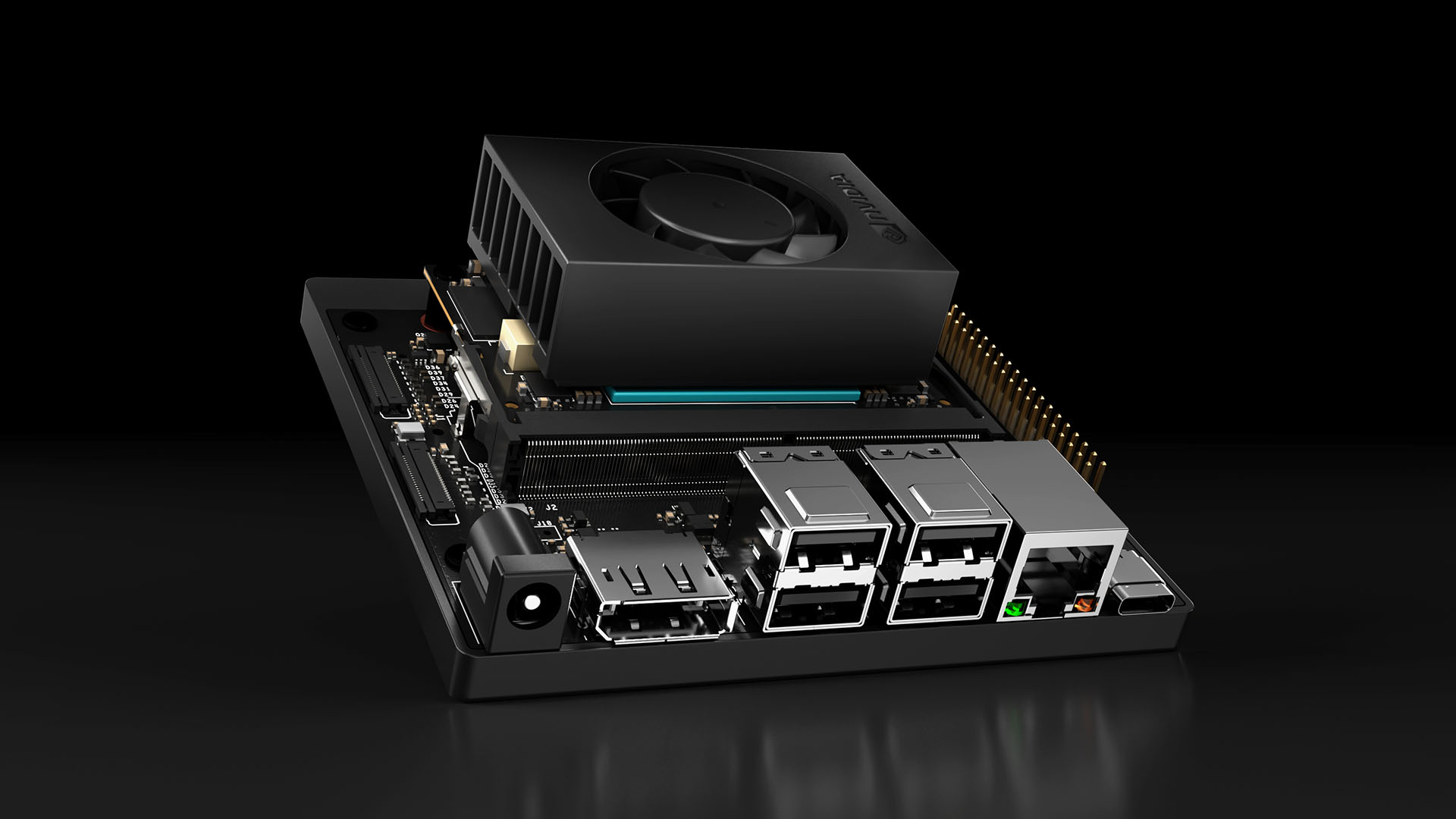
NVIDIA Jetson is SBC line designed for AI inference with integrated CUDA GPUs.

Jetson Product Line
| Module | GPU Cores | RAM | AI Performance | Price (~) |
|---|---|---|---|---|
| Jetson Nano | 128 CUDA | 4GB | 472 GFLOPS | $149 |
| Jetson Orin Nano | 1024 CUDA | 8GB | 40 TOPS | $249 |
| Jetson Orin NX | 1024 CUDA | 16GB | 100 TOPS | $599 |
| Jetson AGX Orin | 2048 CUDA | 64GB | 275 TOPS | $1999 |
For mobile robots, Jetson Orin Nano optimal — best performance/price/power (15W).
Environment Setup
JetPack SDK
# Install JetPack (includes CUDA, cuDNN, TensorRT)
sudo apt update && sudo apt install -y nvidia-jetpack

# Verify CUDA
nvcc --version
python3 -c "import torch; print(torch.cuda.is_available())"
Development Container
NVIDIA provides ready-made containers:
# Pull PyTorch container for Jetson
sudo docker pull nvcr.io/nvidia/l4t-pytorch:r36.2.0-pth2.1-py3

# Run with GPU access
sudo docker run -it --runtime nvidia --network host \
  nvcr.io/nvidia/l4t-pytorch:r36.2.0-pth2.1-py3
TensorRT Optimization
TensorRT accelerates models 2-5x vs PyTorch native.
YOLOv8 to TensorRT Conversion
from ultralytics import YOLO

model = YOLO("yolov8n.pt")

# Export to TensorRT FP16
model.export(format="engine", device=0, half=True, imgsz=640)
Performance on Jetson Orin Nano
| Format | FPS (640x640) | Latency |
|---|---|---|
| PyTorch FP32 | 12 FPS | 83ms |
| TensorRT FP32 | 28 FPS | 36ms |
| TensorRT FP16 | 45 FPS | 22ms |
| TensorRT INT8 | 62 FPS | 16ms |
Quantization: FP16 and INT8
FP16 reduces memory half and speeds inference with minimal accuracy loss — default choice for Jetson.
INT8 needs calibration but maximum speed:
import tensorrt as trt

config.set_flag(trt.BuilderFlag.INT8)
config.int8_calibrator = EntropyCalibrator(
    calibration_data="/path/to/calib_images/",
    cache_file="calibration.cache"
)

Complete Real-time Pipeline
import cv2
from ultralytics import YOLO

model = YOLO("yolov8n.engine")
cap = cv2.VideoCapture(0)

while True:
    ret, frame = cap.read()
    if not ret:
        break

    # Inference
    results = model.predict(frame, conf=0.5, verbose=False)

    # Process results
    for box in results[0].boxes:
        cls = int(box.cls[0])
        conf = float(box.conf[0])
        x1, y1, x2, y2 = map(int, box.xyxy[0])

        # Send command to robot based on detection
        if cls == 0:  # person detected
            distance = estimate_distance(y2 - y1)
            if distance < 1.0:
                send_stop_command()
Power Management
# View power mode
sudo nvpmodel -q

# MAXN mode (15W, high performance)
sudo nvpmodel -m 0

# Maximize performance
sudo jetson_clocks
Deployment Tips
- Always use TensorRT FP16 — baseline, only switch INT8 for extra FPS
- Pre-process on GPU: use
cv2.cudainstead of CPU OpenCV - Batch inference: group multiple frames if latency allows
- Monitor temperature: Jetson throttles at 80°C
Edge AI with Jetson enables deploying powerful AI directly on robots without cloud dependency, meeting strictest real-time requirements. Combined with Python robot programming, build complete AI-to-action pipeline.