Từ Theory đến Practice: Train và Deploy Locomotion Policy
Trong Part 1 và Part 2, chúng ta đã hiểu lý thuyết locomotion và cách formulate RL cho walking. Bây giờ là lúc bắt tay vào làm: train một locomotion policy từ đầu và deploy lên robot thật.
Bài này sẽ cover 2 phần chính:
- legged_gym: Framework open-source từ ETHZ để train quadruped locomotion
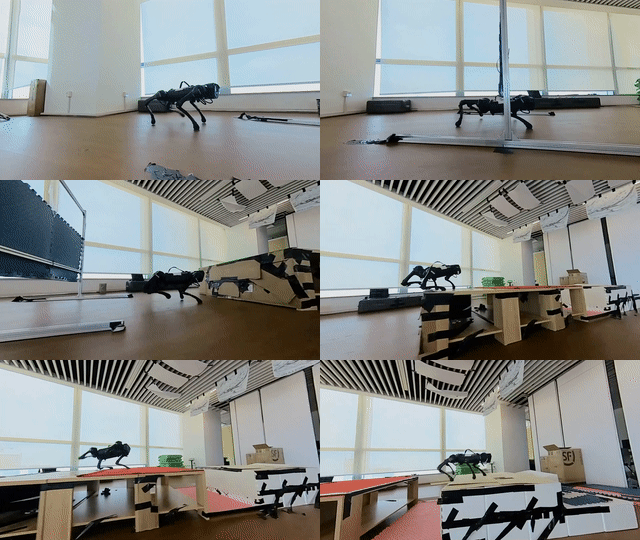
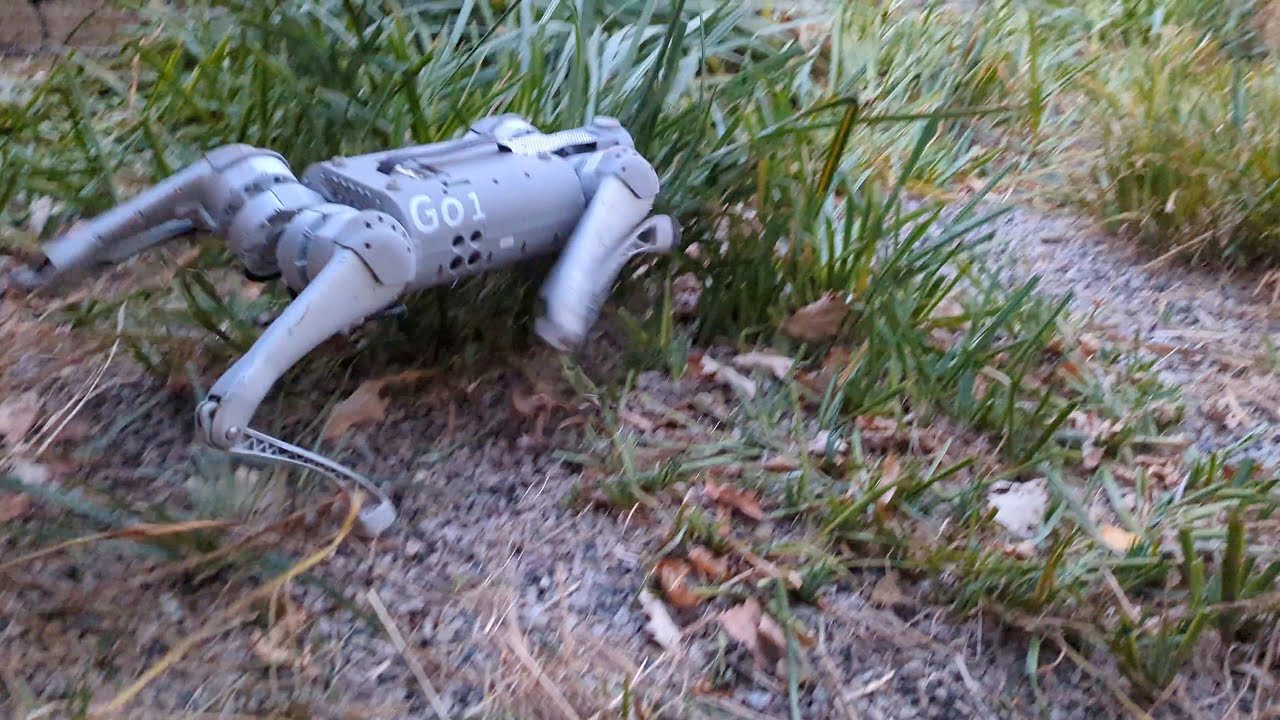
- Unitree Go2: Robot 4 chân giá rẻ nhất có thể chạy RL policy -- và cách deploy

legged_gym -- Framework của ETHZ
Background
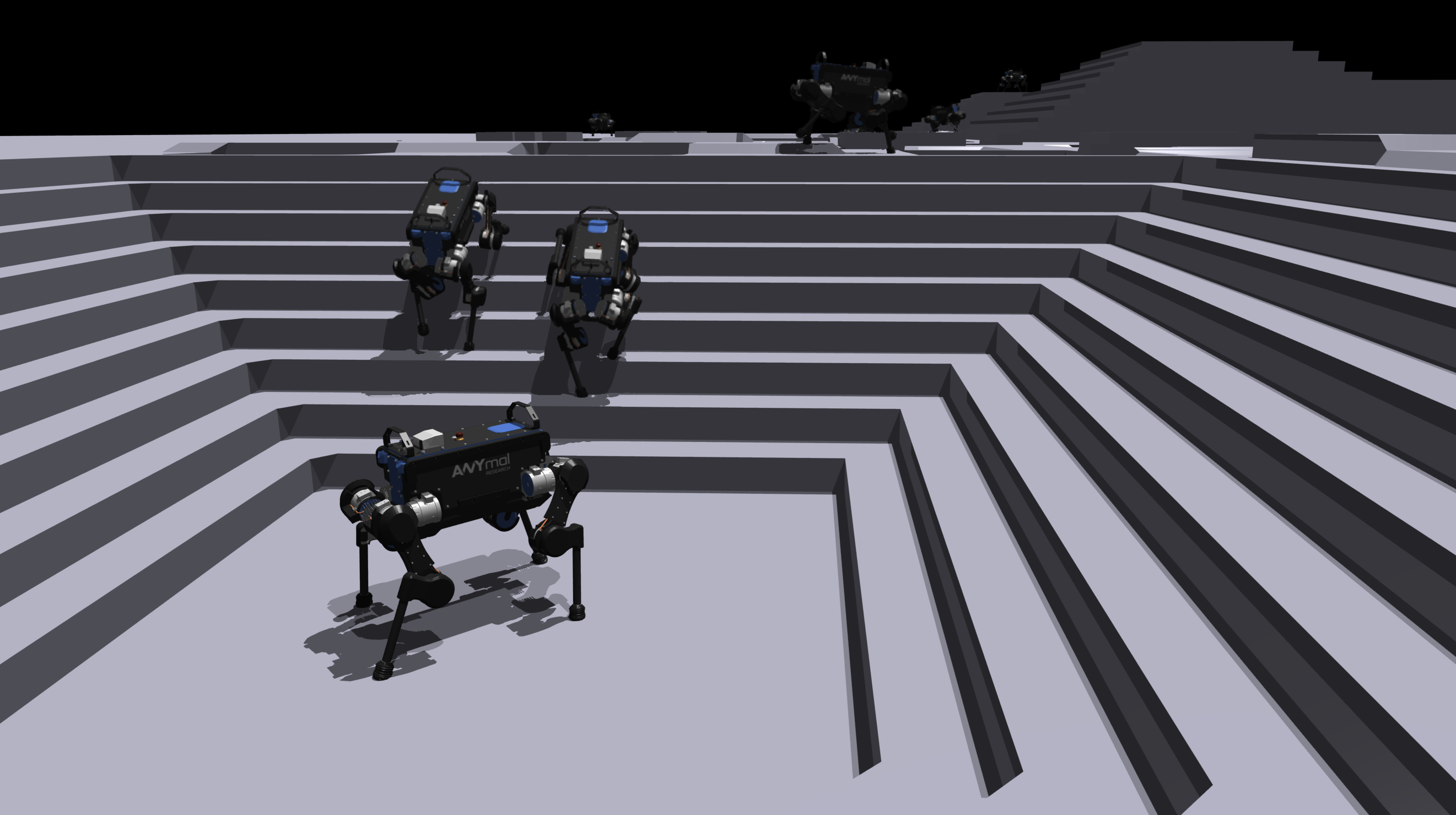
legged_gym là codebase đi kèm paper "Learning to Walk in Minutes Using Massively Parallel Deep Reinforcement Learning" (Rudin et al., CoRL 2022) từ Robotic Systems Lab, ETH Zurich. Đây là paper định nghĩa cách train locomotion hiện đại:
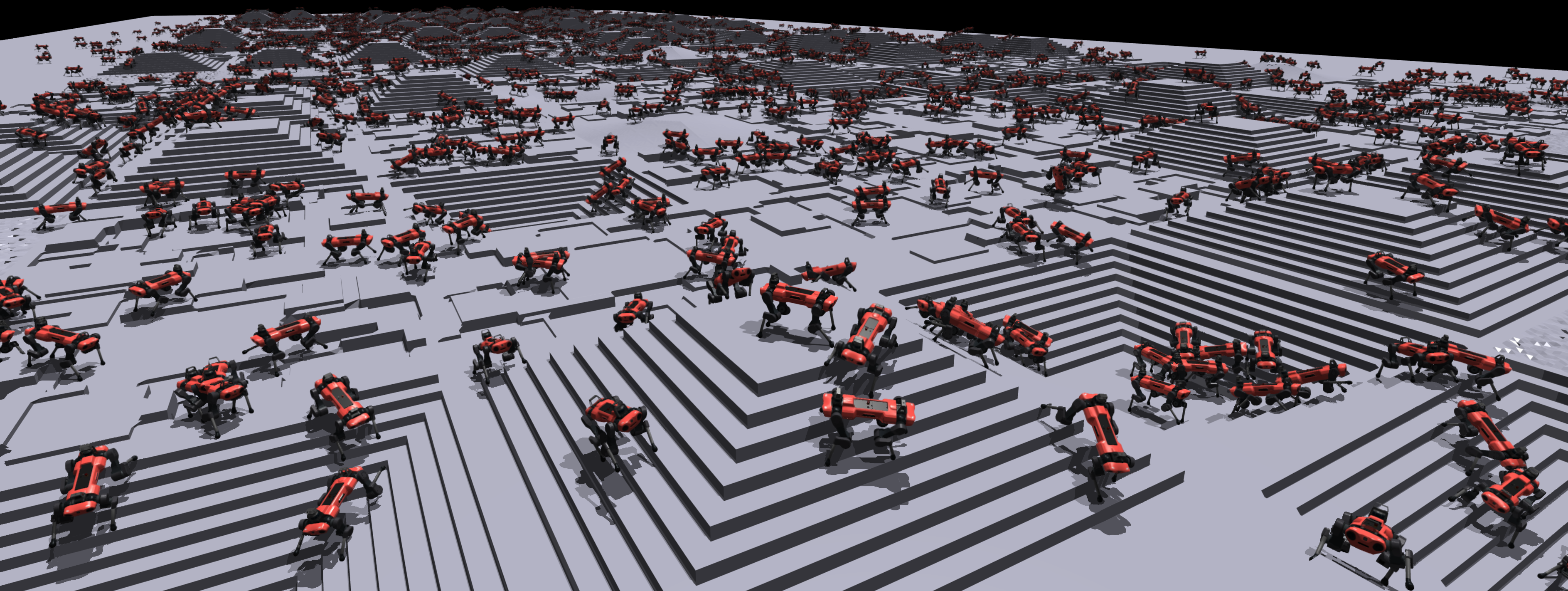
- 4,096 environments song song trên single GPU
- Train ANYmal quadruped đi trên rough terrain trong vài phút
- Game-inspired terrain curriculum
- Open-source trên GitHub: leggedrobotics/legged_gym
Paper được cite hơn 800 lần và legged_gym trở thành starting point mặc định cho bất kỳ ai muốn làm locomotion RL.
Setup
# 1. Clone repos
git clone https://github.com/leggedrobotics/legged_gym.git
git clone https://github.com/leggedrobotics/rsl_rl.git

# 2. Cai Isaac Gym Preview (NVIDIA)
# Download tu https://developer.nvidia.com/isaac-gym
cd isaacgym/python
pip install -e .

# 3. Cai rsl_rl (RL library cua ETHZ)
cd ../../rsl_rl
pip install -e .

# 4. Cai legged_gym
cd ../legged_gym
pip install -e .

# 5. Verify
python -c "from legged_gym.envs import *; print('legged_gym OK')"
Lưu ý: Isaac Gym Preview yêu cầu NVIDIA GPU với driver >= 470. legged_gym chưa hỗ trợ Isaac Lab (version mới hơn) -- để chuyển sang Isaac Lab, xem bài về Isaac Lab.
Cấu trúc code
legged_gym/
├── envs/
│   ├── base/
│   │   ├── legged_robot.py      # Base env: physics, rewards, observations
│   │   └── legged_robot_config.py  # Config class
│   ├── anymal_c/                 # ANYmal C config
│   │   ├── anymal_c_flat_config.py
│   │   └── anymal_c_rough_config.py
│   ├── anymal_d/                 # ANYmal D config
│   ├── a1/                       # Unitree A1 config
│   └── __init__.py               # Registry
├── scripts/
│   ├── train.py                  # Training script
│   └── play.py                   # Evaluation script
└── resources/
    └── robots/                   # URDF models
        ├── anymal_c/
        ├── anymal_d/
        └── a1/
Train ANYmal policy
# Train ANYmal D tren rough terrain
python legged_gym/scripts/train.py --task anymal_d_rough

# Mac dinh: 4096 envs, 1500 iterations
# Mat khoang 15-20 phut tren RTX 3090/4090
Trong khi training, bạn sẽ thấy các metrics:
Iteration: 100/1500
  Mean reward: 12.3 (tang tu 2.1 o iter 0)
  Mean episode length: 850 steps (max 1000)
  Tracking error (lin vel): 0.18 m/s
  Tracking error (ang vel): 0.12 rad/s
  Mean torque: 8.2 Nm
Điều chỉnh reward function
File config chính cho reward: anymal_d_rough_config.py
class AnymalDRoughCfg(LeggedRobotCfg):
    class rewards:
        class scales:
            # === Tracking (khuyen khich) ===
            tracking_lin_vel = 1.0     # theo doi van toc thang
            tracking_ang_vel = 0.5     # theo doi van toc goc

            # === Regularization (phat) ===
            lin_vel_z = -2.0           # phat nhay len
            ang_vel_xy = -0.05         # phat lac
            orientation = -0.0         # phat nghieng
            torques = -0.00001         # phat tieu hao energy
            dof_vel = -0.0            # phat van toc joint
            dof_acc = -2.5e-7          # phat gia toc joint (smoothness)
            base_height = -0.0         # phat height sai
            feet_air_time = 1.0        # khuyen khich swing phase
            collision = -1.0           # phat va cham body
            feet_stumble = -0.0        # phat chan va vao vat can
            action_rate = -0.01        # phat thay doi action nhanh
            stand_still = -0.0         # phat dung im khi co command
Tip quan trọng: Bắt đầu với config mặc định, chỉ thay đổi 1-2 weights mỗi lần. Nếu thay đổi nhiều weights đồng thời, rất khó debug.
Evaluate policy
# Xem policy hoat dong
python legged_gym/scripts/play.py --task anymal_d_rough

# Voi custom checkpoint
python legged_gym/scripts/play.py --task anymal_d_rough \
    --load_run <run_name> --checkpoint <iteration>
Thêm robot mới (Unitree Go2)
Để thêm Go2 vào legged_gym:
# legged_gym/envs/go2/go2_config.py
from legged_gym.envs.base.legged_robot_config import LeggedRobotCfg

class Go2RoughCfg(LeggedRobotCfg):
    class init_state(LeggedRobotCfg.init_state):
        pos = [0.0, 0.0, 0.34]  # Go2 thap hon ANYmal
        default_joint_angles = {
            # Hip, thigh, calf cho 4 chan
            "FL_hip_joint": 0.1,
            "FL_thigh_joint": 0.8,
            "FL_calf_joint": -1.5,
            "FR_hip_joint": -0.1,
            "FR_thigh_joint": 0.8,
            "FR_calf_joint": -1.5,
            "RL_hip_joint": 0.1,
            "RL_thigh_joint": 1.0,
            "RL_calf_joint": -1.5,
            "RR_hip_joint": -0.1,
            "RR_thigh_joint": 1.0,
            "RR_calf_joint": -1.5,
        }

    class control(LeggedRobotCfg.control):
        stiffness = {"joint": 20.0}   # PD gains cho Go2
        damping = {"joint": 0.5}
        action_scale = 0.25
        decimation = 4  # policy chay 50Hz (sim 200Hz / 4)

    class asset(LeggedRobotCfg.asset):
        file = "{LEGGED_GYM_ROOT_DIR}/resources/robots/go2/urdf/go2.urdf"
        foot_name = "foot"
        terminate_after_contacts_on = ["base"]

    class rewards:
        class scales:
            tracking_lin_vel = 1.5
            tracking_ang_vel = 0.5
            feet_air_time = 1.0
            torques = -0.0001
            action_rate = -0.01
            collision = -1.0

Unitree Go2 -- Robot 4 chân cho RL Research
Tại sao Go2?
Unitree Go2 là robot quadruped giá rẻ nhất có thể chạy custom RL policies:
| Thông số | Go2 (Air) | Go2 (Pro) | Go2 (Edu) |
|---|---|---|---|
| Giá | ~$1,600 | ~$2,800 | ~$3,500 |
| Compute | - | - | NVIDIA Jetson Orin |
| SDK | Basic | Basic | Full (unitree_sdk2) |
| Tốc độ max | 3.5 m/s | 3.5 m/s | 3.5 m/s |
| Cân nặng | 15 kg | 15 kg | 15 kg |
| Pin | ~2h | ~2h | ~2h |
| Custom policy | Khó | Khó | Có thể |
Khuyến nghị: Mua Go2 Edu nếu muốn deploy custom RL policies. Phiên bản Air/Pro có SDK hạn chế và không có Jetson Orin để chạy inference.
Go2 SDK và ROS 2
Unitree cung cấp unitree_sdk2 (C++) và unitree_sdk2_python để điều khiển Go2:
# unitree_sdk2_python -- low-level control
from unitree_sdk2py.core.channel import ChannelPublisher
from unitree_sdk2py.idl.unitree_go.msg import LowCmd, LowState

class Go2Controller:
    def __init__(self):
        self.pub = ChannelPublisher("rt/lowcmd", LowCmd)
        self.pub.Init()

    def send_joint_commands(self, positions, kp=20.0, kd=0.5):
        """
        Gui position commands den 12 joints
        positions: np.array shape (12,)
        """
        cmd = LowCmd()
        for i in range(12):
            cmd.motor_cmd[i].mode = 0x01  # servo mode
            cmd.motor_cmd[i].q = positions[i]
            cmd.motor_cmd[i].kp = kp
            cmd.motor_cmd[i].kd = kd
            cmd.motor_cmd[i].tau = 0.0
        self.pub.Write(cmd)
Go2 cũng hỗ trợ ROS 2 thông qua unitree_ros2:
# Cai unitree ROS 2 package
cd ~/ros2_ws/src
git clone https://github.com/unitreerobotics/unitree_ros2.git
cd ~/ros2_ws && colcon build

# Launch Go2 driver
ros2 launch unitree_ros2 go2_driver_launch.py
Deploy RL Policy lên Go2
Bước 1: Export policy sang ONNX
import torch

# Load trained policy
policy = torch.load("logs/anymal_d_rough/model_1500.pt")
policy.eval()

# Dummy input
dummy_obs = torch.randn(1, 45)

# Export ONNX
torch.onnx.export(
    policy.actor,              # chi export actor (khong can critic)
    dummy_obs,
    "locomotion_policy.onnx",
    input_names=["observation"],
    output_names=["action"],
    opset_version=11,
)
print("Exported locomotion_policy.onnx")
Bước 2: Inference trên Jetson Orin (Go2)
import onnxruntime as ort
import numpy as np
from unitree_sdk2py.core.channel import ChannelSubscriber, ChannelPublisher
from unitree_sdk2py.idl.unitree_go.msg import LowCmd, LowState

class PolicyRunner:
    """
    Chay RL policy tren Go2 Jetson Orin
    Inference loop: 50Hz
    """
    def __init__(self, onnx_path="locomotion_policy.onnx"):
        # Load ONNX model
        self.session = ort.InferenceSession(
            onnx_path,
            providers=["CUDAExecutionProvider", "CPUExecutionProvider"]
        )

        # Default standing pose (phai giong voi training)
        self.default_dof_pos = np.array([
            0.1, 0.8, -1.5,   # FL
            -0.1, 0.8, -1.5,  # FR
            0.1, 1.0, -1.5,   # RL
            -0.1, 1.0, -1.5,  # RR
        ], dtype=np.float32)

        self.action_scale = 0.25
        self.previous_action = np.zeros(12, dtype=np.float32)

        # Unitree SDK
        self.cmd_pub = ChannelPublisher("rt/lowcmd", LowCmd)
        self.cmd_pub.Init()
        self.state_sub = ChannelSubscriber("rt/lowstate", LowState)
        self.state_sub.Init()

    def get_observation(self, state, command):
        """
        Tao observation tu robot state
        PHAI GIONG CHINH XAC voi observation trong training
        """
        obs = np.concatenate([
            state.imu_state.gyroscope,        # 3: angular velocity
            self._get_projected_gravity(state), # 3: gravity in body frame
            state.motor_state[:12].q - self.default_dof_pos,  # 12: joint pos
            state.motor_state[:12].dq,         # 12: joint vel
            command,                            # 3: velocity command
            self.previous_action,               # 12: previous action
        ]).astype(np.float32)

        return obs.reshape(1, -1)

    def step(self, observation):
        """Run inference va gui command"""
        # ONNX inference (~0.5ms tren Jetson Orin)
        action = self.session.run(
            None,
            {"observation": observation}
        )[0].flatten()

        # Action -> joint targets
        target_pos = self.default_dof_pos + action * self.action_scale

        # Gui command
        cmd = LowCmd()
        for i in range(12):
            cmd.motor_cmd[i].mode = 0x01
            cmd.motor_cmd[i].q = float(target_pos[i])
            cmd.motor_cmd[i].kp = 20.0
            cmd.motor_cmd[i].kd = 0.5
            cmd.motor_cmd[i].tau = 0.0
        self.cmd_pub.Write(cmd)

        self.previous_action = action
        return action

# Main loop
runner = PolicyRunner("locomotion_policy.onnx")
command = np.array([0.5, 0.0, 0.0])  # di thang 0.5 m/s

import time
while True:
    state = runner.state_sub.Read()
    obs = runner.get_observation(state, command)
    runner.step(obs)
    time.sleep(0.02)  # 50 Hz
Sim-to-Real Gap và Cách Giải Quyết
Đây là phần khó nhất của locomotion RL. Policy chạy tuyệt vời trong sim nhưng ngã ngay khi lên robot thật. Các nguyên nhân chính:
1. Motor model mismatch
Sim giả định motor là ideal -- response tức thời, không có friction, không có backlash. Motor thật có:
# Sim-to-real motor differences
motor_reality = {
    "latency": "5-15ms delay giua command va response",
    "friction": "static + viscous friction trong gearbox",
    "backlash": "0.5-2 deg play trong gear train",
    "torque_limit": "actual limit thap hon spec 10-20%",
    "temperature": "motor nong → torque giam",
}
Giải pháp: Domain randomization cho motor parameters (đã cover trong Part 2).
2. Observation mismatch
Joint encoder trên robot thật có noise và bias khác với sim:
# Them noise vao observation khi training
obs_noise = {
    "joint_pos": 0.01,     # rad -- encoder noise
    "joint_vel": 1.5,      # rad/s -- finite difference noise
    "angular_vel": 0.2,    # rad/s -- gyroscope noise
    "gravity": 0.05,       # -- accelerometer noise
}
3. Ground contact model
Sim dùng simplified contact model (Coulomb friction, rigid bodies). Mặt đất thật có:
- Compliance (mềm)
- Varying friction (trơn/nhám)
- Deformation (đất, cát, cỏ)
Giải pháp: Randomize friction coefficient (0.5-1.25) và restitution (0.0-0.4) trong training.
4. Timing mismatch
Policy expect exact timestep (20ms) nhưng real-time system có jitter:
# Real-time loop voi timing compensation
import time

target_dt = 0.02  # 50 Hz
while True:
    t_start = time.perf_counter()

    # Policy inference + command
    state = get_state()
    obs = make_observation(state)
    action = policy.step(obs)
    send_command(action)

    # Precise timing
    elapsed = time.perf_counter() - t_start
    if elapsed < target_dt:
        time.sleep(target_dt - elapsed)
    else:
        print(f"WARNING: loop overrun {elapsed*1000:.1f}ms > {target_dt*1000:.1f}ms")
Checklist Deploy Locomotion Policy
Trước khi cho robot thật chạy policy:
- Test trong sim với noise và randomization max
- Export ONNX và test inference speed trên Jetson (<5ms)
- Kiểm tra observation mapping -- thứ tự joints, IMU frame, units phải giống CHÍNH XÁC với training
- Kiểm tra action mapping -- joint order, action scale, default pose
- Safety stop -- emergency stop button, torque limits, joint limits
- Bắt đầu trên mặt phẳng -- đừng thử terrain khó ngay
- Bắt đầu với vận tốc thấp -- command 0.2 m/s trước, tăng dần
- Có người giữ dây an toàn -- phòng trường hợp ngã

Các Robot Quadruped khác cho Research
Ngoài Go2, còn nhiều lựa chọn khác:
| Robot | Hãng | Giá | Đặc điểm |
|---|---|---|---|
| Go2 Edu | Unitree | ~$3,500 | Giá rẻ nhất có Jetson + SDK |
| B2 | Unitree | ~$15,000 | Industrial, 40kg payload |
| Spot | Boston Dynamics | ~$75,000 | Ổn định nhất, SDK tốt, đắt |
| ANYmal D | ANYbotics | ~$100,000+ | Research-grade, IP67, autonomy |
| A1 | Unitree | ~$2,500 (discontinued) | Nhiều paper dùng, cũ nhưng rẻ |
| Laikago | Unitree | Discontinued | Thế hệ cũ, vẫn có community |
Recommendation: Go2 Edu cho budget research, Spot cho industry applications, ANYmal cho academic research với funding.
Tiếp theo trong series
Bạn đã biết cách train và deploy locomotion policy lên robot thật. Trong bài cuối của series, chúng ta sẽ đi vào một paper cực kỳ hay:
- Part 4: Walk These Ways: Adaptive locomotion một policy -- Làm sao train 1 policy duy nhất cho nhiều kiểu di chuyển?
Bài viết liên quan
- Locomotion cơ bản: Từ ZMP đến CPG -- Part 1: lý thuyết nền tảng
- RL cho Locomotion: PPO, reward shaping và curriculum -- Part 2: RL formulation
- Walk These Ways: Adaptive locomotion một policy -- Part 4: multi-gait paper
- NVIDIA Isaac Lab: GPU-accelerated RL training từ zero -- Isaac Lab tutorial chi tiết
- Edge AI với NVIDIA Jetson -- Deploy model lên Jetson (dùng cho Go2)