unifolm-vla + Unitree G1 (Bài 3): data pipeline — JSON → LeRobot → HDF5 → RLDS
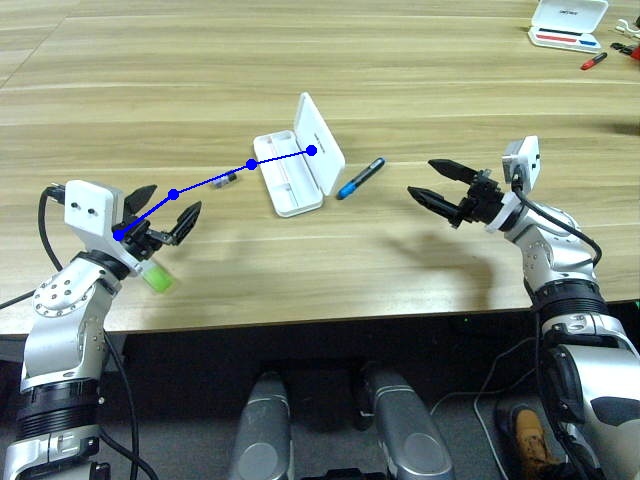
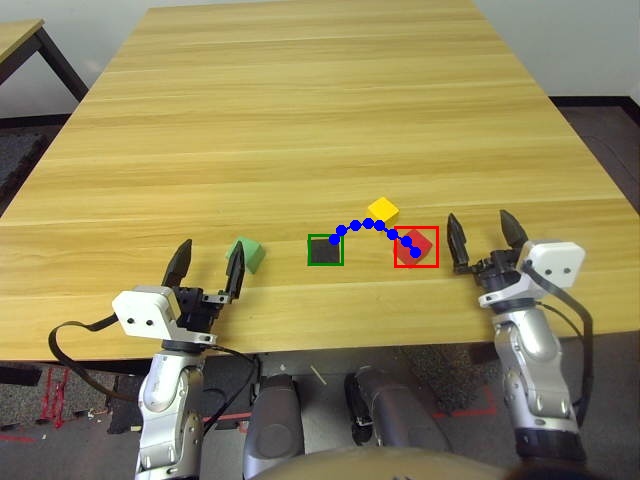
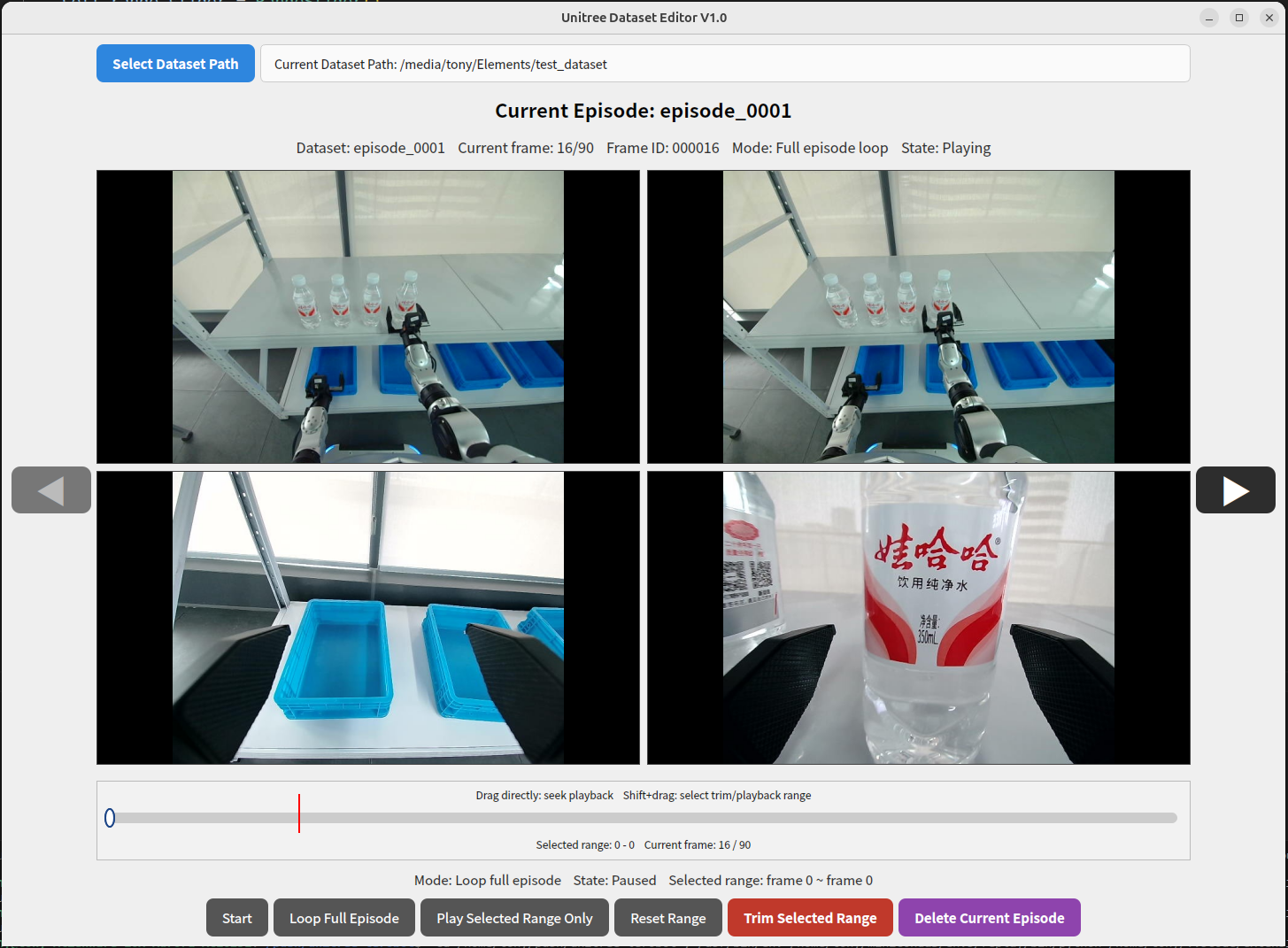
Đây là bài 3 của series unifolm-vla + Unitree G1. Bài trước đã thu thập 50+ demo dạng JSON. Bài này: chuyển đổi dữ liệu qua 3 bước để sẵn sàng cho training.
Nghe có vẻ nhiều bước, nhưng thực ra mỗi bước chỉ là chạy 1 command — pipeline này được thiết kế để tái sử dụng với nhiều robot khác nhau nên có nhiều format trung gian.
Tổng quan pipeline
[xr_teleoperate output]        [unitree_IL_lerobot]
  JSON + video files    ──→    LeRobot V2.1 format
        ↓
[unifolm-vla prepare_data]
  LeRobot → HDF5               (format compact hơn)
        ↓
[unifolm-vla prepare_data]
  HDF5 → RLDS                  (format training chuẩn)
        ↓
[unifolm-vla training]
  RLDS → train_unifolm_vla.py
Tại sao cần 3 bước?
- LeRobot V2.1 là format chuẩn của HuggingFace cho robot datasets — dễ share, có tooling verify
- HDF5 là format compact hiệu quả hơn cho I/O trong quá trình training
- RLDS (Reinforcement Learning Dataset Standard) là format TensorFlow-based được nhiều VLA training pipelines dùng
Mỗi format có công cụ verify riêng — tiện để debug nếu có vấn đề.
Step 1: JSON → LeRobot V2.1
Dùng repo unitree_IL_lerobot:
conda activate xr_teleop   # cùng env với xr_teleoperate
cd ~/unifolm_ws/unitree_IL_lerobot

# Command cơ bản
python unitree_lerobot/utils/convert_unitree_json_to_lerobot.py \
    --raw-dir $HOME/unifolm_ws/xr_teleoperate/teleop/utils/data \
    --repo-id your_name/g1_pickplace_demo \
    --robot_type Unitree_G1_Dex3 \
    --push_to_hub
Giải thích từng flag:
| Flag | Giá trị ví dụ | Ý nghĩa |
|---|---|---|
--raw-dir |
đường dẫn đến JSON data | Output từ xr_teleoperate |
--repo-id |
your_name/g1_task |
HuggingFace repo ID (để push hoặc lưu local) |
--robot_type |
Unitree_G1_Dex3 |
Config joints cho G1 với Dex3 hands |
--push_to_hub |
(flag) | Push lên HuggingFace Hub (cần HF token) |
Nếu không muốn push lên HuggingFace (offline):
python unitree_lerobot/utils/convert_unitree_json_to_lerobot.py \
    --raw-dir $HOME/unifolm_ws/xr_teleoperate/teleop/utils/data \
    --repo-id local/g1_pickplace_demo \
    --robot_type Unitree_G1_Dex3 \
    --local-dir $HOME/datasets/g1_pickplace_lerobot
    # bỏ --push_to_hub
Output mong đợi:
Processing demo_0001... OK (87 frames)
Processing demo_0002... OK (92 frames)
...
Processing demo_0050... OK (81 frames)
Skipped: 2 demos (too short)
Converted: 48/50 demos
LeRobot dataset saved to: /home/user/datasets/g1_pickplace_lerobot/
Verify LeRobot dataset:
# Cài lerobot nếu chưa có
pip install lerobot

python -c "
from lerobot.common.datasets.lerobot_dataset import LeRobotDataset

dataset = LeRobotDataset('local/g1_pickplace_demo',
                         local_files_only=True,
                         root='/home/user/datasets/g1_pickplace_lerobot')
print('Episodes:', dataset.num_episodes)
print('Frames:', len(dataset))
print('Features:', list(dataset.features.keys()))
"

# Output mong đợi:
# Episodes: 48
# Frames: 4128
# Features: ['observation.images.left_wrist', 'observation.images.right_wrist',
#             'observation.state', 'action', 'timestamp', 'episode_index']
Step 2: LeRobot → HDF5
Dùng script trong unifolm-vla:
conda activate unifolm
cd ~/unifolm_ws/unifolm-vla

python prepare_data/convert_lerobot_to_hdf5.py \
    --lerobot_dir $HOME/datasets/g1_pickplace_lerobot \
    --output_dir $HOME/datasets/g1_pickplace_hdf5 \
    --robot_type g1_dex3
Output mong đợi:
Converting episode 0/48...
Converting episode 1/48...
...
Conversion complete!
Output: /home/user/datasets/g1_pickplace_hdf5/
  ├── train/
  │   ├── episode_000.hdf5
  │   ├── episode_001.hdf5
  │   └── ... (43 files)
  └── val/
      ├── episode_043.hdf5
      └── ... (5 files)
Total: 43 train + 5 val episodes
Verify HDF5:
python -c "
import h5py
import glob

files = glob.glob('/home/user/datasets/g1_pickplace_hdf5/train/*.hdf5')
with h5py.File(files[0], 'r') as f:
    print('Keys:', list(f.keys()))
    print('Actions shape:', f['action'].shape)
    print('Frames:', f['action'].shape[0])
"

# Kết quả mong đợi:
# Keys: ['action', 'obs', 'language_instruction']
# Actions shape: (87, 28)   ← 28 joints của G1 Dex3
# Frames: 87
Step 3: HDF5 → RLDS
Bước cuối cùng, chuyển sang format training:
cd ~/unifolm_ws/unifolm-vla/prepare_data/hdf5_to_rlds

# Cài dependencies cho RLDS conversion
pip install tensorflow tensorflow_datasets

# Chạy conversion
python hdf5_to_rlds.py \
    --hdf5_dir $HOME/datasets/g1_pickplace_hdf5 \
    --output_dir $HOME/datasets/g1_pickplace_rlds \
    --dataset_name g1_pickplace
Output mong đợi:
Converting HDF5 → RLDS...
Writing train split: 43 episodes
Writing val split: 5 episodes
Shuffling train data...
Done! RLDS dataset at: /home/user/datasets/g1_pickplace_rlds/
  ├── g1_pickplace/
  │   ├── 1.0.0/
  │   │   ├── g1_pickplace-train.tfrecord-00000-of-00001
  │   │   ├── g1_pickplace-val.tfrecord-00000-of-00001
  │   │   └── dataset_info.json
  │   └── dataset_info.json
Verify RLDS:
python -c "
import tensorflow as tf
import tensorflow_datasets as tfds

dataset = tfds.load(
    'g1_pickplace',
    data_dir='/home/user/datasets/g1_pickplace_rlds',
    split='train'
)

for batch in dataset.take(1):
    print('Steps per episode:', len(batch['steps']))
    step = batch['steps'][0]
    print('Action shape:', step['action'].shape)
    print('Language instruction:', step['language_instruction'].numpy().decode())
"

# Kết quả mong đợi:
# Steps per episode: 87
# Action shape: (28,)
# Language instruction: pick up the red cup
Checklist trước khi sang training
[ ] Step 1 (LeRobot):
    - Episodes = số demo valid (không phải tổng demo)
    - Features có đủ: images + state + action + timestamp

[ ] Step 2 (HDF5):
    - Action shape = (N_frames, 28) cho G1 Dex3
    - Có cả train/ và val/ split
    - Ratio train/val ≈ 90/10

[ ] Step 3 (RLDS):
    - TFRecord files tồn tại và readable
    - Language instruction chính xác trong mỗi episode
    - Không có episode bị truncate đột ngột
Xử lý lỗi thường gặp
Lỗi: "Too few demos after filtering"
Nguyên nhân: nhiều demo bị lọc vì quá ngắn (< 2 giây)
Fix: thu thập thêm demos, hoặc giảm min_episode_length:

python convert_unitree_json_to_lerobot.py \
    ... \
    --min_episode_length 30   # frames, mặc định là 60
Lỗi: "Action shape mismatch (expected 28, got 14)"
Nguyên nhân: --robot_type sai — G1 không có Dex3 hands thì chỉ có 14 joints arm
Fix: kiểm tra lại hardware của bạn

# G1 với Dex3 (3-finger dex hands): --robot_type Unitree_G1_Dex3  → 28 joints
# G1 với gripper thường:           --robot_type Unitree_G1        → 14 joints
Lỗi: "CUDA/GPU not found" khi chạy hdf5_to_rlds
Nguyên nhân: TensorFlow cần GPU để chạy nhanh, nhưng không bắt buộc
Fix: chạy trên CPU (chậm hơn ~3x nhưng vẫn OK)

CUDA_VISIBLE_DEVICES="" python hdf5_to_rlds.py ...
Lỗi: HuggingFace authentication khi --push_to_hub
# Login HuggingFace trước
huggingface-cli login
# Nhập token từ https://huggingface.co/settings/tokens

# Hoặc set env var
export HF_TOKEN=hf_your_token_here
Tóm tắt
Sau 3 steps:
- JSON (raw xr_teleoperate) → LeRobot V2.1 (standardized, verifiable)
- LeRobot → HDF5 (compact, fast I/O)
- HDF5 → RLDS (training-ready TFRecord)
Dataset của bạn bây giờ ở $HOME/datasets/g1_pickplace_rlds/ và sẵn sàng để training trong bài tiếp theo.
Bài tiếp theo: Fine-tune unifolm-vla từ Qwen2.5-VL-7B — bao gồm cả single-GPU LoRA workaround.